

KinderSmart Texas
KinderSystems, Inc. · Business
Independent analytics for this App Store listing. AppTracker is not affiliated with KinderSystems, Inc.
Chart standing · US
What changed · US
Listing changes AppTracker has observed for this app in this storefront — new versions, price moves, rating shifts, and store copy.
Bug fixes and performance improvements.
Price & rating history · US
Reconstructed from the listing changes AppTracker has observed in this storefront. A field is charted once it has changed more than once, and each line starts at the value it moved from.
Average rating · ★ 1.32 now · 2 changes on record
Ratings breakdown · US
The star breakdown behind this app's rating in this storefront.
In-app purchases · US
No in-app purchases.
Screenshots

About
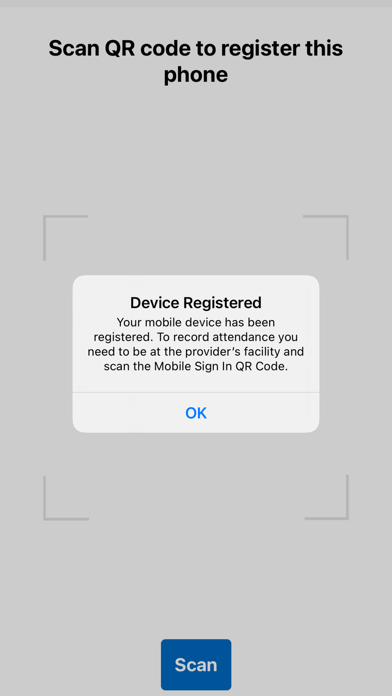
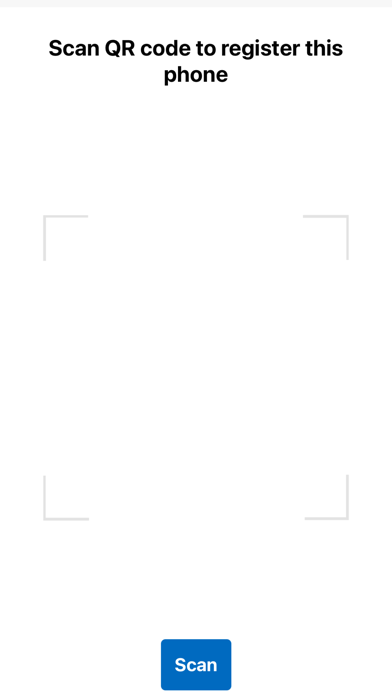
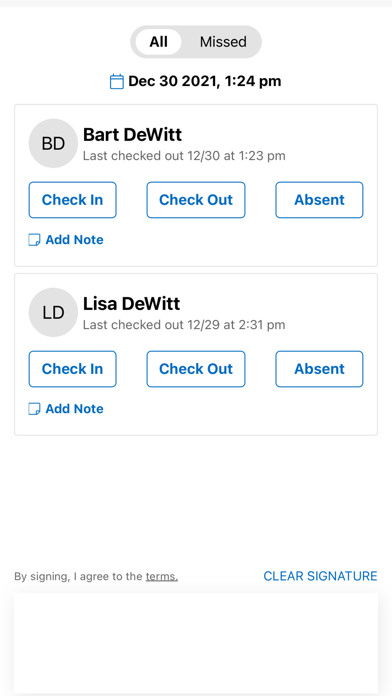
KinderSmart is an attendance tracking solution for iPhones for parents dropping children off at childcare providers. The application connects to the KinderSystems KinderConnect backend system, which is used by state and local government agencies to support subsidized childcare operations. The system registers a parent’s iPhone by scanning a QR code. The parent must be present in the KinderConnect host database. Once a registered parent enters the facility, he or she scans a QR code displayed at the facility, which essentially logs the parent into the system. Checking children in and out of care mimics the process done with pen on paper sign-in sheets, a process most parents are familiar with. Step 1 – Child Selection Once a user has scanned the QR code at the childcare provider, the list of children assigned to this user is displayed on the screen. Step 2 - Transaction The user performs the check-in or check-out transactions or transactions by indicating which child is checked in, checked out or absent by tapping the appropriate buttons on the screen. Then the user provides a signature and submits the record by tapping Submit. Step 3 - Confirmation The system confirms the transaction. Summary: For a practiced user, this takes a few seconds and collects the following authentication data elements: • Name of user • Signature • Time of transaction • Location of transaction • Attendance records for each child, with type of transaction and optional note
What's new · 3.4.9
Bug fixes and performance improvements.
Details