

Auriculo 360 - The Living Ear
Miridia Technology, Inc. · Medical
Independent analytics for this App Store listing. AppTracker is not affiliated with Miridia Technology, Inc.
Chart standing · US
What changed · US
Listing changes AppTracker has observed for this app in this storefront — new versions, price moves, rating shifts, and store copy.
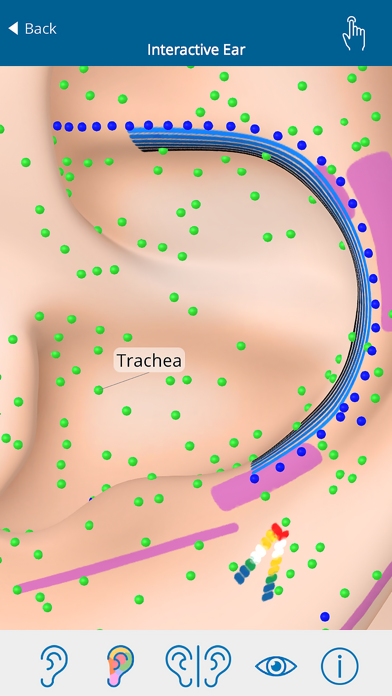
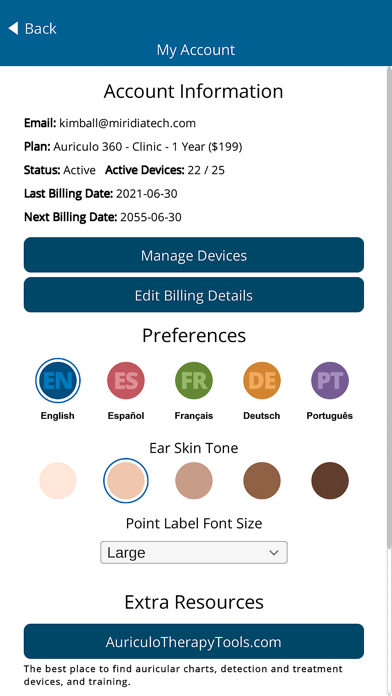
- Larger point labels. The label size slider now works on every screen. - View Options: easier to tap. New point settings: contrast ring on or off, Traditional or Bright colors, three sizes. Points are larger by default. - Choose your language on the login screen. The login code email uses it too. - Tablets: one finger follows the toolbar mode (rotate, move, zoom). - Fixes, including an ear that did not show on some older devices.
Ratings breakdown · US
The star breakdown behind this app's rating in this storefront.
In-app purchases · US
No in-app purchases.
Screenshots
About
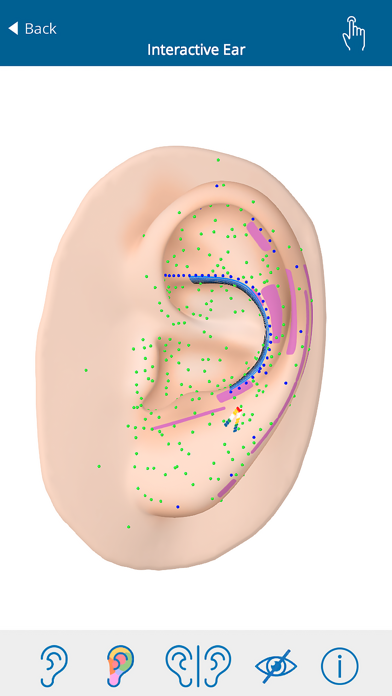
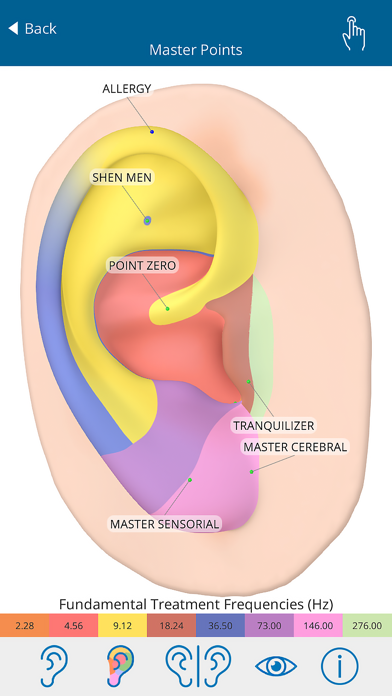
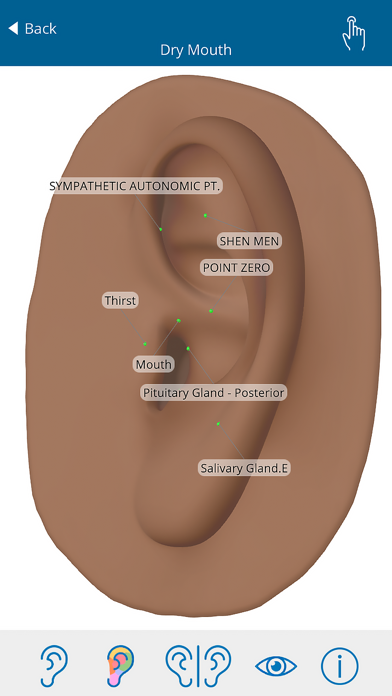
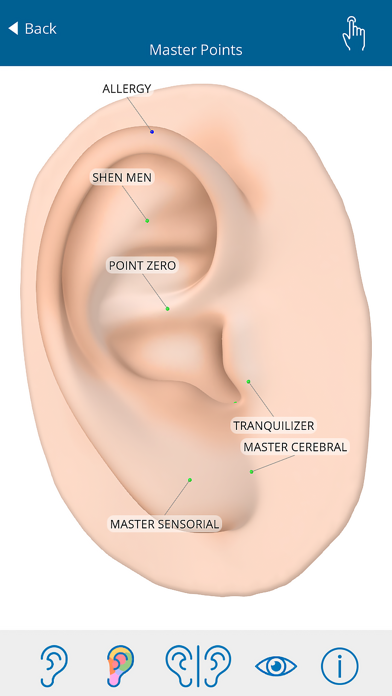
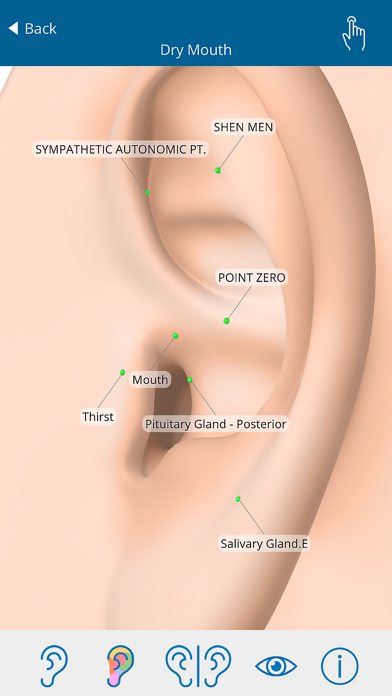
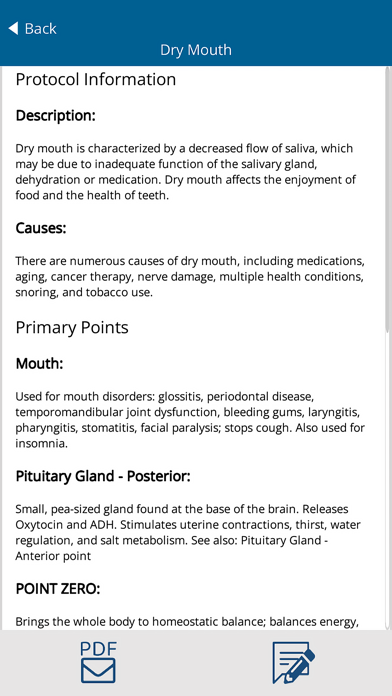
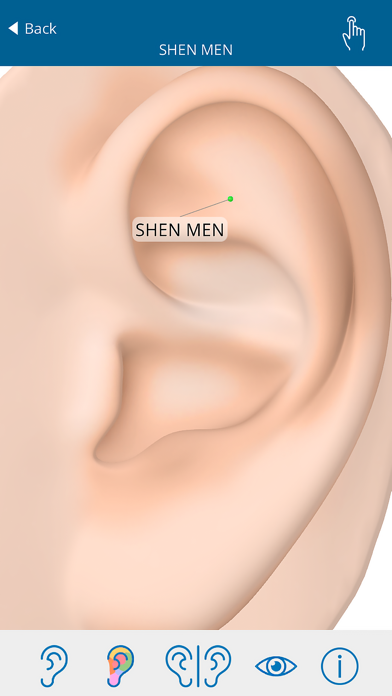
Auriculo 360 is the world’s most advanced 3D Auriculotherapy Reference solution. With over 200 carefully researched ear acupuncture protocols and over 270 individual points documented, you’ll never have to search through books or read bad charts again. Featuring complete European and Chinese systems for locating specific ear points, Auriculo 360 is the fast, easy way to access auriculotherapy information on the fly across all your devices. Plus, you can add your own points and create your own protocols with just a few taps. • Over 200 carefully researched protocols • Over 270 auricular points • Left and right ear views • Seamlessly rotate, move, zoom and manipulate the ear • Easy-to-navigate point and protocol library • Clinical info about every point and protocol • Laser and electrical frequencies for effective treatment • Create your own custom points and protocols This app gives you full, real-time access to your Auriculo 360 reference account with mobile convenience (separate account required).
What's new · 1.1.1
- Larger point labels. The label size slider now works on every screen. - View Options: easier to tap. New point settings: contrast ring on or off, Traditional or Bright colors, three sizes. Points are larger by default. - Choose your language on the login screen. The login code email uses it too. - Tablets: one finger follows the toolbar mode (rotate, move, zoom). - Fixes, including an ear that did not show on some older devices.
Details