

Epson Print Layout
Seiko Epson Corporation · Photo & Video
Independent analytics for this App Store listing. AppTracker is not affiliated with Seiko Epson Corporation.
Chart standing · US
What changed · US
Listing changes AppTracker has observed for this app in this storefront — new versions, price moves, rating shifts, and store copy.
Price & rating history · US
Reconstructed from the listing changes AppTracker has observed in this storefront. A field is charted once it has changed more than once, and each line starts at the value it moved from.
Average rating · ★ 4.55 now · 5 changes on record
Ratings breakdown · US
The star breakdown behind this app's rating in this storefront.
In-app purchases · US
No in-app purchases.
Screenshots
About
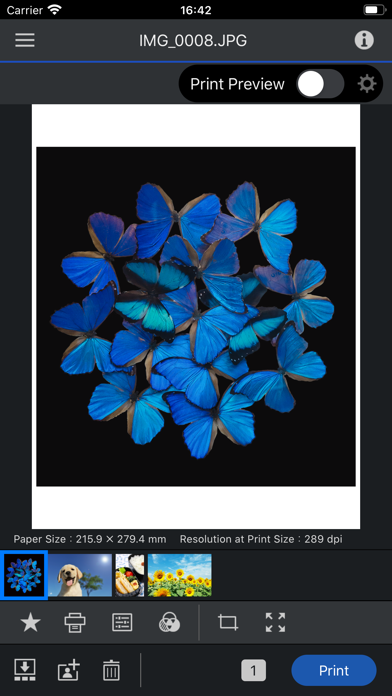
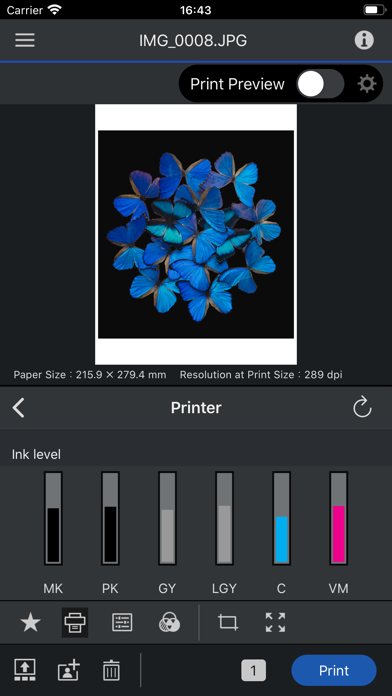
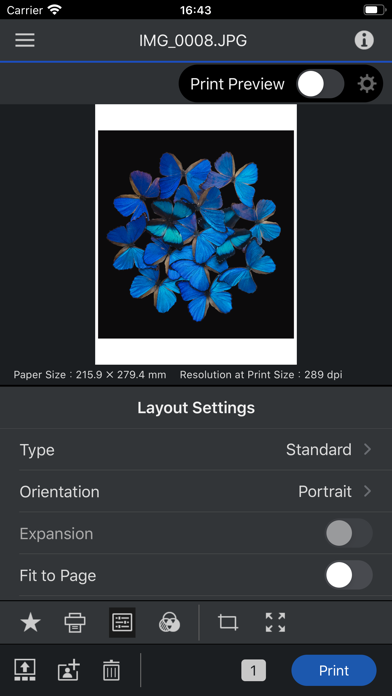
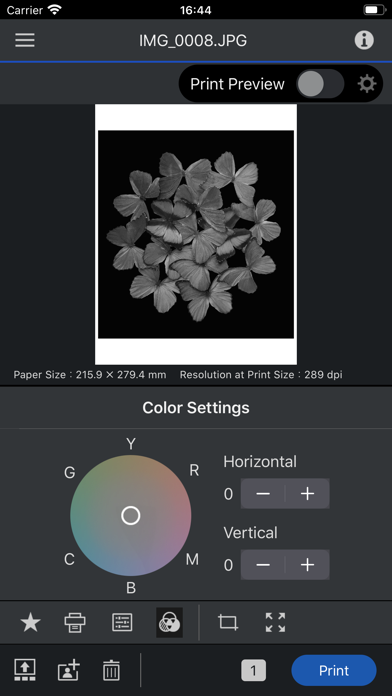
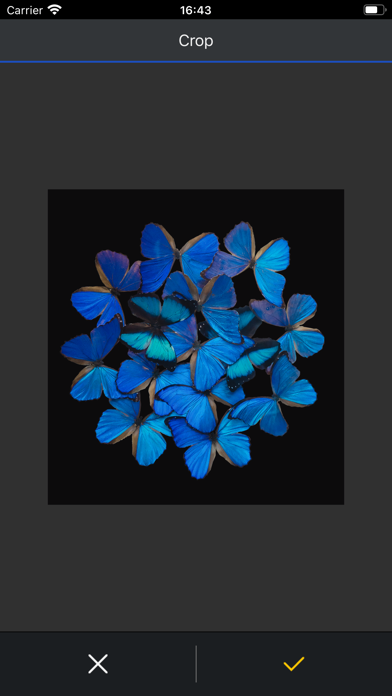
Epson Print Layout is a high-quality print application for Epson printers from iPhone/iPad. Featuring convenient functions such as image layout, color setting, preview, etc., allows smooth printing. The following printers can be used with this application. SC-P700, SC-P900, ET-8500, ET-8550, L8160, L8180, SC-P5300 If you are using a printer other than the above, use Epson Smart Panel. [Main Functions] ≪Search/connect printer≫ - You can search for and connect to Epson printers in Wi-Fi networks to which your device is connected. ≪Printing≫ - You can select photos and retouched images from your tablet for easy printing. ≪Layout setting≫ - You can change the paper orientation, arrange and size images, and crop images. ≪Color setting≫ - The color type "ICC Profile" allows you to print using a paper profile. - You can also print grayscale and monochrome photographs. ≪Print preview≫ - You can preview your photos to take into account the ambient light they are displayed in. (Color temperature setting of ambient light does not affect printing results) ≪Management≫ - You can check the status of the connected printer and check the remaining quantity. ≪Troubleshooting≫ - You can check the manual from the system menu. 1. Epson Print Layout 앱 다운로드 및 호환되는 스마트 장치가 필요합니다. 데이터 사용 요금이 적용될 수 있습니다. 자세한 내용은 www.epson.com을 방문하여 지원을 받으십시오. [앱 접근권한] 서비스 제공을 위해 다음과 같은 접근권한을 필요로 합니다. [필수] 위치 획득 권한 사용할 프린터를 식별해서 접속하기 위한 목적 [필수] 사진 및 동영상 저장된 파일의 인쇄 및 스캔을 위한 목적 [선택] 카메라 카메라로 촬영한 이미지를 인쇄하기 위한 목적 [필수] 로컬 네트워크 사용하는 프린터와 통신하기 위한 목적 * 선택 접근 권한은 동의하지 않아도 앱을 사용하실 수 있습니다. * 선택 접근 권한 미동의시 서비스 일부 기능의 정상적인 이용이 어려울 수 있습니다.
What's new · 1.7.4
- Fixed minor bugs.
Details