

Inspiration Maps™
Diagramming Apps, LLC · Education
Independent analytics for this App Store listing. AppTracker is not affiliated with Diagramming Apps, LLC.
Chart standing · US
What changed · US
Listing changes AppTracker has observed for this app in this storefront — new versions, price moves, rating shifts, and store copy.
Price & rating history · US
Reconstructed from the listing changes AppTracker has observed in this storefront. A field is charted once it has changed more than once, and each line starts at the value it moved from.
Average rating · ★ 2.98 now · 2 changes on record
Ratings breakdown · US
The star breakdown behind this app's rating in this storefront.
In-app purchases · US
What this app sells inside itself, grouped by kind and priced for this storefront.
Screenshots

About
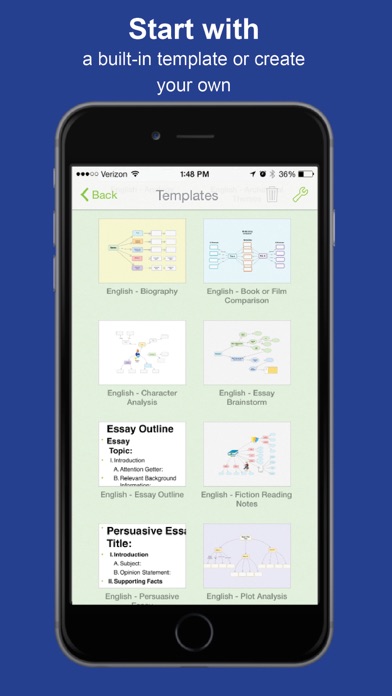
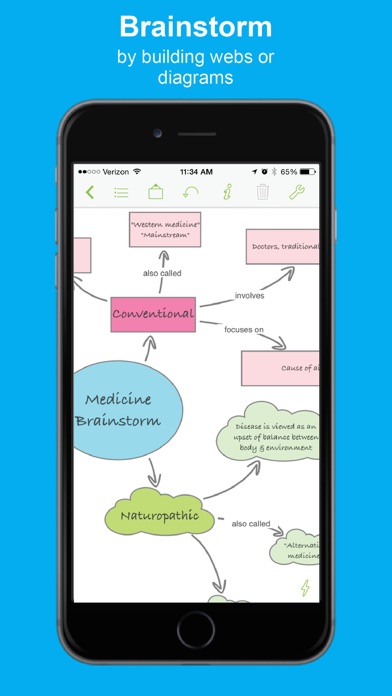
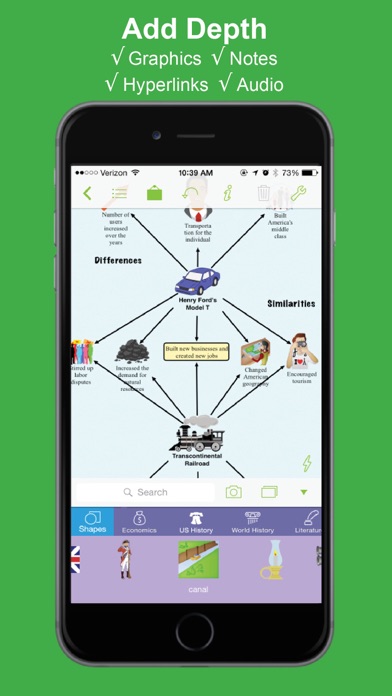
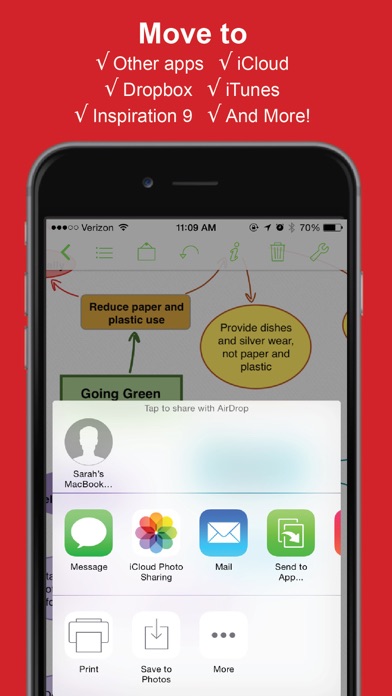
Welcome to Inspiration Maps™, the most intuitive and powerful visual learning app on the iPad. Build beautiful diagrams, graphic organizers and outlines with ease! Getting organized has never been this simple. ________ What’s the difference between ‘INSPIRATION MAPS’ and ‘INSPIRATION MAPS VPP’? ‘Inspiration Maps’ allows you to create up to five documents to test the functionality of the app for free before using in-app purchase to upgrade to full, unlimited function. ‘Inspiration Maps VPP’ gives you all the features available in the Inspiration Maps upgrade without having to use in-app purchase to access them. ‘Inspiration Maps VPP’ exists to simplify the process for educators purchasing through Apple’s Volume Purchase Program (VPP) for Education. ________ With Inspiration Maps, you can... BUILD DIAGRAMS & OTHER GRAPHIC ORGANIZERS WITH EASE Create concept maps, cause and effect diagrams, process flows, family trees and more! Getting started couldn’t be easier: Simply double tap a blank space on your canvas to create a new idea symbol. Start from scratch or from one of the many built-in templates in language arts, history, science or thinking & planning! BRAINSTORM IDEAS Harness your own creativity - there’s nothing like using Inspiration Maps’ quick-brainstorming tool RapidFire(R) to capture your ideas as fast as they come to you. Never lose track of a great idea again! GET ORGANIZED Simply drag and drop to organize and categorize concepts and ideas. Establish connections with links and connecting phrases. Structure is automatically generated for you when you use Arrange or when you view your diagram as an outline. STRENGTHEN UNDERSTANDING & BUILD RETENTION Use proven visual thinking and learning techniques to brainstorm ideas, explore and explain relationships, and integrate new knowledge with what you already know. Inspiration Maps encourages deeper, more critical thinking and that improves creativity, comprehension and retention. WRITE, TAKE NOTES & PLAN Use visual diagrams or written outlines to take notes and add details. Inspiration Maps turns static outlines into dynamic, rich writing structures. Expand on your work in Diagram View or Outline View, then export to a writing app to complete your projects. PERSONALIZE & BEAUTIFY Your diagrams and outlines are entirely customizable - change background colors, line colors, link styles, fonts, add more! Add graphics from the built-in symbol library, the internet, or your own camera roll. Features: - 1500+ searchable graphic library - Create unlimited diagrams & outlines* - Record & attach audio - Diagrams transform to outlines and back again - Personalize with images, colors, shapes, arrow styles, and backgrounds - Refine layout with align, nudge, spacing controls or auto-arrange - Use images from the web or the iPad camera - Attach notes to any item - Add hyperlinks - Diagrams save instantly - Built-in templates support subjects across the curriculum - Create your own templates* - Add written or audio instructions to any document - Import & export documents between Inspiration Maps & Inspiration 9.2 for PC/Mac* - Share files with other apps on your iPad* - Share files with other iPads via Dropbox, AirDrop, iCloud or iTunes* - Additional templates available in French, Spanish & UK English - Localized in French, Spanish & UK English *Feature available upon purchase of Inspiration Maps VPP. In Inspiration Maps, features is available after using in-app purchase to upgrade to full function. ________________ VOLUME PURCHASE PROGRAM (VPP) FOR EDUCATION To receive the discount available to buyers purchasing 20 apps or more through Apple’s Volume Purchase Program for Education, purchase ‘Inspiration Maps VPP’ (NOT ‘Inspiration Maps’). ________________ OTHERS ARE SAYING “Easy and fun to use. Highly recommended for students and teachers.” - Toni Krasnic, edShelf ** 2013 CODiE Finalist ** **2012 Tech&Learning Award of Excellence Winner**
Details