

Signature Maker - Signature
Instaberry Technologies Private Limited · Utilities
Independent analytics for this App Store listing. AppTracker is not affiliated with Instaberry Technologies Private Limited.
Chart standing · US
What changed · US
Listing changes AppTracker has observed for this app in this storefront — new versions, price moves, rating shifts, and store copy.
Signature Maker 1.2 — completely rebuilt -> Draw with pressure-sensitive pens: pen, fountain, monoline, marker, pencil, crayon and watercolor, with undo/redo, eraser and Apple Pencil support Neon glow effect for drawn and typed signatures -> Type your signature in 70+ handwriting fonts with live preview, letter spacing, slant, underline, gradients and colours 44 backgrounds, solid colours or fully transparent -> Export as transparent PNG, PNG with background, or vector PDF and SVG -> New: Sign a document — import a PDF or photo, place your signature, add text and today's date, then share the signed file -> My Signatures: favourites, rename, re-edit and share -> Light and dark mode -> Available in English, Russian, Arabic, Spanish, Portuguese, French, German, Hindi, Turkish and Indonesian -> Remove Ads — one-time purchase
Screenshots




About
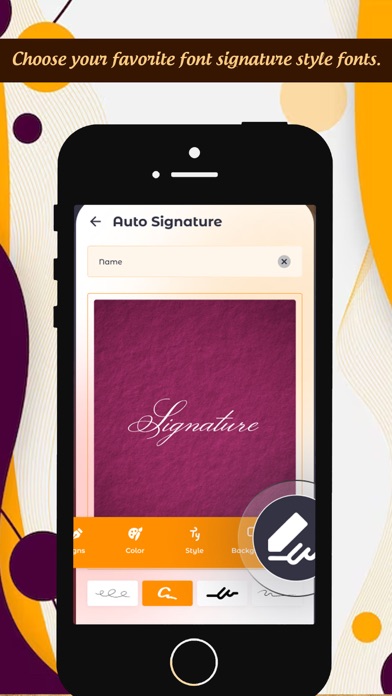
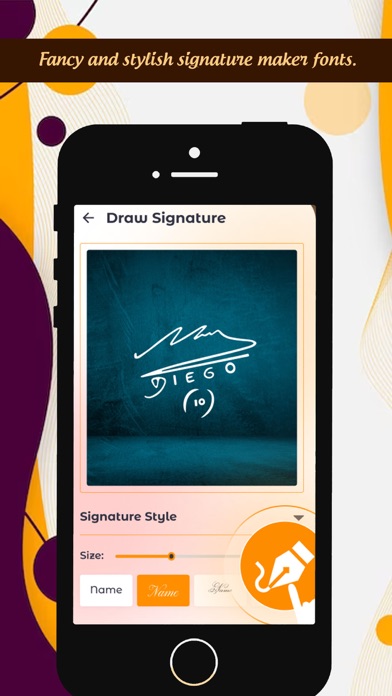
Signature Maker is the iOS application that can help you to make your own signature on any documents or Images. Through this application, you will create a different signature in different styles, with x-small to the x-large font size. The Signature Maker app will help you with the email signature or for the contract signature and for the Stamp which you need. Using this application, you can easily personalize your email signature, documents, and image, etc. the Signature maker is the best iOS Application to create simple and easy signatures like the real signature of a person. Signature Maker application is basically the handwritten drawing for identity or any another mark that a people writes on documents as a confirmation of identity and intent. you can create your own personal signature in a few seconds. This application is totally free of cost and you can make many signatures for different documents or images. After making the personal signature you can easily use on your own websites, images, blogs, documents, and emails. There is no need for a pen or ink to create a beautiful signature. The interface of the signature maker is very simple and easy to use. The key feature of the signature maker application Simple Signature in PNG and PDF format Signature on documents image format Signature Signature on Different text, font, color, and styles. Signature on images image format Signature Different E Signature Styles and Signature Designer Simple and Easy Signature Maker Rotate mobile for a better view Save on your Mobile Share on Different Social Media site along with Email
What's new · 1.2
Signature Maker 1.2 — completely rebuilt -> Draw with pressure-sensitive pens: pen, fountain, monoline, marker, pencil, crayon and watercolor, with undo/redo, eraser and Apple Pencil support Neon glow effect for drawn and typed signatures -> Type your signature in 70+ handwriting fonts with live preview, letter spacing, slant, underline, gradients and colours 44 backgrounds, solid colours or fully transparent -> Export as transparent PNG, PNG with background, or vector PDF and SVG -> New: Sign a document — import a PDF or photo, place your signature, add text and today's date, then share the signed file -> My Signatures: favourites, rename, re-edit and share -> Light and dark mode -> Available in English, Russian, Arabic, Spanish, Portuguese, French, German, Hindi, Turkish and Indonesian -> Remove Ads — one-time purchase
Details