

hear.com HORIZON
Sivantos Pte. Ltd. · Medical
Independent analytics for this App Store listing. AppTracker is not affiliated with Sivantos Pte. Ltd.
Chart standing · US
What changed · US
Listing changes AppTracker has observed for this app in this storefront — new versions, price moves, rating shifts, and store copy.
• Platform improvements for better performance and future compatibility. • Bug fixes and stability improvements.
Price & rating history · US
Reconstructed from the listing changes AppTracker has observed in this storefront. A field is charted once it has changed more than once, and each line starts at the value it moved from.
Average rating · ★ 4.31 now · 6 changes on record
Ratings breakdown · US
The star breakdown behind this app's rating in this storefront.
In-app purchases · US
No in-app purchases.
Screenshots
About
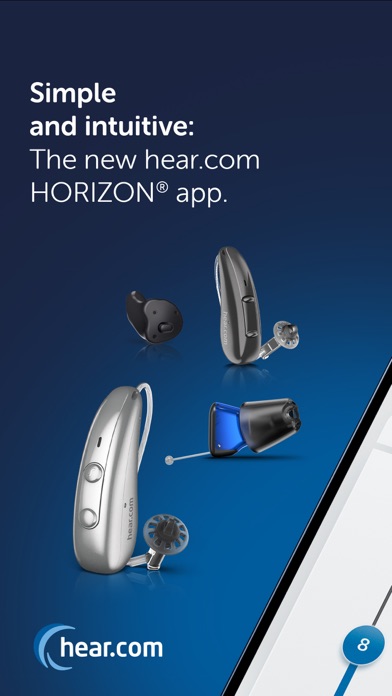
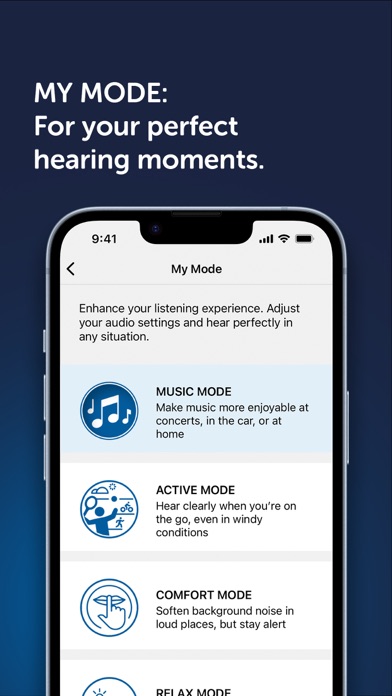
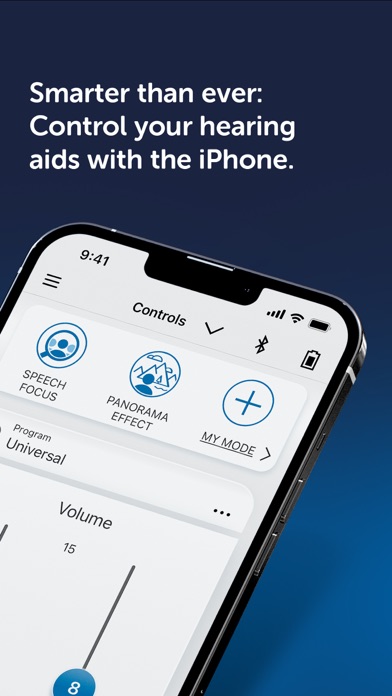
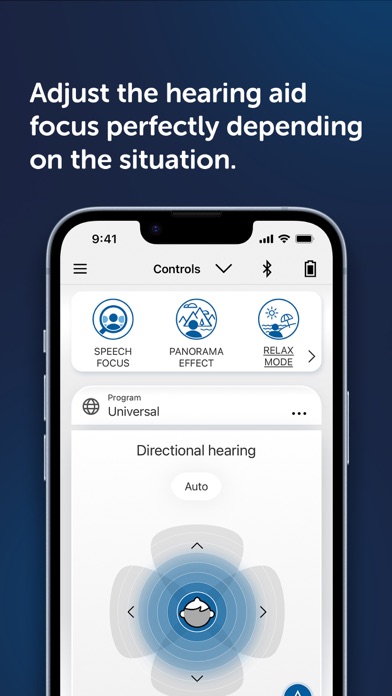
Disclaimer:This app is intended for download and use by individuals aged 18 years and above only. The information provided through this app is for general informational purposes and is not intended to replace professional medical advice, diagnosis, or treatment. Users should consult a qualified Healthcare Professional (HCP)for any medical questions, concerns, or assistance. The indispensable app for all hear.com HORIZON hearing aid wearers. The hear.com HORIZON app allows you to discreetly control the pioneering hearing system from hear.com in complete comfort via your smartphone. Transfer multimedia content such as music or phone calls directly to the hearing aid, set different amplification programs and activate innovative functions such as SPEECH FOCUS, PANORAMA EFFECT and the world first MY MODE functionality. Thanks to the simple, intuitive user interface, you'll be able to use it right from the start. Remote Control Control all functions and settings of your hear.com horizon hearing aid from the smartphone screen: • Volume • Hearing programs • Tonal balance • SPEECH FOCUS for particularly clear speech understanding • PANORAMA EFFECT for a unique 360° all-round listening experience • MY MODE with four new functions making each hearing situation perfect: MUSIC MODE, ACTIVE MODE, COMFORT MODE and RELAX MODE. Direct Streaming Transfer multimedia content directly to the hearing aid via Bluetooth connection: • Music • Calls • TV sound • Audio books • Web content Device information: • Battery status • Warning message • Statistics on device usage The user guide for the app can be accessed from the app settings menu. Alternatively, you can download the user guide in electronic form from www.wsaud.com or order a printed version from the same address. The printed version will be made available to you free of charge within 7 working days. Manufactured by WSAUD A/S Nymøllevej 6 3540 Lynge Denmark UDI-DI (01)05714880113228
What's new · 2.8.0
• Platform improvements for better performance and future compatibility. • Bug fixes and stability improvements.
Details