

Functions - save to sheets
Ruslan Musagitov · Utilities
Independent analytics for this App Store listing. AppTracker is not affiliated with Ruslan Musagitov.
Chart standing · US
Ratings breakdown · US
The star breakdown behind this app's rating in this storefront.
Screenshots



About
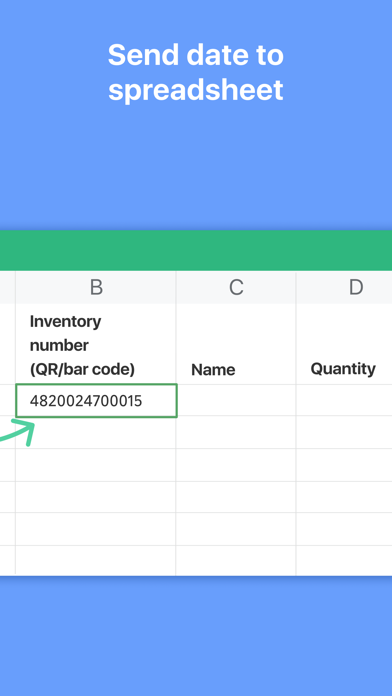
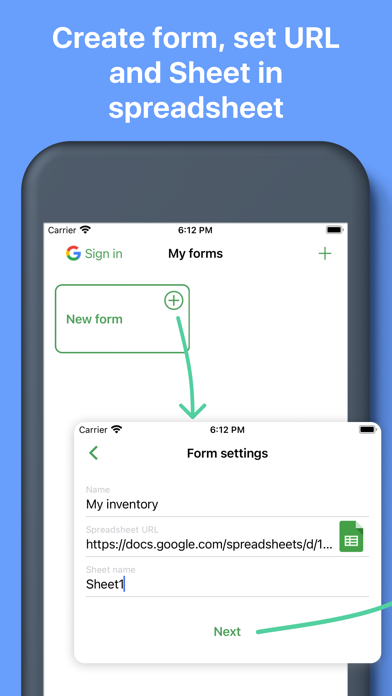
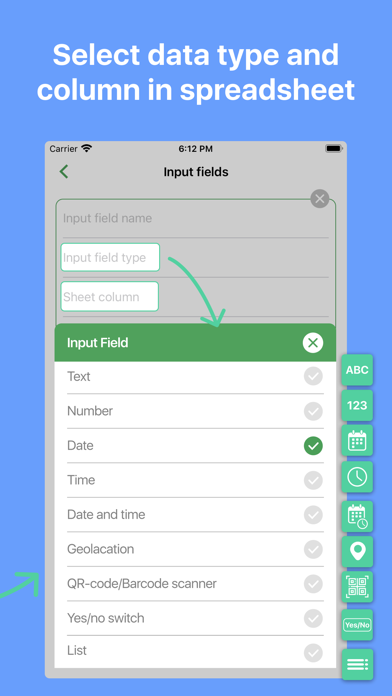
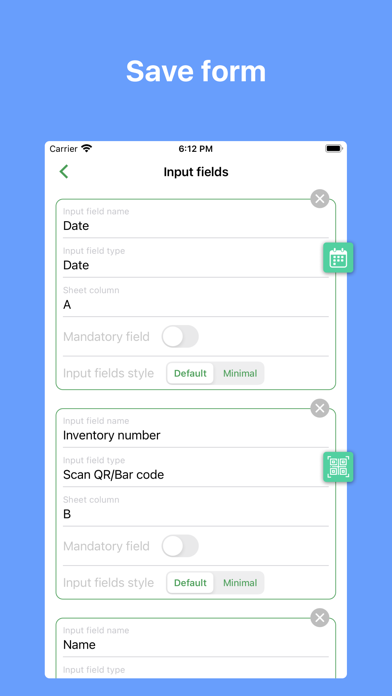
Send data from your phone to your Google sheet quickly. After that you can make any future manipulation with data on your Google sheet. Perfectly fit for inventory, track attendance, finance and tax purpose, collecting QR codes to spreadsheet and beyond. Save next data types: - QR and Bar codes (scans code and save data to the spreadsheet); - Geolocation (allow to save your current location or select it on map); - Text; - Number; - Date / Time / Date and time; - Select value from predefined list; - Yes / No selector. How it works 1. Select function; 2. Put data (scan codes, entering text etc); 3. Tap send; 4. Data appear in spreadsheet on your Google Drive. You can repeat it as much as you want. How to connect your Google sheet to the app 1. Connect your Google account to the app; 2. Set spreadsheet URL in function settings. What is Function Function has target spreadsheet URL and list of input fields. Function can be created manually or from predefined functions library. Create function manually 1. Create spreadsheet with required columns in your Google Drive; 2. Create function in the app: - Copy spreadsheet URL and name of sheet; - Set input fields: - name; - data type; - column. - Save. Create function from library 1. Select function from the library; 2. Tap “Add to my functions” - Function will be added on My Functions screen; - Spreadsheet will be copied to your Google Drive. Terms or Service and Privacy Policy: http://bytepace.com/functionsapp/tos-and-privacy-policy
What's new · 1.7.1
Handled error received when app were trying to write into .xlsx spreadsheet. In one or two day we will bring to you big update. Dark mode, input fields reorder, auto fill. Stay tuned.
Details