

HDR Max - Photo Editor
Petri Gronlund · Photo & Video
Independent analytics for this App Store listing. AppTracker is not affiliated with Petri Gronlund.
Chart standing · US
What changed · US
Listing changes AppTracker has observed for this app in this storefront — new versions, price moves, rating shifts, and store copy.
Price & rating history · US
Reconstructed from the listing changes AppTracker has observed in this storefront. A field is charted once it has changed more than once, and each line starts at the value it moved from.
Average rating · ★ 4.74 now · 2 changes on record
Ratings breakdown · US
The star breakdown behind this app's rating in this storefront.
Screenshots
About
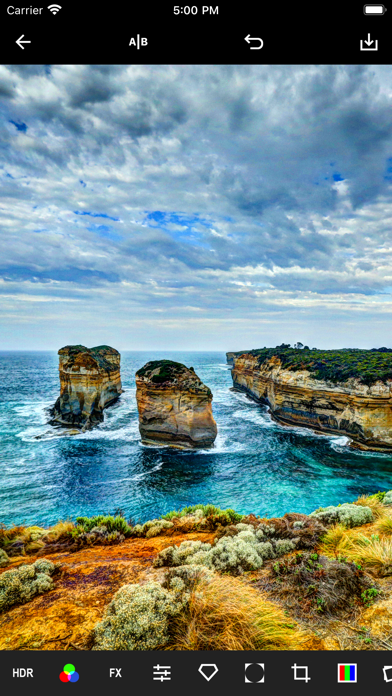
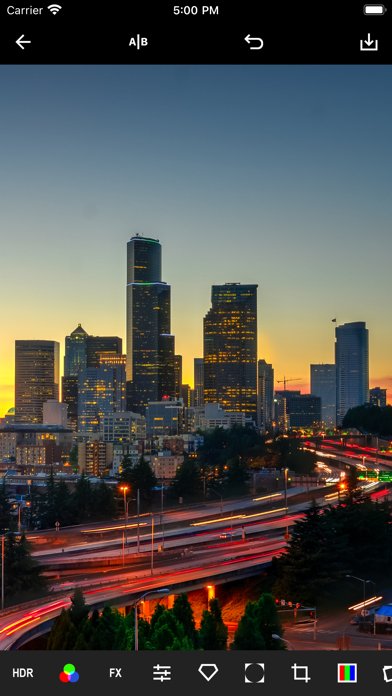
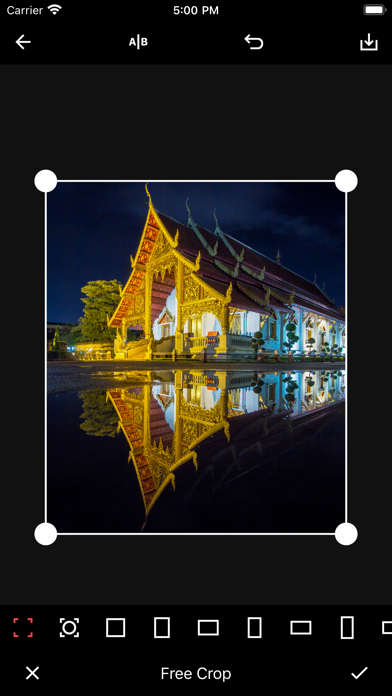
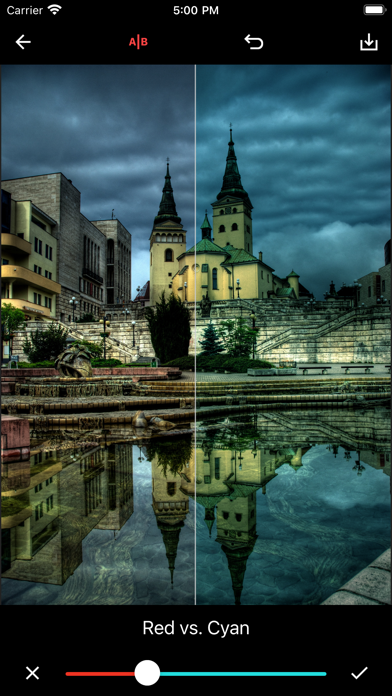
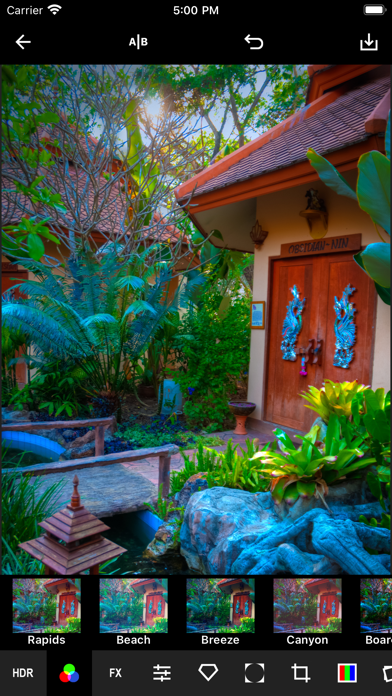
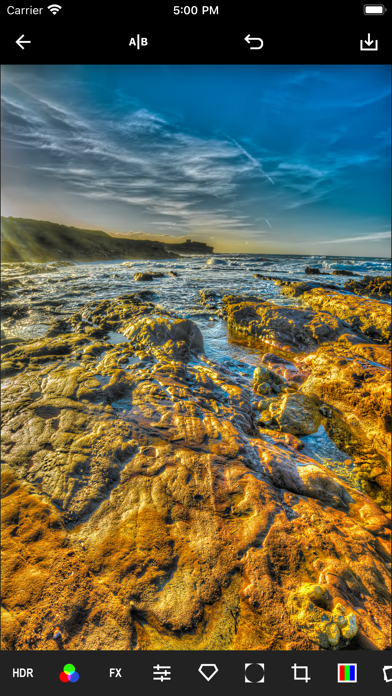
HDR Max provides you with all the tools you need to bring out the best in your photos. The unique filtering technology enables you to enhance your images with powerful HDR effects without the hassle of multiple exposures. Your images will be full of details like never before. HDR Max is a full-featured pro photo editor with an integrated set of flexible tools. The streamlined design of the app makes it simple to use yet powerful: you can start making professional level edits without spending hours watching tutorials. All filters and effects have fast and accurate real-time previews. High-performance rendering makes experimenting a breeze. Get HDR Max now and experience powerful editing made simple! Features • HDR effects: dynamically adjust global and local contrast levels independently to bring out details and create a unique look for your photos • Integrated photo gallery • Pinch-to-zoom • Adjustable split screen A/B view • Unlimited undo • Extensive set of color filters for one-tap enhancement • Special effects: mirror/reflection, sketch/cartoon, miniature/tilt-shift, glitch effects and many more • The essentials: contrast, brightness, saturation, exposure and color temperature • Color balance • Sharpening • Vignette for retro look • Straighten image, adjust horizon • Cropping • Flip/mirror • Orientation Terms of Use: https://www.apple.com/legal/internet-services/itunes/dev/stdeula/
What's new · 3.3
• Optimized for iOS 26 and iPadOS 26 • Bug fixes
Details