

ClockPhone big digital clocks
EVGENII KOSTIN · Lifestyle
Independent analytics for this App Store listing. AppTracker is not affiliated with EVGENII KOSTIN.
Chart standing · US
What changed · US
Listing changes AppTracker has observed for this app in this storefront — new versions, price moves, rating shifts, and store copy.
Important Improvement: Alarm volume control has been improved. Choose a gradual volume increase, configure the initial and maximum levels and the increase rate, or set a fixed level. Make waking up gentler and more comfortable. Thank you for installing the updates! Do you like ClockPhone? Please rate the app and leave a review! If you have any suggestions or questions about the app's functionality, or if you encounter any issues, please write to me directly from the app (Info screen -> Send E-mail). Or email me at kostinuum@gmail.com.
Ratings breakdown · US
The star breakdown behind this app's rating in this storefront.
In-app purchases · US
What this app sells inside itself, grouped by kind and priced for this storefront.
Screenshots

About
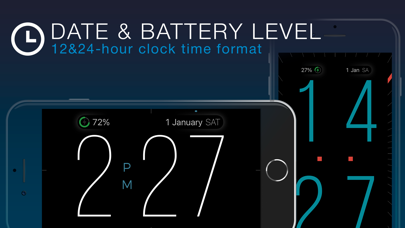
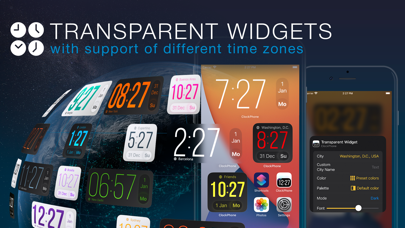
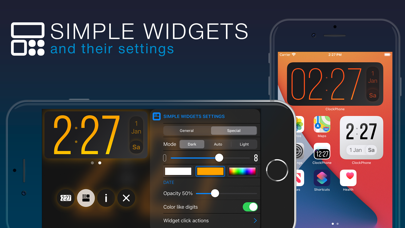
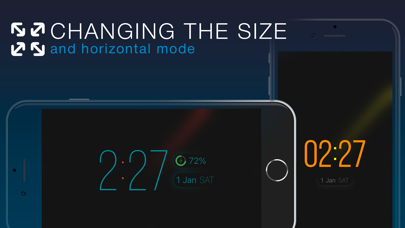
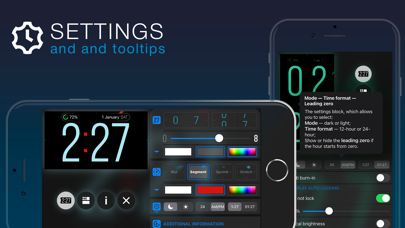
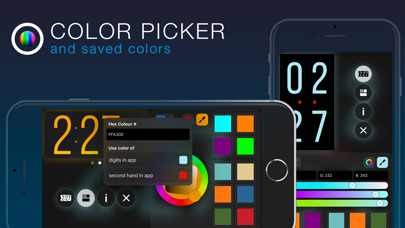
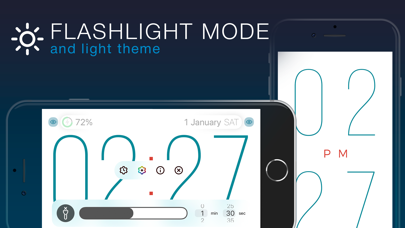
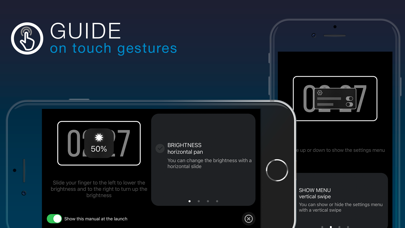
ClockPhone is a stylish and functional clock app that’s easy to use. It features an advanced alarm with flexible repeat settings: by day of the week, on a specific date, or following a shift schedule. And to make sure you really wake up, there are not just standard options to turn it off, but also advanced methods — like scanning an NFC tag, QR/barcode (for example, on a toothpaste tube in the bathroom), or solving math problems. ClockPhone also includes a versatile timer, perfect for workouts — including various interval types like Tabata, and productivity techniques like Pomodoro, 52/17, and 90/30 — as well as for cooking, meditation, and any task that needs precise time control. The app combines a thoughtfully designed interface with a rich feature set. Thanks to its stylish and attractive time display, ClockPhone fits beautifully into any space. The large digits are easy to read from any distance, and the second hand comes with different display modes for enhanced readability. Time transitions are smoothly animated, and the clock’s appearance is easy to customize via a functional and intuitive interface. Perfect for use on a charging dock or for bringing new life to a favorite device. It looks great in both landscape and portrait orientations. An onboarding guide shows how to control the app with gestures. You can also add ClockPhone widgets to your Home Screen to see the time and date at a glance without opening the app. There are two types of widgets — simple and transparent — each available in two sizes and with plenty of customization options. ● Key app features to tailor it to your needs and use it comfortably in any situation • Screen burn-in protection • Exit lock to prevent unauthorized closure • Simple and transparent widgets • Display of date and battery level • Customization of digit color, animation, thickness, and size • Random color changing of digits • Intuitive gestures: adjust brightness, toggle flashlight, open menu, resize digits • Time signals • Configurations — groups of settings that can be switched manually or on a schedule • Backups • Share settings, configurations, alarms, and timers • Time zone support • Display of analog and digital seconds • Time announcements for visually impaired users ● Alarm features to suit any routine, habit, or personal preference • Repeats by weekday, shift schedule, or specific date • Option to postpone the next trigger • Dismiss methods: standard, NFC tag scan, QR/barcode scan, or solving math problems • Support for custom sounds from the Music library or files saved in iCloud • Gradual volume increase • Flexible snooze options: number of repeats and snooze duration • Actions upon alarm dismissal ● Unique timer features to suit various use cases: interval training, productivity methods for work or study, and more • Multiple intervals with different durations • Repeat settings for entire interval series • Sound at the end of an interval or name announcement at the start • Pause or automatic transition to the next interval • Actions upon timer completion ClockPhone is constantly evolving based on user feedback. Install it on your iPhone, iPad, or iPod touch — and you won’t want to be without it!
What's new · 2.5.2
Important Improvement: Alarm volume control has been improved. Choose a gradual volume increase, configure the initial and maximum levels and the increase rate, or set a fixed level. Make waking up gentler and more comfortable. Thank you for installing the updates! Do you like ClockPhone? Please rate the app and leave a review! If you have any suggestions or questions about the app's functionality, or if you encounter any issues, please write to me directly from the app (Info screen -> Send E-mail). Or email me at kostinuum@gmail.com.
Details