

AUTHADA
AUTHADA GmbH · Productivity
Independent analytics for this App Store listing. AppTracker is not affiliated with AUTHADA GmbH.
Chart standing · US
What changed · US
Listing changes AppTracker has observed for this app in this storefront — new versions, price moves, rating shifts, and store copy.
- Improvements and bug fixes
In-app purchases · US
No in-app purchases.
Screenshots

Keywords this app targets
Search terms AppTracker associates with this app — estimates, not search volume. ❝ = in the app's title; a highlighted number is its current position for that term.
Similar apps
Competitors and close alternatives, as estimated by AppTracker.
 My WebID
WebID Solutions GmbH
2 shared topics
My WebID
WebID Solutions GmbH
2 shared topics
 POSTIDENT
Deutsche Post AG
2 shared topics
POSTIDENT
Deutsche Post AG
2 shared topics
 AOK Ident
AOK Mein Leben GbR
2 shared topics
AOK Ident
AOK Mein Leben GbR
2 shared topics
 ID-Pal
 Ltd.
2 shared topics
ID-Pal
ID-Pal Ltd.
2 shared topics
 IDnow Online-Ident
IDnow Gmbh
2 shared topics
IDnow Online-Ident
IDnow Gmbh
2 shared topics
 IDnow AutoIdent
IDnow Gmbh
2 shared topics
IDnow AutoIdent
IDnow Gmbh
2 shared topics
 DAK app
DAK-Gesundheit
DAK app
DAK-Gesundheit
 SpardaSecureGo+
Verband der Sparda-Banken e.V.
1 shared topic
SpardaSecureGo+
Verband der Sparda-Banken e.V.
1 shared topic
About
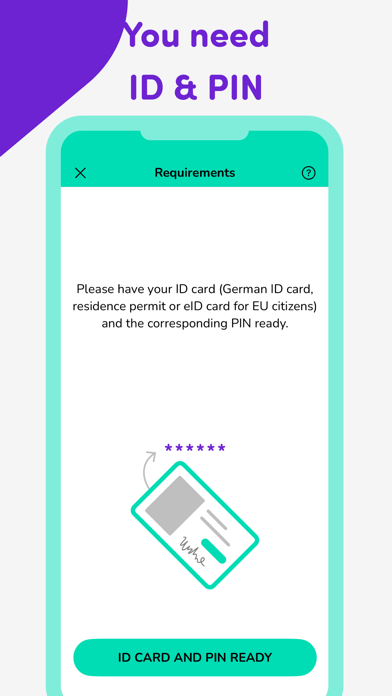
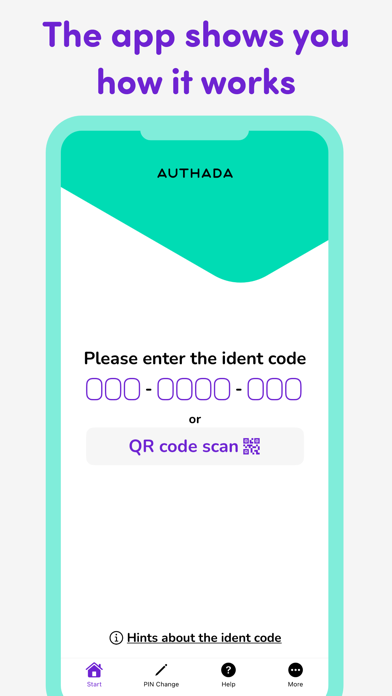
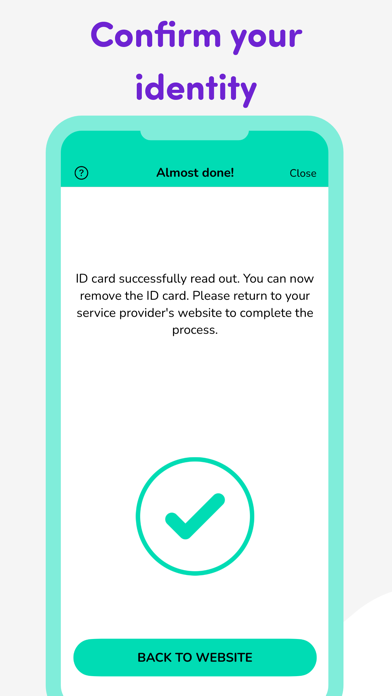
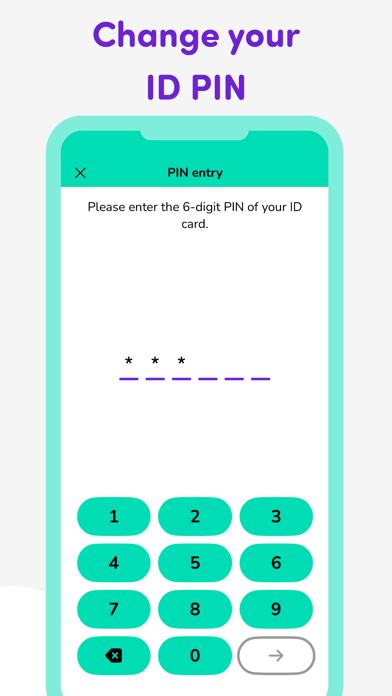
For a successful identification you need: - one of the following identity documents: German identity card, residence permit or eID card for EU citizens. - the corresponding ID PIN - an NFC-enabled smartphone This is how identification with our app works step by step: 1. Start the process by entering the 10-digit ident code you can find on your service provider's website into the AUTHADA app. If you do not see an ident code and you are using a PC, go to the website of the service provider you want to identify with a PC and scan the QR code with the AUTHADA app. If you are only using a smartphone (without an additional desktop device), click on the "Start AUTHADA" button on the service provider's website. 2. Now follow the instructions in the app. This includes entering your PIN and reading out your ID card. 3. Then enter the TAN generated in the app on the service provider's website. The ID card PIN You can find your ID card PIN and PUK in your PIN letter, which you received via mail after applying for your ID card. Please note: Before using the online ID card function for the first time, you must change your ID card PIN. To do so, you will need the five-digit transport PIN from your PIN letter. With the AUTHADA app and the "Change PIN" function, you can assign a new, personal, six-digit PIN. In future, you will always need this PIN if you want to use the online ID card function. If you enter your PIN incorrectly three times, your ID card PIN is blocked. With the AUTHADA app, you can unlock your ID card PIN using the "Unlock PIN" function and your PUK. If you have forgotten your PIN or no longer have your PIN letter, you can also have your PIN reset without your PUK at your local Citizens' Registration Office. AUTHADA protects your privacy AUTHADA's eID solution is certified by the German Federal Office for Information Security (BSI) and ensures compliance with the highest security requirements. The smartphone is only used to read out the data for the respective business purpose. Before the read out process, the data to be read out is displayed. Your data is not stored in the app or at AUTHADA - your data is always encrypted and secure. Accessibility We paid attention to accessibility when implementing the app in order to make it accessible to as many people as possible.
What's new · 2.4.1
- Improvements and bug fixes
Details