

Archive Extractor: Unzip Files
An Sinh Pham · Utilities
Independent analytics for this App Store listing. AppTracker is not affiliated with An Sinh Pham.
Chart standing · US
Ratings breakdown · US
The star breakdown behind this app's rating in this storefront.
In-app purchases · US
What this app sells inside itself, grouped by kind and priced for this storefront.
Screenshots


About
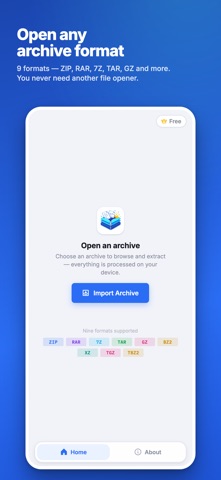
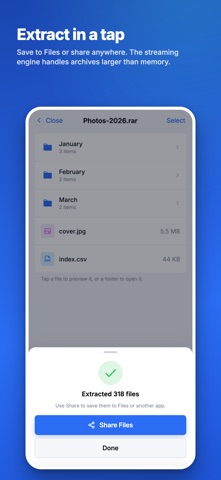
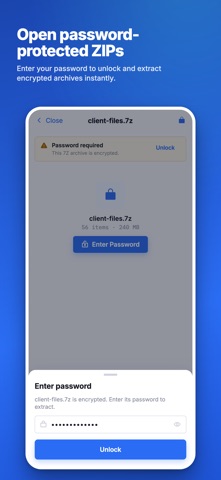
Open compressed files without sending them to a server. Archive Extractor lets you inspect an archive's contents, preview individual files, and extract only what you need on your iPhone, iPad, or Mac. SUPPORTED FORMATS Browse and extract ZIP, RAR, 7Z, TAR, GZ, BZ2, XZ, LZMA, TGZ, TBZ2, TXZ, TLZ, and compressed TAR archives. BROWSE BEFORE EXTRACTING See the complete folder structure, file names, and sizes before unpacking anything. Navigate folders and preview individual files with the system viewer. EXTRACT ONLY WHAT YOU NEED • Open archives from local or cloud storage • Extract one file, a selection, or the entire archive • Choose a destination folder or share extracted files using built-in system tools PASSWORD-PROTECTED ARCHIVES Enter a password to browse and extract supported encrypted ZIP, RAR, and 7Z archives, including archives with hidden file names. MADE FOR LARGE ARCHIVES The native engine reads archives from disk instead of loading the entire archive into memory whenever the format allows. Built-in disk-space checks help prevent incomplete extractions. PRIVATE BY DESIGN Processing happens entirely on your device. Your archives and extracted files are never uploaded to us. Browsing and file preview are free. Extracting files requires Archive Extractor Premium, available as an in-app subscription. Privacy Policy: https://azcomputingltd.com/archive-extractor/privacy Terms of Use: https://azcomputingltd.com/archive-extractor/terms
What's new · 3.1
Archive Extractor 3.1 makes opening and browsing archives smoother and more responsive. • Archives now open in the background, keeping the app responsive while large or cloud-hosted files load • Faster, non-blocking cleanup of temporary extracted files • Refined iPhone navigation with improved safe-area support • Additional interface polish and reliability improvements
Details