

PDF to Epub Converter
Tu Phan · Productivity
Independent analytics for this App Store listing. AppTracker is not affiliated with Tu Phan.
Chart standing · US
What changed · US
Listing changes AppTracker has observed for this app in this storefront — new versions, price moves, rating shifts, and store copy.
Price & rating history · US
Reconstructed from the listing changes AppTracker has observed in this storefront. A field is charted once it has changed more than once, and each line starts at the value it moved from.
Average rating · ★ 4.65 now · 3 changes on record
Ratings breakdown · US
The star breakdown behind this app's rating in this storefront.
In-app purchases · US
No in-app purchases.
Screenshots
About
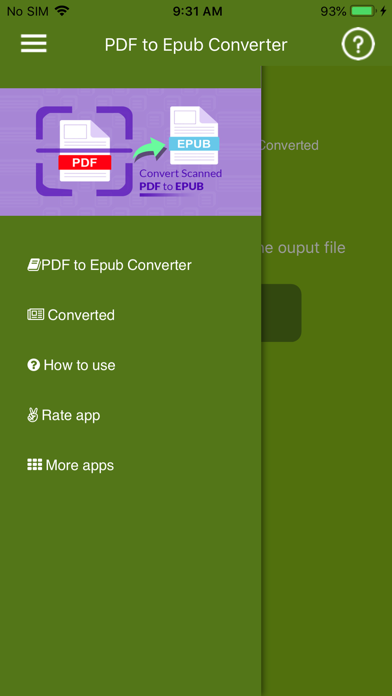
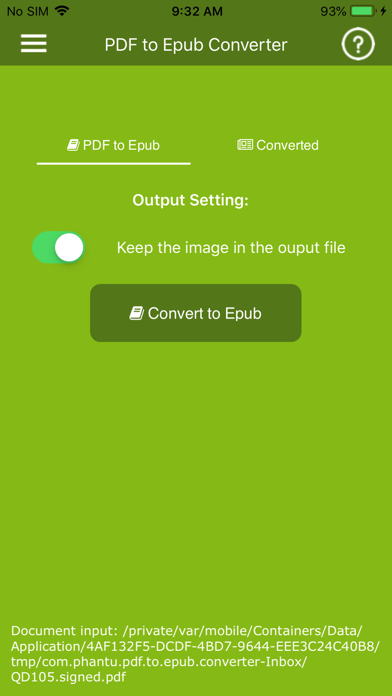
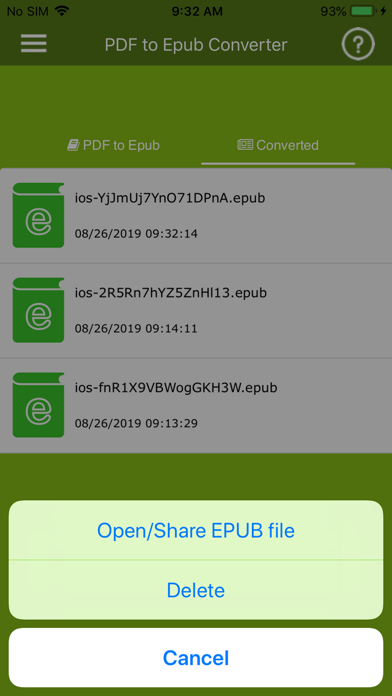
PDF to ePUB Converter helps you to convert pdf books into ePUB files so that you can read it in a mobile device. Significantly improve your reading experience by converting PDF to EPUB. So you can read your PDF ebook in a flowable format without scrolling all the time. Epub is supported by most of devices, such as iPad, iPhone and many free ebook readers. Epub is definitely a better format for ebook reading. How to Convert PDF to EPUB ? 1. Click "Open PDF file" or Share PDF file to PDF to EPUB converter app 2. Select the output option, you can preserve images in the output EPUB for better reading experience. 3. Click 'Convert to Epub' when output setting is done, the conversion will start instantly. Enjoy!
What's new · 1.6
- Fix bugs on Ipad with IOS>13
Details