

Private Browser - VPN Proxy
Shanghai Xiangyuan Network Technology Co., Ltd. · Utilities
Independent analytics for this App Store listing. AppTracker is not affiliated with Shanghai Xiangyuan Network Technology Co., Ltd.
Chart standing · US
What changed · US
Listing changes AppTracker has observed for this app in this storefront — new versions, price moves, rating shifts, and store copy.
Price & rating history · US
Reconstructed from the listing changes AppTracker has observed in this storefront. A field is charted once it has changed more than once, and each line starts at the value it moved from.
Average rating · ★ 4.60 now · 6 changes on record
Ratings breakdown · US
The star breakdown behind this app's rating in this storefront.
In-app purchases · US
No in-app purchases.
Screenshots
About
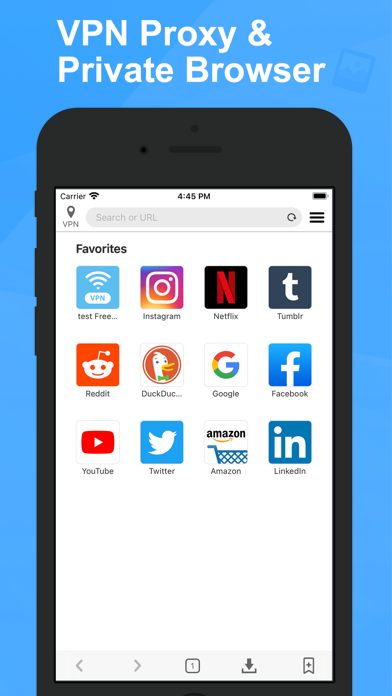
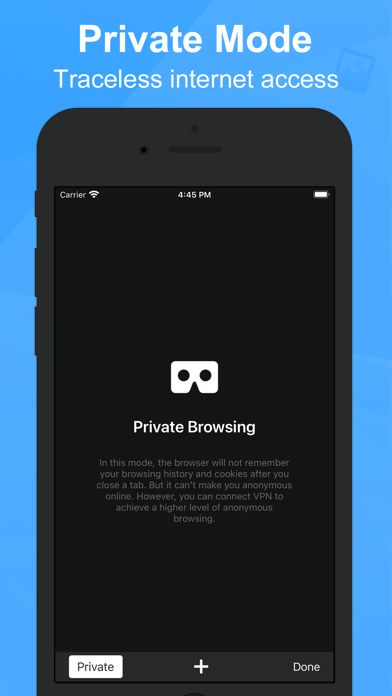
Private browser is a fast, free and stable web browser app with free VPN proxy. It provides the strongest privacy and security. Supports the entire platform without registration, high-speed unlimited traffic, one-click connection! Download now! Choose our advantages: - Interface refreshing. - Easy to use.You just need one tap to connect. - Secure. Private Browser will protect your personal data while you are online. - Free. free unlimited VPN. - Fast. Private Browser enable you to access to all websites. - Convenient. provide multi-window and label. - Multiple servers. We provide you with multiple servers around the world. - Privacy. we don’t log any of your activity and will never share it with anyone. - Support iPhone & iPad. LEGAL: For more information, please visit our "Terms of Use" and "Privacy Policy" Terms of Service: https://vpn-browser.esvpnapp.com/terms.html Privacy Policy: https://vpn-browser.esvpnapp.com/policy.html Contact us: https://vpn-browser.esvpnapp.com/
What's new · 2.0
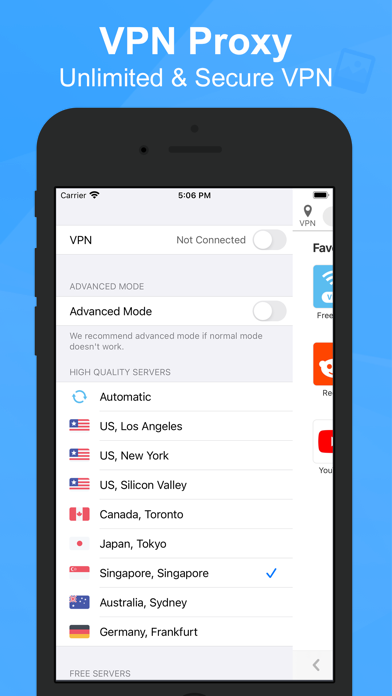
New version 2.0 has come!!! In this version, we have changed the VPN protocol and improved the UI to make it more convenient and stable. The specific updates are as follows: - Change VPN protocol - Add advanced mode for VPN(If normal mode not work, please try this) - VPN connection and server list have been moved to the left sidebar - Browser settings has been moved to the right sidebar
Details