

Convert DOC/DOCX to PDF
Tu Phan · Productivity
Independent analytics for this App Store listing. AppTracker is not affiliated with Tu Phan.
Chart standing · US
What changed · US
Listing changes AppTracker has observed for this app in this storefront — new versions, price moves, rating shifts, and store copy.
Price & rating history · US
Reconstructed from the listing changes AppTracker has observed in this storefront. A field is charted once it has changed more than once, and each line starts at the value it moved from.
Average rating · ★ 4.81 now · 3 changes on record
Ratings breakdown · US
The star breakdown behind this app's rating in this storefront.
In-app purchases · US
What this app sells inside itself, grouped by kind and priced for this storefront.
Screenshots
About
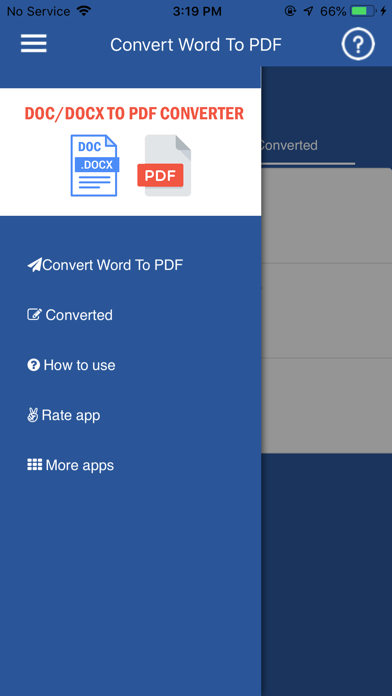
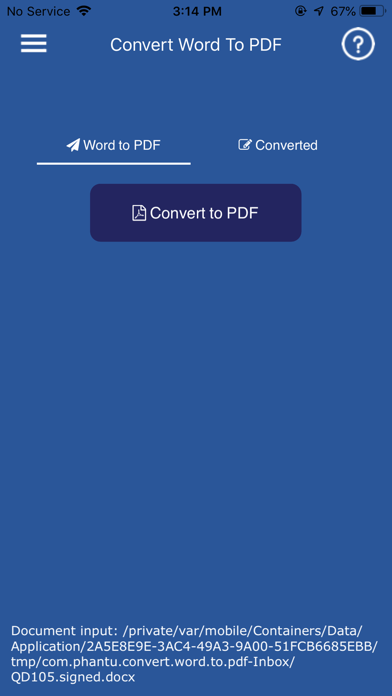
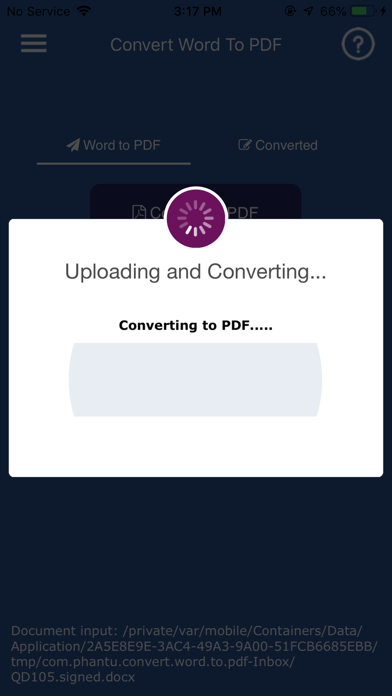
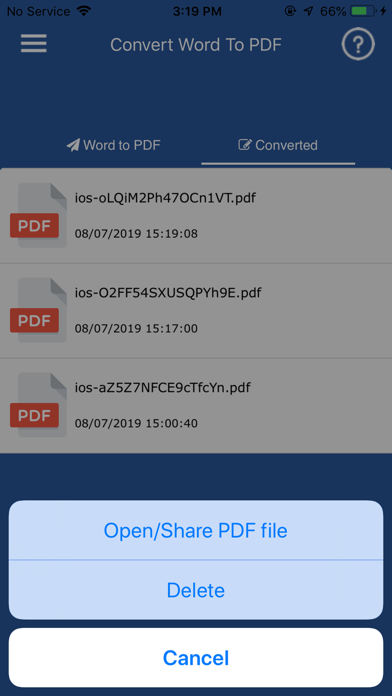
In addition to the extremely good security aspect of the PDF file as the user cannot edit the original content of the document, many people are also pleased that the PDF allows display without font errors . This "Convert Word to PDF" app will help you to easily convert word file to pdf quickly. App has a built-in full font Unicode, Indian font, Arabic font, Brazil font, special fonts .... Not only does it support converting doc to pdf or docx to pdf, but the app also supports all word formats since 2003, 2007,2013,2016 The application allows you to convert your DOC or DOCX files to PDF without ceremony. Choose a DOC/DOCX file by searching by name. Tap the file, confirm and wait for conversion to PDF. And that's it. Your DOC/DOCX was Converted to PDF File. Warning: The DOC/DOCX to PDF app needs an Internet connection to perform the conversion. Use the reliable Convert Word to PDF application to convert files, display in PDF reader and share files with others easily and quickly. Look forward to comments from users to improve the app.
What's new · 5.3
Fix current version can not convert file!
Details