

Guard Ninja
Jan Slusarz · Lifestyle
Independent analytics for this App Store listing. AppTracker is not affiliated with Jan Slusarz.
Chart standing · US
What changed · US
Listing changes AppTracker has observed for this app in this storefront — new versions, price moves, rating shifts, and store copy.
App behavior is improved and some bugs are fixed.
Price & rating history · US
Reconstructed from the listing changes AppTracker has observed in this storefront. A field is charted once it has changed more than once, and each line starts at the value it moved from.
Price · 0.99 USD now · 10 changes on record
Ratings breakdown · US
The star breakdown behind this app's rating in this storefront.
In-app purchases · US
No in-app purchases.
Screenshots


Keywords this app targets
Search terms AppTracker associates with this app — estimates, not search volume. ❝ = in the app's title; a highlighted number is its current position for that term.
Similar apps
Competitors and close alternatives, as estimated by AppTracker.
 Alarmi - The mini alarm system
Ralf Andrae
1 shared topic
Alarmi - The mini alarm system
Ralf Andrae
1 shared topic
 Find My Phone & Anti Theft
JOYLINK NETWORK TECH LIMITED
1 shared topic
Find My Phone & Anti Theft
JOYLINK NETWORK TECH LIMITED
1 shared topic
 Attack Alarm
mark david
Attack Alarm
mark david
 Phone Guardian: Left-Behind
KAZUTO MATSUBARA
1 shared topic
Phone Guardian: Left-Behind
KAZUTO MATSUBARA
1 shared topic
 Anti Spy
Daniel Kies
Anti Spy
Daniel Kies
 Dont Touch My Phone: Antitheft
Fitness Training Global
Dont Touch My Phone: Antitheft
Fitness Training Global
 Axion Watch Guard
Onix-Systems
1 shared topic · 1 shared title word
Axion Watch Guard
Onix-Systems
1 shared topic · 1 shared title word
 Alarrrm - Future Event Alarm
Hiroaki Abe
1 shared topic
Alarrrm - Future Event Alarm
Hiroaki Abe
1 shared topic
About
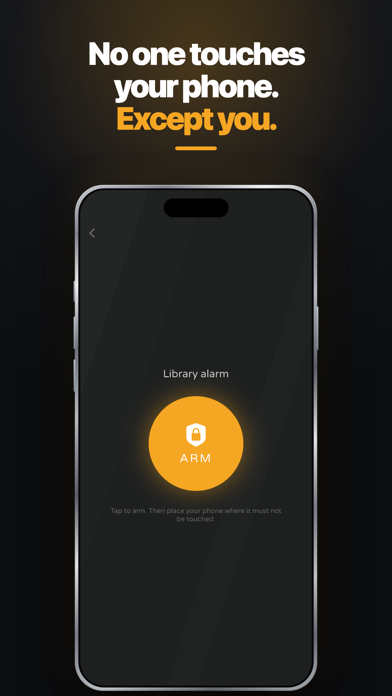
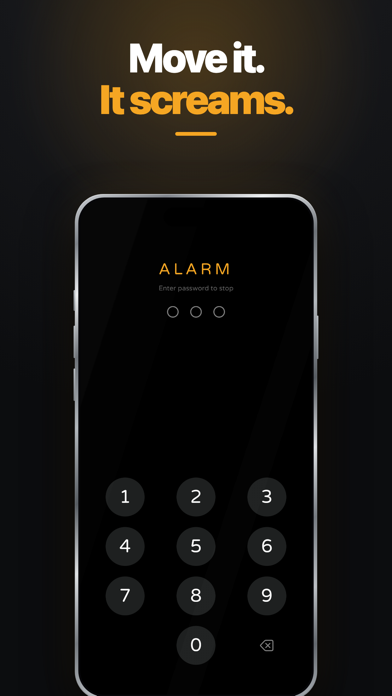
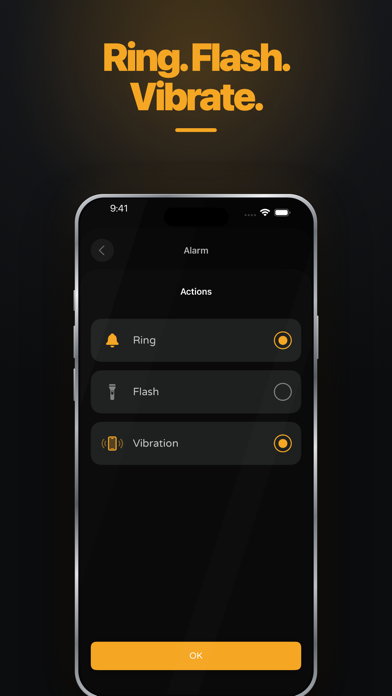
Meet Guard Ninja - the guard of your phone! You don't know how to secure your phone? With this app you can leave your phone alone. Nobody will touch it without launching an alarm. Sleeping in a train or on the airport without anxiety that someone will rob you won’t be a problem. Guard Ninja will warn you in every situation like that. Increase phone security in a simple way! Not only your phone, but also other things nearby can be protected with Guard Ninja app. Simply, put your guarded phone for example into your suitcase. Or lay it down on your wallet or laptop. If someone will try to take your things, alarm will turn on. And you can react quickly. How the app works? You can create your own, customizable alarm. Use different alarms for specific situations. Creating an alarm includes a few elements: Decide what will be your alarm behavior. You can turn on the sound, light or vibration. Behaviors can be mixed, depends on you. Set sensitivity for your alarm. Adjust sensitivity of phone movement which will activate the alarm. Set timers to arm and disarm your alarm. You will have some time to put the phone in a place where you suspect it can be touched and then to turn the alarm off before it will launch. Create your unique password to disarm the alarm. Your alarm list is always visible on home screen. In every moment one of them can be activated.
What's new · 2.1.2
App behavior is improved and some bugs are fixed.
Details