

SkipMov - Pick Best Moments
REAFO CO., LTD. · Photo & Video
Independent analytics for this App Store listing. AppTracker is not affiliated with REAFO CO., LTD.
Chart standing · US
In-app purchases · US
No in-app purchases.
Screenshots



About
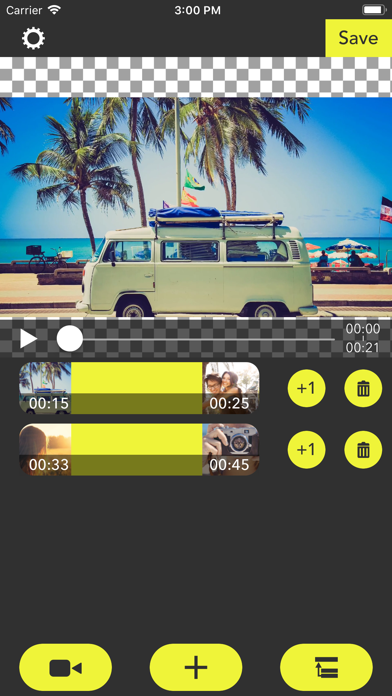
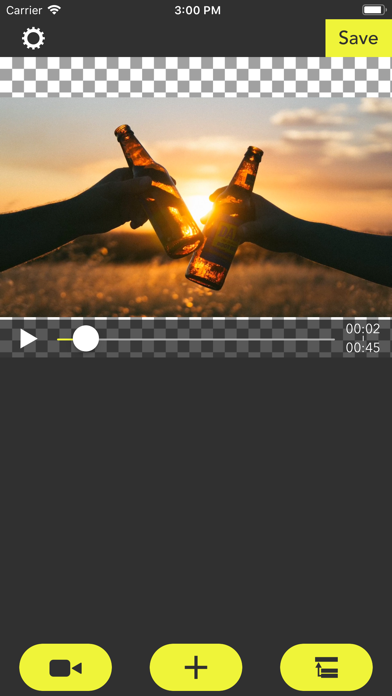
SkipMov is for extracting parts from a video. How to use... 1 Press the video icon button to load a video from your camera roll. 2 [+] button is for adding time range of the video. The time range that you added is can copy by [+1] button and can also delete by [trashbox] button. 3 If you want to reorder time ranges, press the right-bottom button. Then drag a time range cell to right position you want. 4 Finally, press the [Save] button to export time ranges as a single video. To export it, at least one or more time ranges must be added.
What's new · 2.6
Thank you for using our service. - Fixed minor bugs.
Details