

Tally Counter - Tap Tool
Alexander Bichurin · Utilities
Independent analytics for this App Store listing. AppTracker is not affiliated with Alexander Bichurin.
Chart standing · US
What changed · US
Listing changes AppTracker has observed for this app in this storefront — new versions, price moves, rating shifts, and store copy.
Price & rating history · US
Reconstructed from the listing changes AppTracker has observed in this storefront. A field is charted once it has changed more than once, and each line starts at the value it moved from.
Average rating · ★ 4.44 now · 5 changes on record
Ratings breakdown · US
The star breakdown behind this app's rating in this storefront.
In-app purchases · US
What this app sells inside itself, grouped by kind and priced for this storefront.
Screenshots
About
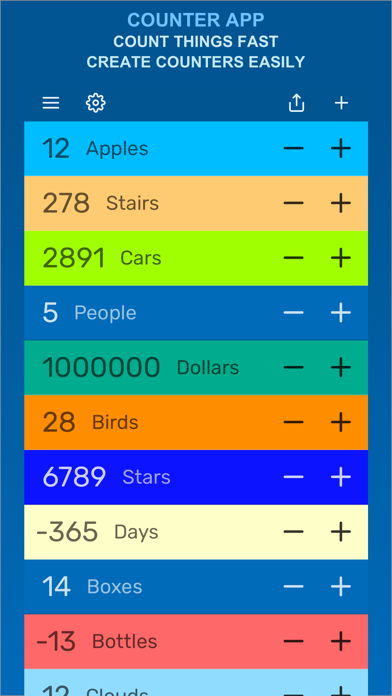
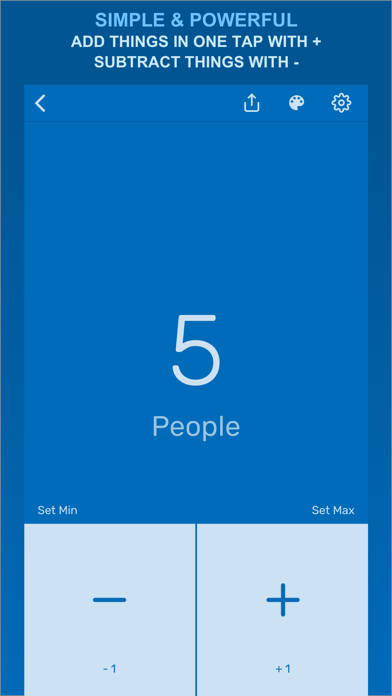
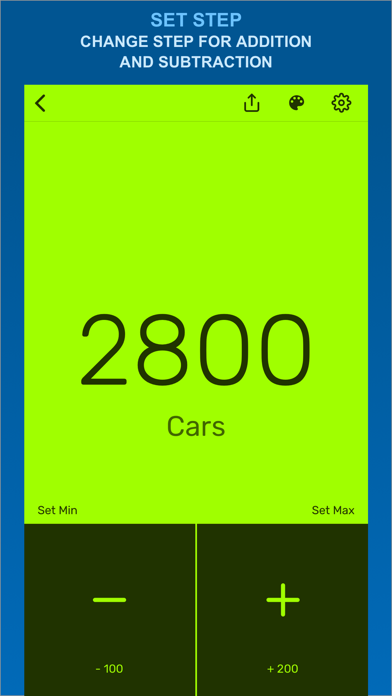
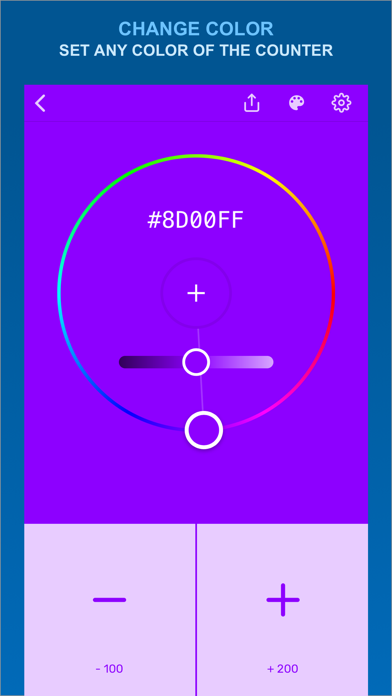
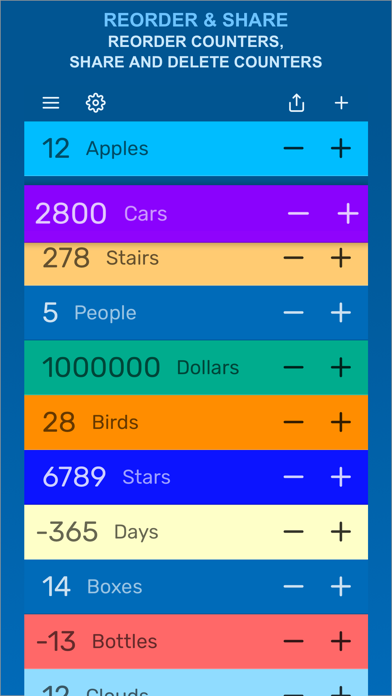
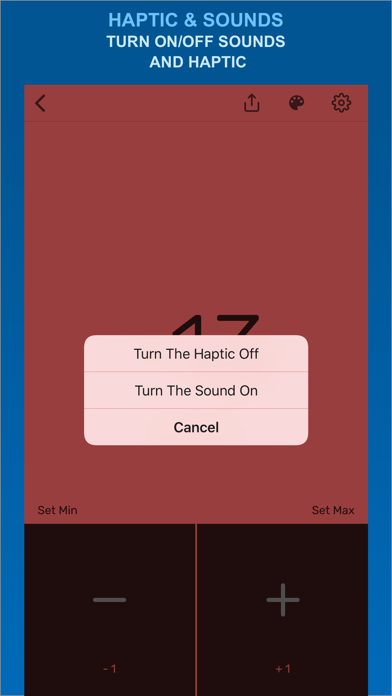
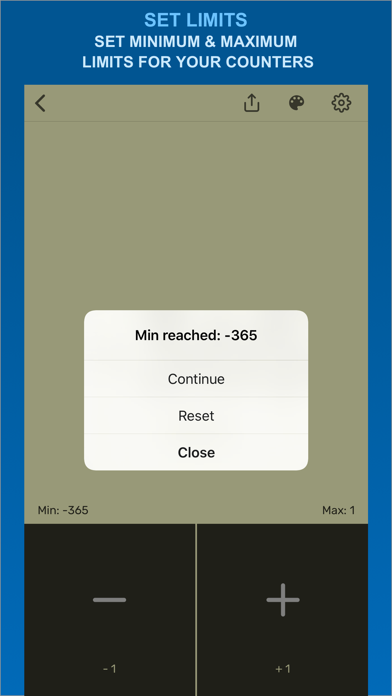
Counter - Tally Counters app Universal counter app and Numbers keeper for counting anything. An indispensable assistant for those who need to keep a list of counters. The Counter app has a concise interface, is convenient and easy to use and contains interesting functionality: COUNT ANYTHING, LIST OF COUNTERS Create any number of counters *. The list of counters is always on your device. Add and subtract values with one tap on + or -. Move counters up and down in the list by long tap. Swipe left to delete or share counter. CHANGE NAME AND COLOR Set and change the name for your counters with ease. You can change the color of the counter if you want too*. POSITIVE AND NEGATIVE VALUES You can store both positive and negative counter values. You can count in any direction. SET THE COUNTING STEP The default step is +1 and -1. You can consider any step, for example, if you want to add +20 instead of +1 or subtract 500 instead of -1, you can change this in the counter settings *. Moreover, each counter can have its own step. WIDE COUNTER LIMITS If you want to count to a million, you can) SHARE COUNTER VALUES Send the counter value by message or letter *. HAPTIC AND SOUNDS ON TAP You can enable or disable haptic. You can also turn on or off the sound for your + and - taps*. SET LIMITS You can set limits (number values) that will appear, warning you that you have reached the limit *. * Some of the functions may be limited and available after purchasing the in-app purchase within the application. Subscription Terms: The app offers auto-renewing "Premium" Subscription which unlocks Premium Features: - Create unlimited Counter Items - Simultaneous + and - for all counters - Item Color Picker functionality - Haptic/Sound editing - No limited features and no ads inside the app Payment will be charged to iTunes Account at confirmation of purchase. Subscriptions automatically renew unless auto-renew is turned off at least 24-hours before the end of the current period. Your account will be charged for renewal within 24-hours prior to the end of the current period. Any unused portion of a free trial period, if offered, will be forfeited if you purchase a subscription. Subscriptions may be managed and auto-renewal may be turned off by going to the user's iTunes Account Settings. Read more about our Privacy Policy Here: https://adelmaer.com/counter-app-privacy-policy/ Read more about our Terms of Service here: https://adelmaer.com/counter-app-terms-of-service/ Free Download the Counter app to start counting.
What's new · 2.1
Improvements and fixes
Details