

Print Calculator
Richard Silverman · Utilities
Independent analytics for this App Store listing. AppTracker is not affiliated with Richard Silverman.
Chart standing · US
What changed · US
Listing changes AppTracker has observed for this app in this storefront — new versions, price moves, rating shifts, and store copy.
In-app purchases · US
What this app sells inside itself, grouped by kind and priced for this storefront.
Screenshots
About
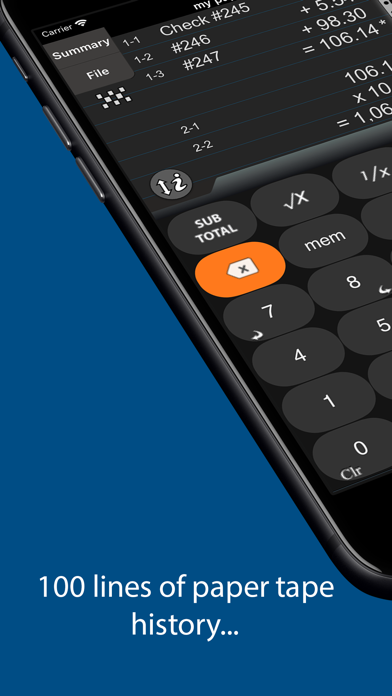
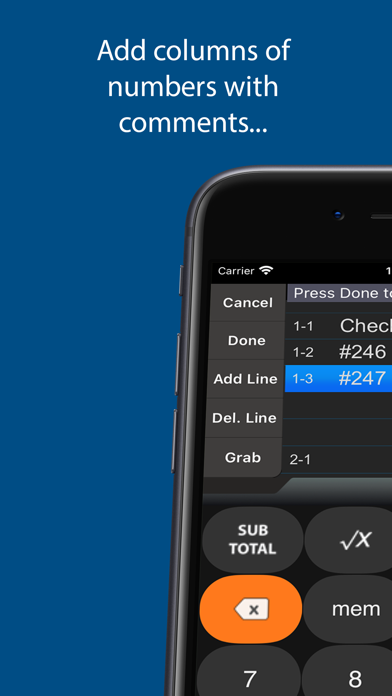
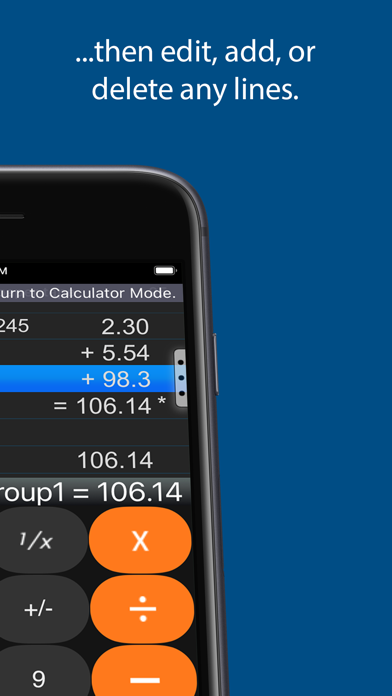
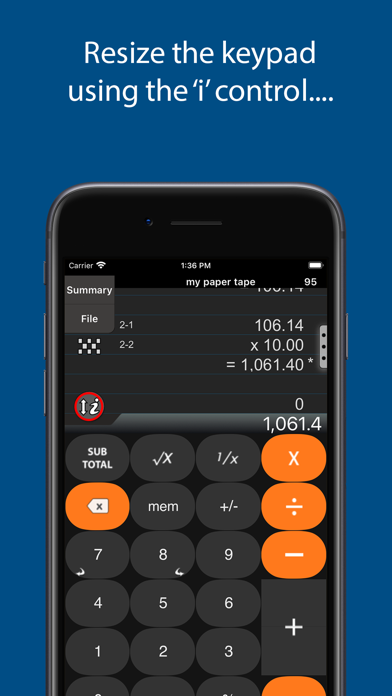
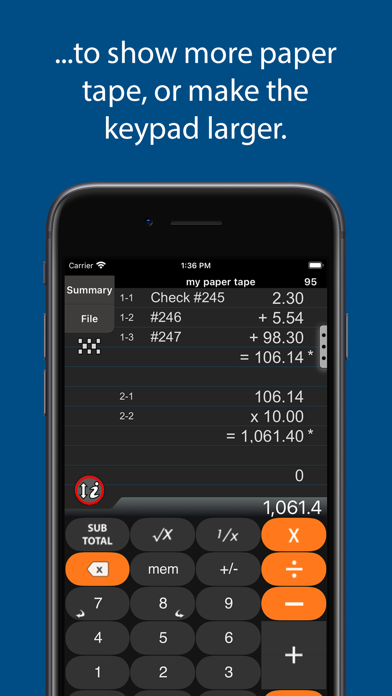
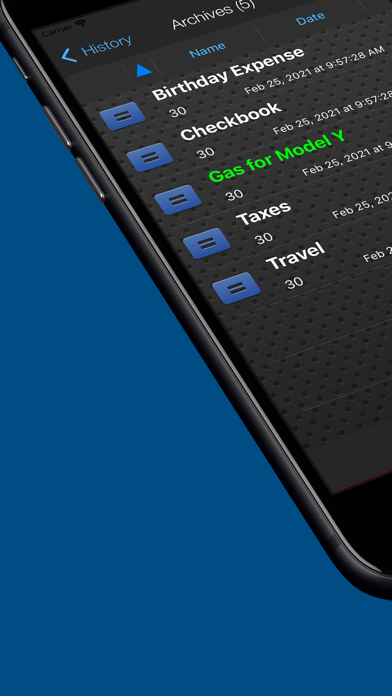
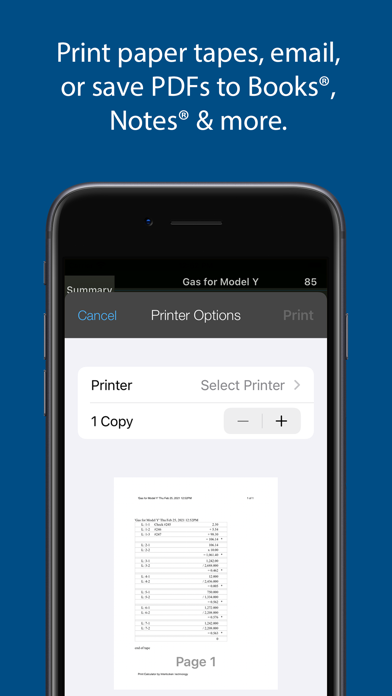
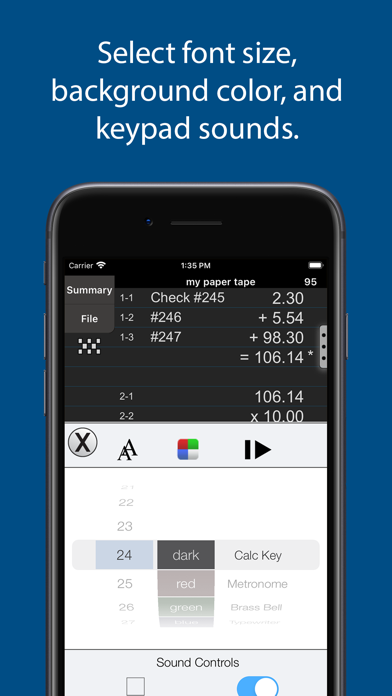
Upgrade your free basic calculator! 'Print Calculator' includes 100 lines of paper tape history for review & edit of prior calculations. Perfect for everyday use, office tasks, and much more. Print the paper tape history or export it to iBooks®, DropBox®, Email or Printer (see the FAQs). Save & retrieve important paper tape history as files for later use. Also, review & edit numbers, add or delete lines and place comments on any line. The iPad version features a full sized (1:1) keypad with TypeTone, a unique audio aid to help guide your finger back to the center of a key. This free download has limited lines of paper tape history, limited disk storage, and banner ads. Use one simple In-App Purchase for more lines of paper tape, storage files, and the removal of banner ads. ========== CPA's and Accountants: Please find 'Adding Machine 10 Key Universal' by Richard Silverman in the App Store which is a 10-key compliant adding machine with reverse numeric/operator entry like Casio, sharp or Canon. Business Owners: Please find ‘Accountant Calc Pro by Richard Silverman in the App Store with more lines of paper tape and Tax+ / Tax- keys for point-of-sale receipts in storefronts or small businesses. ========== About Print Calculator: ======== . Universal App for both iPhone and iPad . Freely chain + - x / % 1/x √ . Export a PDF file to the iBooks® app, Dropbox(c), Email, or your favorite printing utility. . Add comments . Add, delete and modify lines and recompute results automatically. . 100 lines of paper tape history (upgraded version) . Undo / Redo . Save and Rename paper tapes to disk for later use . 3 display formats: fixed, fix+, float . Comprehensive set of help screens. . Realistic keypad sounds iPad Features: ======== . TypeTone(c) - a major innovation to aid accurate key entry using audio feedback. . Full size (1:1) realistic keyboard. . 4 Orientations . Lock keypad for left or right handed use iPhone Features: ======== . Choose from 4x5 or 4x6 keypads . Select from 4 background colors . Set a paper tape font size ========== FAQ's Q1. Tell me about Email, Printing, and Exporting a Paper Tape. A1. From the Export dialog, select from: Email, Print, Copy or Open-In. Email includes a pdf attachment. Print requires an AirPrint capable printer. Open-In will cause a menu of 3rd party Apps to appear that can receive a hardcopy of your paper tape; for example, iBooks, DropBox, and 3rd party printer Apps for Brother, HP, Epson, Canon and more. Q2. Can I touch-type? A2. The iPad version has several aids for touch-typing: TypeTone variable audio feedback, 1:1 scale keyboard, or, scale and reposition the keyboard to fit your hand best. There is also support for right and left-handers. Q3. How do I edit an incorrect number or add & delete lines from the paper tape? A3. Touch any line of the paper tape to go into edit mode. Touch the side controls: Add Line, Delete Line. You can also edit numbers, and split groups. Press Done to return to Calculator mode. ====================== IN-APP PURCHASE: . Free download has a limited number of lines of paper tape . Upgrade for 100 lines of paper tape history, more file storage, & no ads IN-APP PURCHASE DETAILS . Payment will be charged to your iTunes account at confirmation of purchase. TERMS AND CONDITIONS Your use of this application is governed by Interlocken Technology's Terms of Use (http://s354819480.onlinehome.us/InterlockenPrivacyPolicy/Interlocken%20Technology%20Privacy%20Policy.pdf) and Privacy Policy (http://s354819480.onlinehome.us/InterlockenPrivacyPolicy/InterlockenTechnologyTermsOfUse.pdf)
What's new · 3.02.01
v3.02.01 ==== 1. Support for all recent iOS's 2. Miscellaneous performance and bug fixes. v3.01.00 ==== 1. Support for iOS 12.4 and newer.
Details