

PPI Calc - DPI Calculator
AppNextDoor Labs · Utilities
Independent analytics for this App Store listing. AppTracker is not affiliated with AppNextDoor Labs.
Chart standing · US
What changed · US
Listing changes AppTracker has observed for this app in this storefront — new versions, price moves, rating shifts, and store copy.
Price & rating history · US
Reconstructed from the listing changes AppTracker has observed in this storefront. A field is charted once it has changed more than once, and each line starts at the value it moved from.
Average rating · ★ 4.43 now · 5 changes on record
Ratings breakdown · US
The star breakdown behind this app's rating in this storefront.
In-app purchases · US
No in-app purchases.
Screenshots

About
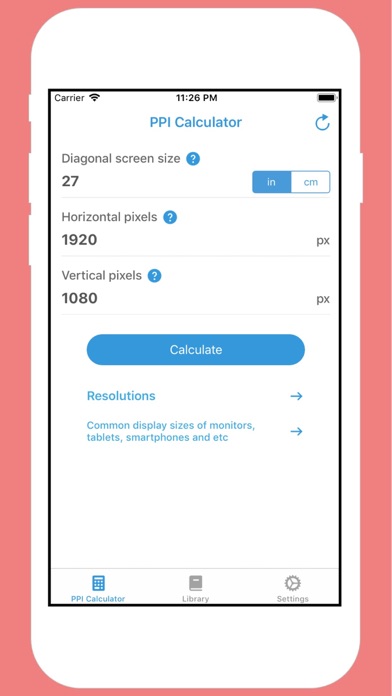
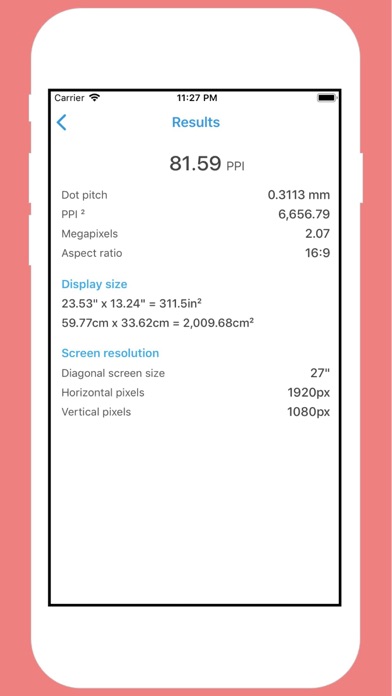
This PPI calculator (pixels per inch calculator) finds the resolution of your display based on its dimensions and the pixel count. In this app, we will teach you what is PPI, explore the differences between PPI vs DPI through the DPI definition. Also, you can find some comments on the dot pitch definition and its decline in usage. Of course, this is a calculator so we'll show you how to calculate PPI and how to categorize resolution based on PPI. PPI definition: What is PPI? PPI is a widely used acronym in tech forums on the Internet, especially those focused on display technology and smartphones. The technical PPI definition is Pixels Per Inch, and it represents a measurement of the pixel density of a screen or a digital image. The density is measured as the number of pixels that fit on a 1 inch line, hence the name. This measurement is based on the fact that screens and images, despite being 2D, have generally the same density along any of the two main axes. There are other measurements of pixels density, such as pixel per square inch, that involve calculating the area of a rectangle that is the screen. Also worth mentioning is the fact that our pixel density calculator assumes square pixels. It is important to note that for calculating PPI we need something that has a physical size, not a virtual file. For example, a screen or a printed picture has a fixed physical size so it makes sense to calculate how many pixels per inch there are in such an object. However, when we're talking about a digital image in a computer, PPI cannot be computed since the digital image varies in size depending on the level of zoom, the size of the screen, etc.
Details