

tranScreen
TRANSCREEN TECHNOLOGY SDN. BHD. · Utilities
Independent analytics for this App Store listing. AppTracker is not affiliated with TRANSCREEN TECHNOLOGY SDN. BHD.
Chart standing · US
What changed · US
Listing changes AppTracker has observed for this app in this storefront — new versions, price moves, rating shifts, and store copy.
Price & rating history · US
Reconstructed from the listing changes AppTracker has observed in this storefront. A field is charted once it has changed more than once, and each line starts at the value it moved from.
Average rating · ★ 2.13 now · 4 changes on record
Ratings breakdown · US
The star breakdown behind this app's rating in this storefront.
In-app purchases · US
No in-app purchases.
Screenshots



About
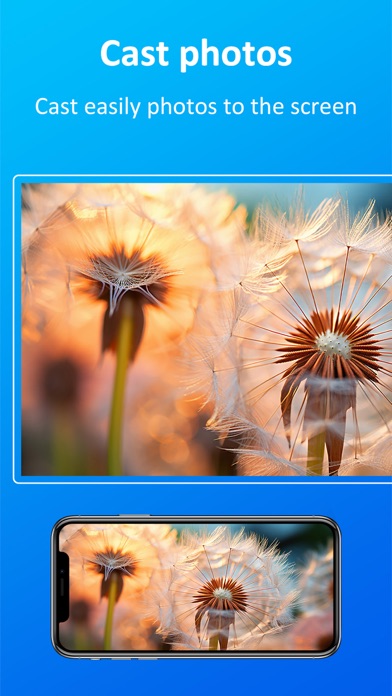
Professional and efficient projection expert tranScreen is a multi-screen interactive software for interaction between smart phones and smart TVs. The main functions are as follows: 1. Push the screen picture on the mobile phone wirelessly to display on the TV. 2. Push the files (videos, audios, pictures, documents... etc.) on the phone to the TV. 3. Wirelessly transmit the screen picture of the TV terminal to the mobile phone for display, and can directly perform multi-touch on the TV terminal through the touch screen of the mobile phone. 4. The mobile phone can be used as a wireless mouse, keyboard, touchpad and remote control for the TV. 5. Push the shooting screen of the mobile phone camera to the TV in real time, and you can speak on the TV through the mobile phone microphone. 6. The mobile phone can take a screenshot of the TV screen in real time, and save and view it on the mobile phone.
What's new · 7.8
1. Fixed the issue where the mirror control interface could not be used in landscape mode. 2. Fixed the issue where the NFC tag failed to successfully connect to Wi-Fi for the second time during the automatic connection process.
Details