

Call Recorder ●
Songsong Shu · Business
Independent analytics for this App Store listing. AppTracker is not affiliated with Songsong Shu.
Chart standing · US
What changed · US
Listing changes AppTracker has observed for this app in this storefront — new versions, price moves, rating shifts, and store copy.
Ratings breakdown · US
The star breakdown behind this app's rating in this storefront.
In-app purchases · US
What this app sells inside itself, grouped by kind and priced for this storefront.
Screenshots
About
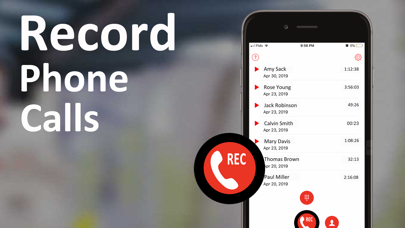
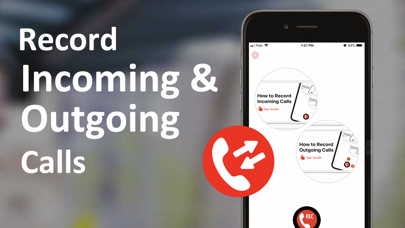
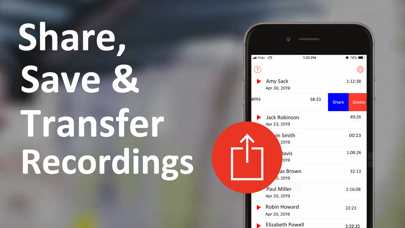
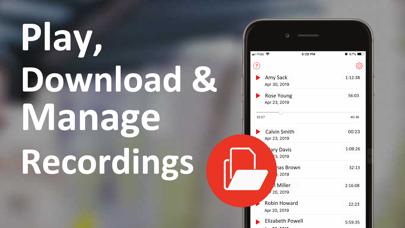
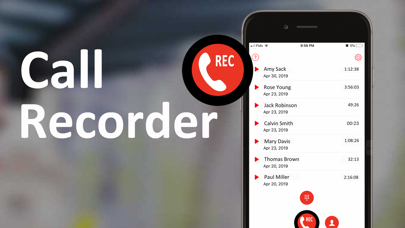
The simplest way to record incoming and outgoing phone calls. Access recordings with just one tap. Free 7-day trial with full features available, unlimited recordings and unlimited call duration. iRecCalls is a call recorder app that lets you record phone calls for iPhone. Our call recorder offers everything you need to playback, download, transfer, share, export and manage recordings anywhere, anytime! Call Recorder features: • Record incoming calls • Record outgoing calls • Unlimited number of recordings • Unlimited call duration • Easy access to recordings with one tap • Playback any recordings immediately • Download recordings to your device • Share recordings all you want • Export recordings to other apps • Transfer recordings to other devices NOTE: iRecCalls - Call Recorder uses your carrier's conference call feature to record conversations. It requires your carrier to support 3-way calling. If you cannot merge calls, please contact your carrier to find out if conference calling is available on your account. How to use the this call recorder for iPhone free? Record Outgoing call: Just make a call from the Call Recorder app. Wait for connection with recording server and tap "Merge Calls" button. It will record automatically. Record Incoming call: Answer a call. Then launch iRecCalls app and tap "Record" button. Wait for connection with recording server and tap "Merge Calls" button. * Choose from different subscription options. Go premium to unlock all features and get unlimited call recorder for one week, six months, or a year. Subscription payment will be charged to iTunes Account at confirmation of purchase. Subscription automatically renews unless auto-renew is turned off at least 24-hours before the end of the current period. Account will be charged for renewal within 24-hours prior to the end of the current period. Subscriptions may be managed by you and auto-renewal may be turned off by going to the user's iTunes Account Settings. For more information please visit the link https://support.apple.com/en-ca/HT202039. No cancellation of the current subscription is allowed during the active subscription period. Unused portion of a free-trial period will be forfeited when a user decides to subscribe. For complete access to all features, you will need to allow access to the following: *Contacts – so that phone number selection can be enabled for your call when recording. Privacy Policy: http://www.alivemob.com/privacy.html Terms of Use: http://www.alivemob.com/terms.html
What's new · 1.5
Thank you for downloading iRecCalls: Call Recorder! Here's what's new: - Bug fixes and improvements. To improve our App for you, we regularly bring updates to the App Store with improvements for both speed and reliability.
Details