

Watch Calendar - Monthly
Marcel Mendes Filho · Productivity
Independent analytics for this App Store listing. AppTracker is not affiliated with Marcel Mendes Filho.
Chart standing · US
What changed · US
Listing changes AppTracker has observed for this app in this storefront — new versions, price moves, rating shifts, and store copy.
In-app purchases · US
What this app sells inside itself, grouped by kind and priced for this storefront.
Screenshots
Keywords this app targets
Search terms AppTracker associates with this app — estimates, not search volume. ❝ = in the app's title; a highlighted number is its current position for that term.
Similar apps
Competitors and close alternatives, as estimated by AppTracker.
 Calendar Timeline
Kevin Lieser
3 shared topics · 1 shared title word
Calendar Timeline
Kevin Lieser
3 shared topics · 1 shared title word
 Week Calendar - Smart Planner
Do More Mobile, LLC.
2 shared topics · 1 shared title word
Week Calendar - Smart Planner
Do More Mobile, LLC.
2 shared topics · 1 shared title word
 Simple Calendar: ToDo Planner
Komorebi Inc.
2 shared topics · 1 shared title word
Simple Calendar: ToDo Planner
Komorebi Inc.
2 shared topics · 1 shared title word
 Month Calendar 2
Procrasty
2 shared topics · 1 shared title word
Month Calendar 2
Procrasty
2 shared topics · 1 shared title word
 Easy Calendar
Tom van Zummeren
2 shared topics · 1 shared title word
Easy Calendar
Tom van Zummeren
2 shared topics · 1 shared title word
 minical - Planner & Calendar
minical Inc.
2 shared topics · 1 shared title word
minical - Planner & Calendar
minical Inc.
2 shared topics · 1 shared title word
 I Need That Widget: Calendar
Joohee Kim
2 shared topics · 1 shared title word
I Need That Widget: Calendar
Joohee Kim
2 shared topics · 1 shared title word
 Awesome Calendar
YunaSoft Inc.
2 shared topics · 1 shared title word
Awesome Calendar
YunaSoft Inc.
2 shared topics · 1 shared title word
About
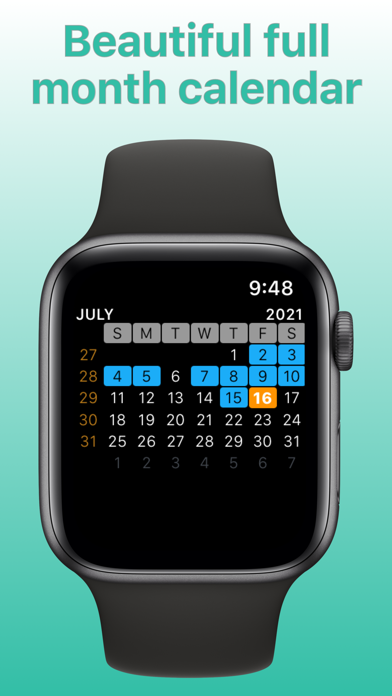
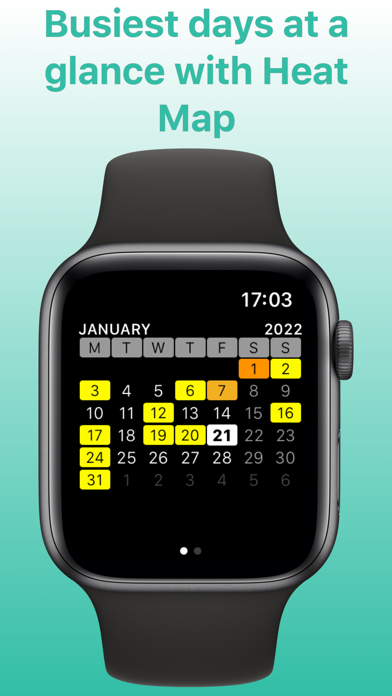
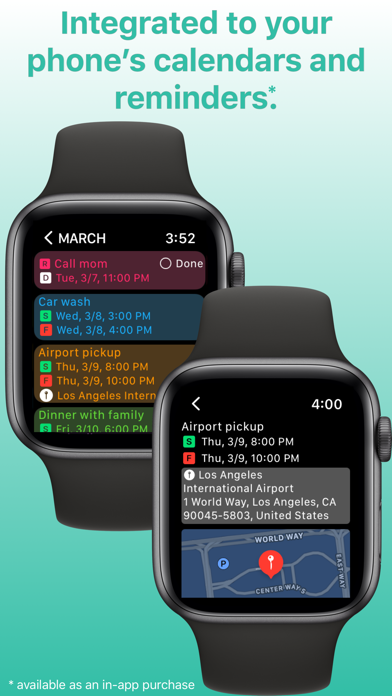
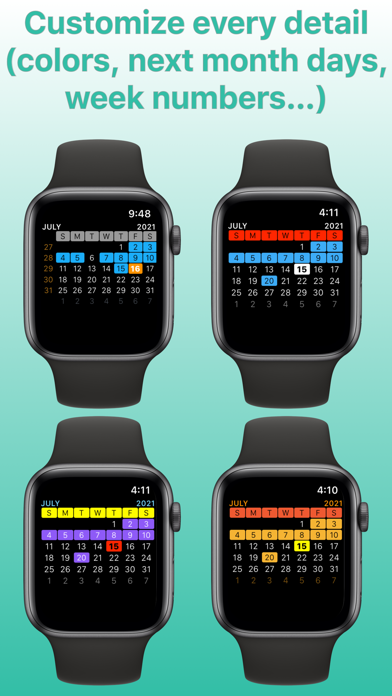
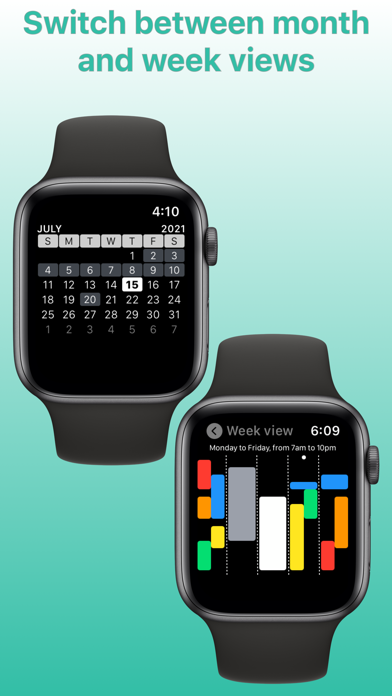
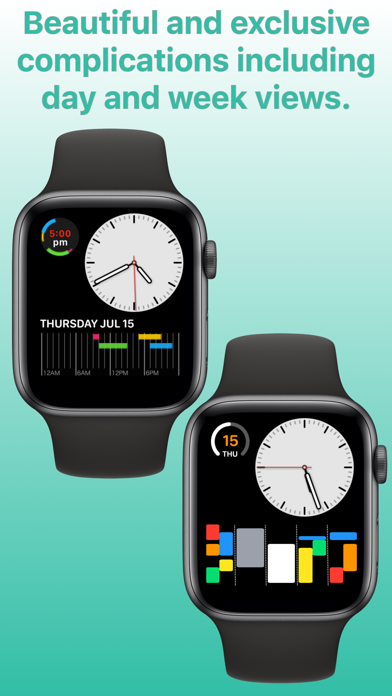
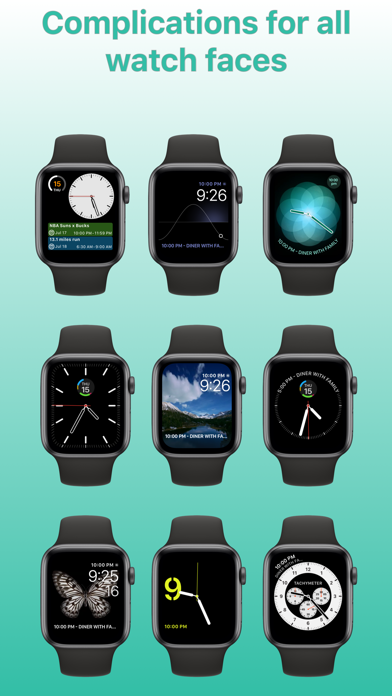
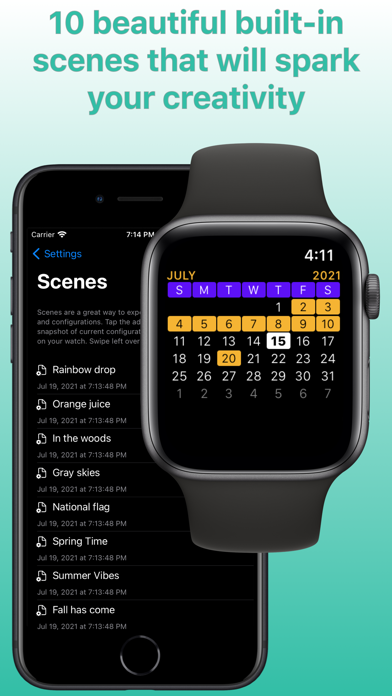
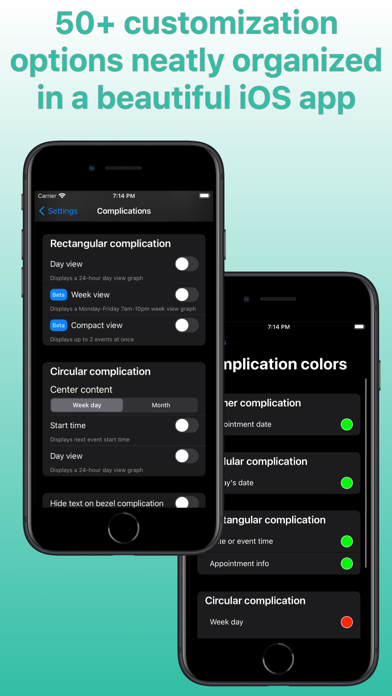
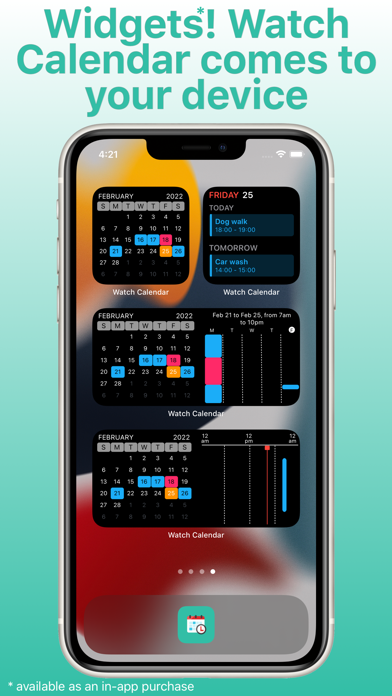
Integration features: - full integration with your phone's calendars and reminders - select which calendars and reminders you want to see on your watch - set calendar priorities for complications when there's conflict between appointments on different calendars - mark reminders as done on your watch - next event on Siri watch face Scenes: - AI generated colors for your calendars (try for free then purchase tokens for additional AI usage) - 10 built-in scenes with beautiful month view and complication colors - create your own colors combination then save as a scene - set up time slices to apply on appointments and reminders - set up badges to use them on your widgets (perfect for identifying multiple widgets on your Home Screen) - Scenes also saves your selected calendars, reminders and all other configurations - match scenes to band and watch face colors - match scenes to calendars - match scenes to focus filters Focus filters: - activate scene on widgets when focus filter is engaged Complications: - exclusive rectangular complications: 1) Day View: see all your daily appointments and reminders together in a timeline on your watch face. Tap it and the app will display your next appointment. Supports up to four simultaneous events at a given time. 2) Week View: see all your work week events at once (Monday-Friday 7am-10pm window). 3) Compact View: see up to 2 events at once. - exclusive circular complication: 1) Day View: see all your daily events together in a 24-hour clock on your watch face. Recommended for single and sequential events. - see next events on all complications - see today's date, event date or 24-hour digital clock on all complications Events list: - tap the month view to list all your events (appointments and reminders) - your next event will be displayed by default - tap an event to see event details - tap on the map to start navigation when the event has a location Month view: - scroll through the months with crown or swipe up and down - force touch on month view to time travel to any month and year, future or past - switch between plain view or heat map view - preview month view in iOS app Week view: - scroll through the weeks with crown or swipe up and down - see full week or work week - week can start on Sunday or Monday Heatmap: - Activate heat map on your watch to glance the busiest days on month view - Choose the color scale for heat map and save it in a Scene Widgets: - Calendar view, week view, day view and event list view are available as small and medium widgets - All widgets are fully customizable and can have their own scenes or mirror watch - Widgets are available as in-app purchases - Preview month view widget in iOS app - Tap on Reminder to mark as done (iOS 17 exclusive feature) Customizations: - all calendar colors (today, next month days, events, event today, week day, weekend day, calendar week, month, year) - corner, circular and rectangular complications colors - event list and detail font size - customize "no more events" message on complications - customize "no more events" color on corner complication - show/hide all day events on complications - show/hide location on modular watch faces - choose when week starts: on Sunday or Monday - show/hide calendar weeks - regular or compact event list - turn on/off haptic feedback while scrolling with crown - turn on/off privacy to hide complications when watch screen is locked - use English names for months and week days instead of device's default language ... and much more Have fun customizing your calendar to your needs! And you may discover you don't need stock Calendar app anymore ;-) Follow us on Twitter: @ios_watch End User License Agreement: https://www.apple.com/legal/internet-services/itunes/dev/stdeula/ Privacy Information: https://www.shopcolecao.com/AWC/privacy.html
What's new · 9.0.0
Redesigned iOS app, new full background color option on rectangular compact view complication.
Details