

MakePass: AI Wallet Editor
Pedro Jose Pereira Vieito · Utilities
Independent analytics for this App Store listing. AppTracker is not affiliated with Pedro Jose Pereira Vieito.
Chart standing · US
What changed · US
Listing changes AppTracker has observed for this app in this storefront — new versions, price moves, rating shifts, and store copy.
MakePass 6 introduces a redesigned editor and the latest Apple Wallet capabilities: • Added support for creating Poster passes, Semantic Event Tickets, and Semantic Boarding Passes with editable semantic fields. • Create and import passes compatible with Apple Wallet’s built-in editor using the new “User Created” group. • Add featured actions and header icons, or link a photo from your Photo Library so Wallet can open the original image. • Create customizable template backgrounds with adjustable colors and blur. • Scan, import, and embed additional barcode formats, including Code 39, Codabar, EAN-13, and Interleaved 2 of 5. • Add, remove, and reorder header, front, and back fields with improved date, time zone, location, image, and barcode controls. • Search passes in Wallet and the example library. • Automate pass creation and Wallet operations on Mac from Terminal, scripts, or AI agents with the included command-line tool. Requires MakePass Ultra. • Extended the number of available pass groups to 25. • Improved reliability and compatibility throughout the app.
Price & rating history · US
Reconstructed from the listing changes AppTracker has observed in this storefront. A field is charted once it has changed more than once, and each line starts at the value it moved from.
Average rating · ★ 4.37 now · 3 changes on record
Ratings breakdown · US
The star breakdown behind this app's rating in this storefront.
In-app purchases · US
What this app sells inside itself, grouped by kind and priced for this storefront.
Screenshots

About
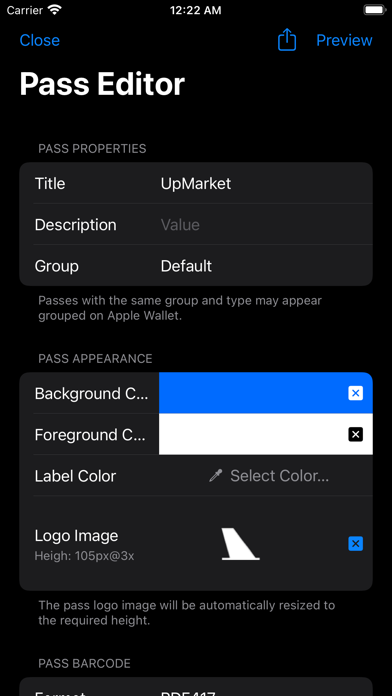
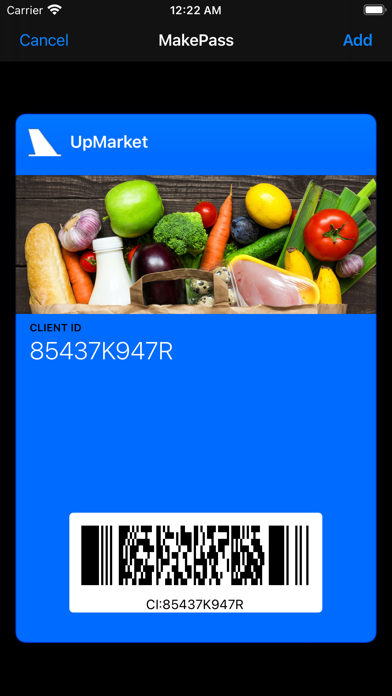
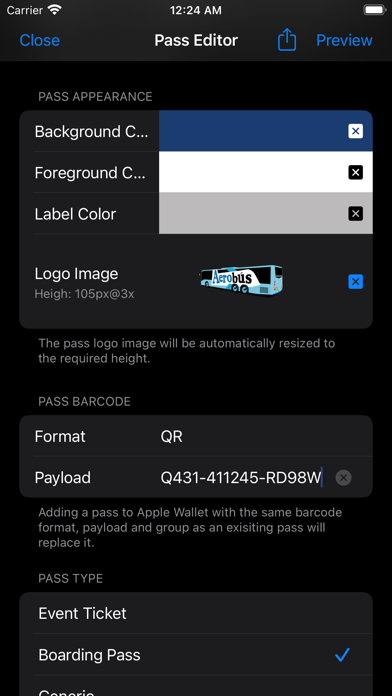
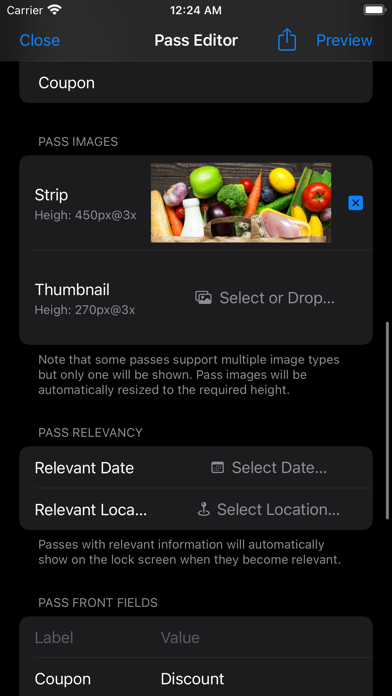
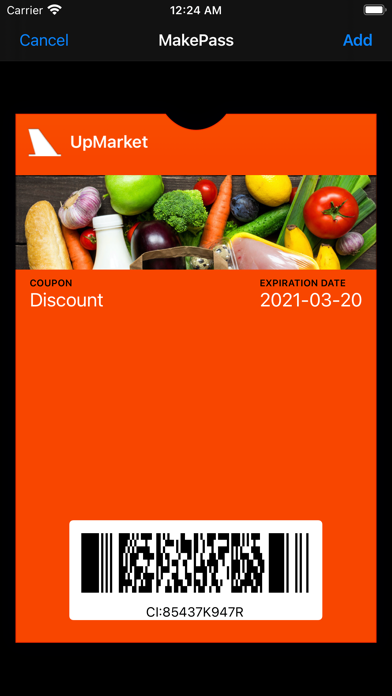
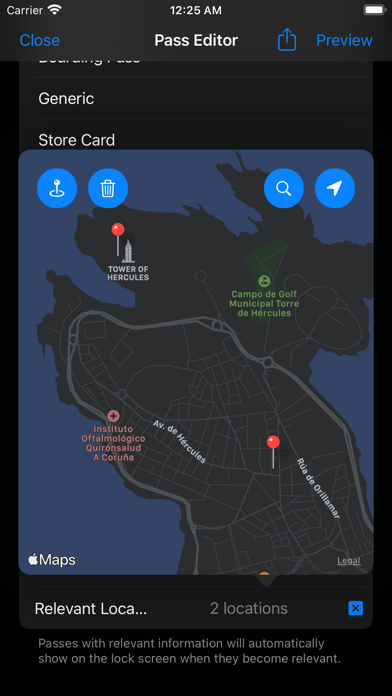
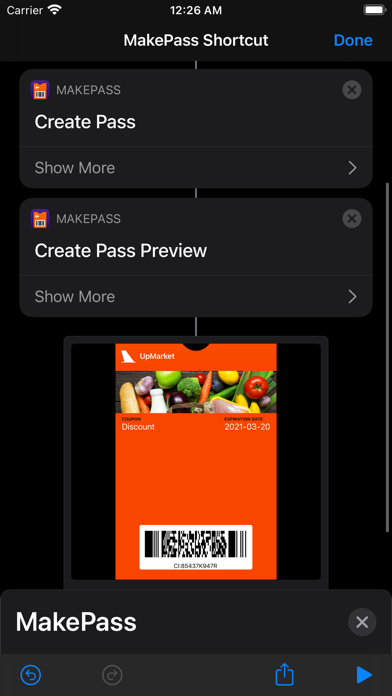
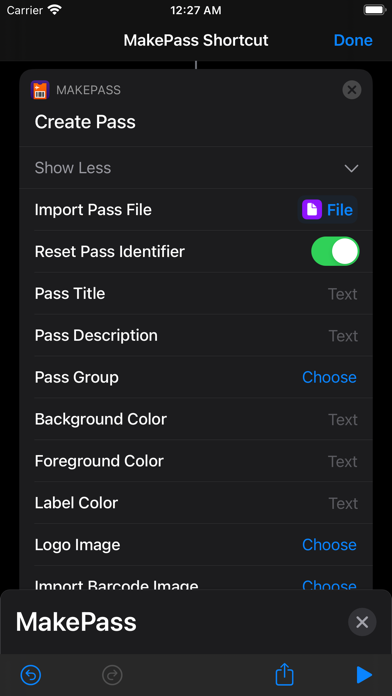
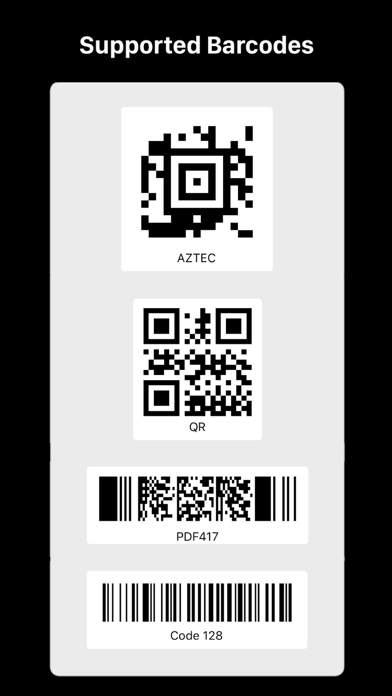
MakePass is a powerful Apple Wallet pass creator and editor. Create a pass from scratch, import an existing one, or use AI to turn a photo, PDF, or description into an event ticket, boarding pass, membership card, coupon, and more. Core Features: • AI-Powered Design: Turn photos, PDFs, or descriptions into Apple Wallet passes. MakePass AI extracts the relevant information and creates the pass content, structure, and design. • Flexible Pass Creation: Start from scratch, open an existing pass, import one directly from Apple Wallet using the Share button, or choose an included example. • Extensive Customization: Add, remove, and reorder header, front, and back fields. Customize colors, dates, time zones, locations, grouping, identifiers, associated apps, and more. • Complete Image Control: Customize icon, header, strip, thumbnail, background, artwork, and footer images. Use your own image or choose a template and adjust its color and blur. • More Pass Styles: Choose from Event Tickets, Boarding Passes, Generic Passes, Poster Passes, Store Cards, Coupons, Semantic Event Tickets, and Semantic Boarding Passes. • Semantic Fields: Add structured metadata for events, venues, seating, flights, airports, passengers, dates, time zones, and locations. Apple Wallet uses this machine-readable metadata to decide which fields to show. Advanced Capabilities: • Barcode Flexibility: Scan, import, or create QR, Aztec, PDF417, Code 128, Code 39, Codabar, EAN-13, and Interleaved 2 of 5 barcodes. Convert unsupported formats to a Wallet-compatible barcode or embed them as pass images when available. • Featured Actions: Add up to two actions below a pass for calls, orders, shopping, bookings, schedules, rewards, and more. • Location and Time Awareness: Set relevant dates and locations so passes can appear on the Lock Screen at the right time or place. • Apple Wallet Editor Compatibility: Create “User Created” passes that remain editable in Wallet and never appear grouped. Add linked photos and custom backgrounds, or use styles that Wallet’s editor does not offer, including Coupons and Store Cards. • Shortcuts Integration: Use Shortcuts to automate pass creation and customization. • Command-Line Automation on Mac: Create and customize passes from Terminal, scripts, or AI agents with the included "makepass-cli" tool. MakePass Subscriptions: • MakePass Pro: Unlock barcodes and images, plus passes that appear based on time or location. • MakePass Ultra: Includes every MakePass Pro feature, plus MakePass AI, Shortcuts support, command-line automation on Mac, and Family Sharing. MakePass supports macOS, iOS and iPadOS. Notes: • On iPadOS, where Apple Wallet is unavailable, MakePass lets you preview passes and share or save them as files. • Some features, including Poster, Semantic Event Ticket, and Semantic Boarding Pass styles, header icons, featured actions, linked photos, and the “User Created” group, are unavailable on older system versions. • Barcode and image availability varies by system, device, pass style, and group. Privacy by Design: MakePass works entirely on-device and does not store or send any information outside its protected app sandbox, except when you explicitly use MakePass AI. This requires sending text extracted from images or the pass description you provide for processing. Terms of Use: https://www.apple.com/legal/internet-services/itunes/dev/stdeula/
What's new · 6.1
MakePass 6 introduces a redesigned editor and the latest Apple Wallet capabilities: • Added support for creating Poster passes, Semantic Event Tickets, and Semantic Boarding Passes with editable semantic fields. • Create and import passes compatible with Apple Wallet’s built-in editor using the new “User Created” group. • Add featured actions and header icons, or link a photo from your Photo Library so Wallet can open the original image. • Create customizable template backgrounds with adjustable colors and blur. • Scan, import, and embed additional barcode formats, including Code 39, Codabar, EAN-13, and Interleaved 2 of 5. • Add, remove, and reorder header, front, and back fields with improved date, time zone, location, image, and barcode controls. • Search passes in Wallet and the example library. • Automate pass creation and Wallet operations on Mac from Terminal, scripts, or AI agents with the included command-line tool. Requires MakePass Ultra. • Extended the number of available pass groups to 25. • Improved reliability and compatibility throughout the app.
Details