

Photo Editor: HSL & Skin Tools
Honk Honk Punch Pty Ltd · Photo & Video
Independent analytics for this App Store listing. AppTracker is not affiliated with Honk Honk Punch Pty Ltd.
Chart standing · US
What changed · US
Listing changes AppTracker has observed for this app in this storefront — new versions, price moves, rating shifts, and store copy.
Your text tools just got a massive upgrade. This update brings every font on your iPhone into PhotoEditor — hundreds of new typefaces alongside our curated collection — plus favorites, so the fonts you love are always one tap away. • Browse every built-in iPhone font in the new All category • Tap the heart on any font to collect it in Favorites • Bend your text into a heart with the new Heart shape • Over 90 new text colors — bold, pastel and earth tones • A cleaner, roomier text panel on iPad Also in this update: • A brand-new save screen: share straight to Instagram, WhatsApp, Messages and more • Subject effects turned up: bolder outlines, brighter neon lines and a new motion-trail Echo • Bug fixes and polish We'd love to hear what you think — leave a review, and if you have feedback or suggestions, email us at support@honkhonkpunch.com.
Price & rating history · US
Reconstructed from the listing changes AppTracker has observed in this storefront. A field is charted once it has changed more than once, and each line starts at the value it moved from.
Average rating · ★ 4.59 now · 3 changes on record
Ratings breakdown · US
The star breakdown behind this app's rating in this storefront.
In-app purchases · US
What this app sells inside itself, grouped by kind and priced for this storefront.
Screenshots
About
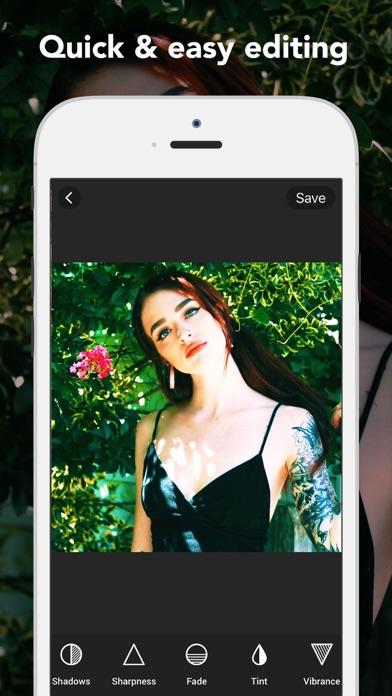
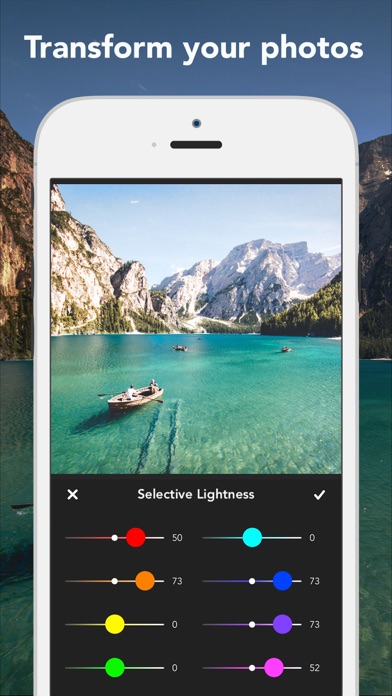
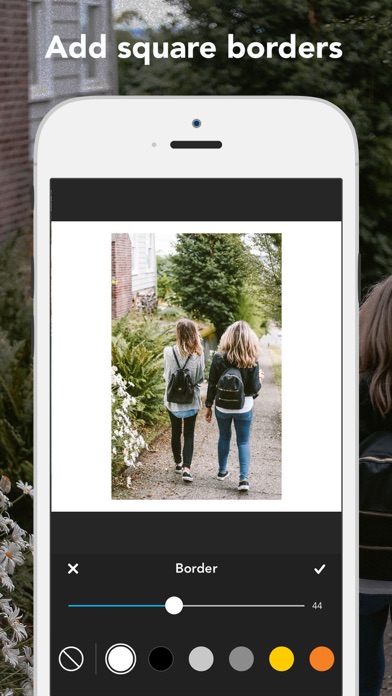
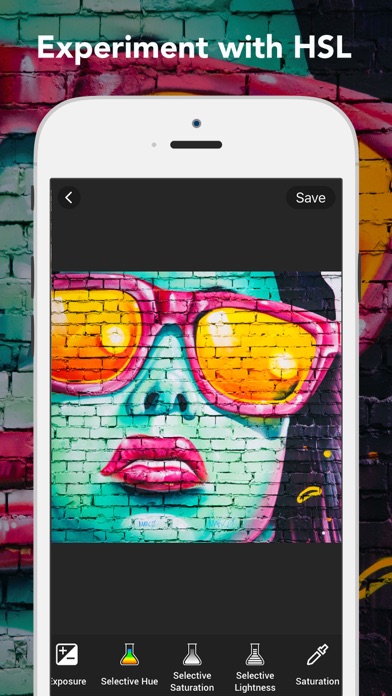
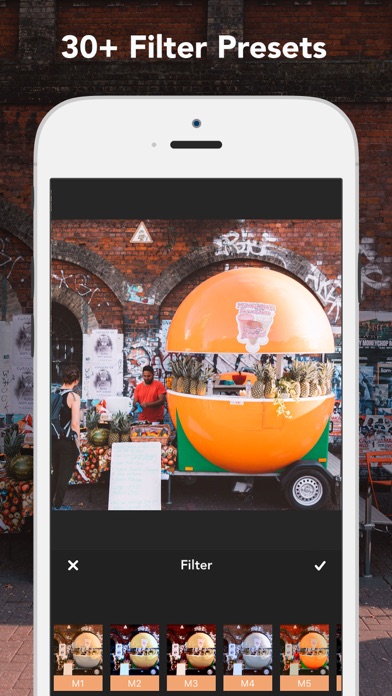
Get the look you want in seconds with a powerful photo editor and beauty tools! Photo Editor Plus Beauty combines powerful photo editing with awesome effects to allow your creativity to shine. Want to crop a photo or fix brightness? Need to keep your Insta look consistent? Need to touch up those pics to remove blemishes? No problem. Adjust the colors in your photos easily and keep your social media account on point! We have the best basic and natural FILTERS to make your photos even more special, so all the hard work is done for you. Or if you prefer to edit photos yourself, you will find plenty of powerful tools under the hood. Check out the new (Hue/Saturation/Lightness) allowing you to increase or decrease a range of colors to achieve consistency in your photo grid. ADJUSTMENT TOOLS • Make advanced edits with Selective Hue, Saturation and Lightness. • Adjust Exposure, Brightness, Contrast, Highlights, Shadows, Saturation, Vibrance, Grain, Fade, Vignette and Sharpness. BEAUTY • Blemish Remover • Whiten Teeth • Remove Redeye BORDERS • Add square borders to your image PRESETS Over 31 fully adjustable filters CROPPING & TRANSFORMING TOOLS • Crop your photos with 15 different CANVAS SIZES. • Transform your photos with our rotating tool, vertical and horizontal flipping tools, and straightening. PREMIUM You can subscribe to PREMIUM for unlimited access to premium content and tools, including: Unlocking all Filters, Square Borders, Selective Hue, Selective Saturation, Selective Lightness and No Ads - You'll be able to use unlimited features for the duration of your subscription - Payment will be charged to your iTunes Account at confirmation of purchase - The subscription renews automatically unless auto-renewal is turned off for at least 24-hours before the end of the current period - The account will be charged for renewal within 24-hours prior to the end of the current period at the cost of the chosen package - Subscriptions may be managed by the user and auto-renewal may be turned off by going to the user's Account Settings after purchase - Any unused portion of a free trial period, if offered, will be forfeited when the user purchases a subscription Terms of use: http://cushwayapps.com/app-privacy/photoeditor/terms.html Privacy policy: http://cushwayapps.com/app-privacy/photoeditor/privacy.html Have you found a bug, got a suggestion, or want a new feature? Email us at: support@honkhonkpunch.com
What's new · 1.22.0
Your text tools just got a massive upgrade. This update brings every font on your iPhone into PhotoEditor — hundreds of new typefaces alongside our curated collection — plus favorites, so the fonts you love are always one tap away. • Browse every built-in iPhone font in the new All category • Tap the heart on any font to collect it in Favorites • Bend your text into a heart with the new Heart shape • Over 90 new text colors — bold, pastel and earth tones • A cleaner, roomier text panel on iPad Also in this update: • A brand-new save screen: share straight to Instagram, WhatsApp, Messages and more • Subject effects turned up: bolder outlines, brighter neon lines and a new motion-trail Echo • Bug fixes and polish We'd love to hear what you think — leave a review, and if you have feedback or suggestions, email us at support@honkhonkpunch.com.
Details