
Chart standing · US
What changed · US
Listing changes AppTracker has observed for this app in this storefront — new versions, price moves, rating shifts, and store copy.
Price & rating history · US
Reconstructed from the listing changes AppTracker has observed in this storefront, so each line starts at the first change on record.
Average rating
Screenshots


About
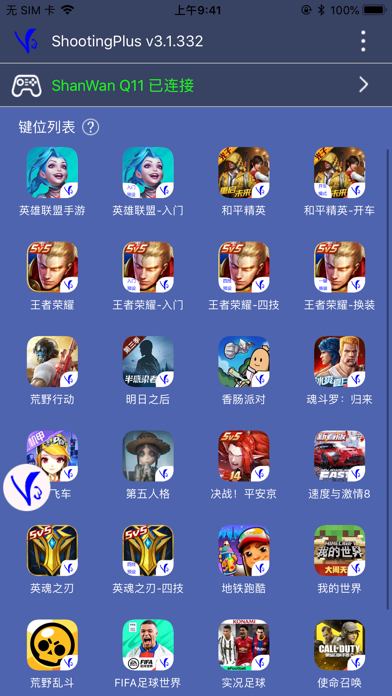
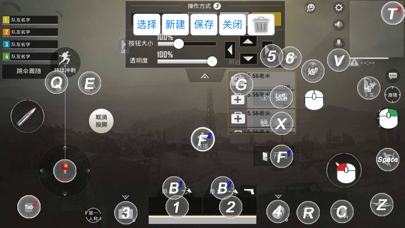
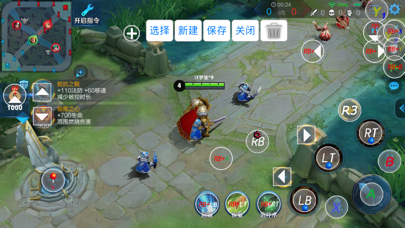
ShootingPlus V3 gamepad, Keyboard & Mouse converter Bluetooth tool. Make sure the Bluetooth device is in iOS mode before connecting Bluetooth. Bluetooth connection method: Keyboard & Mouse converter: Generally, first you should cancel paired the Bluetooth, then disconnect the power, then connect the power, and then press the left Ctrl + 2 (the 2 on the W button) to switch to the iOS mode, then connect to Bluetooth, and then open the App. Gamepad: For Most of Gamepads, first you should cancel paired the Bluetooth. Then turn off the Gamepad, then long press and hold the Y + Home button to turn on the Gamepad to switch to iOS mode, connect to Bluetooth, and then open the App. (Specific Gamepad may have other switching methods) If you have any questions, please contact us at: shootingplus@shootingplus.com.cn
What's new · 3.1.389
1. Optimized user experience.
Details