
Chart standing · US
Screenshots
About
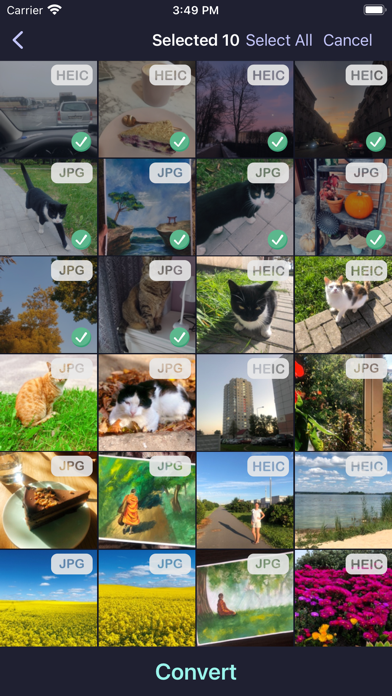
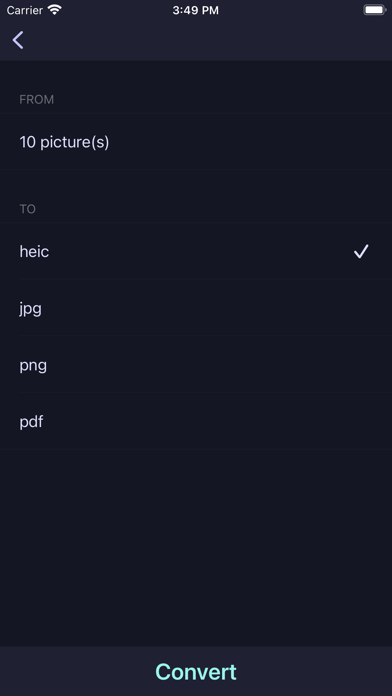
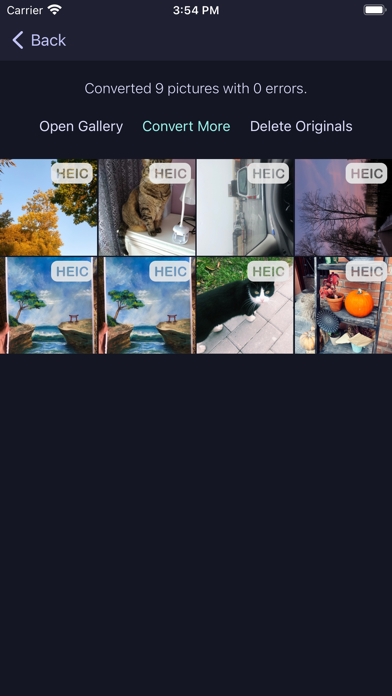
Convert heic to jpg/png and vice versa offline on your device. Images in heic/heif format take twice less space without any loss of image quality. Using this format will help you to save up to 50% of storage space for photos. Luma works offline and you don't need to internet connection to make the app working. You can either open single image or select any number of images and convert them to jpeg without loosing quality and pictures' metadata. To convert short video attached to Live Photo: - tap in live photo to open it - tap "Open attached Video" Batch convert any number of *.heic, jpg or png images preserving quality and metadata. Convert HEVC videos in .mov container to mp4 or standard mov format. Turn x265 video into x264 quickly and easy. Extract mp3 from any video file.
What's new · 1.17
Bug fixes and performance improvements
Details