

OBU BLE Debug Tool
海桥 熊 · Utilities
Independent analytics for this App Store listing. AppTracker is not affiliated with 海桥 熊.
Chart standing · US
Screenshots

About
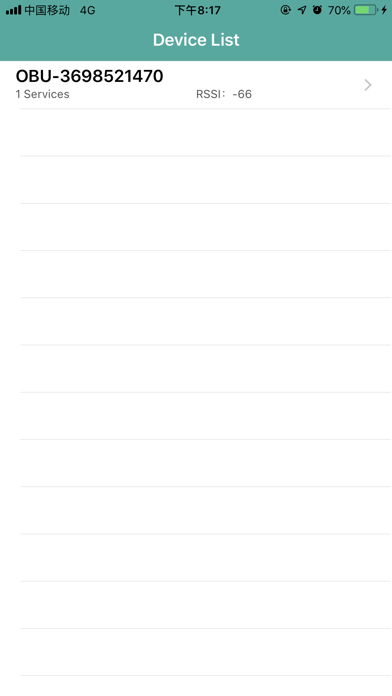
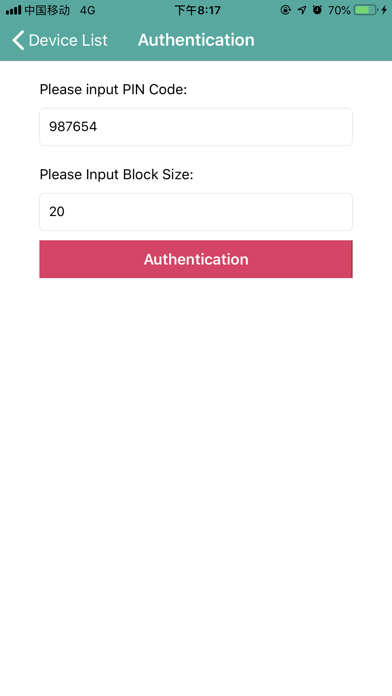
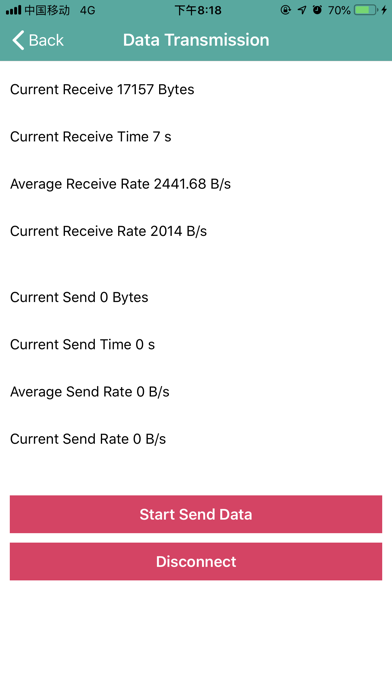
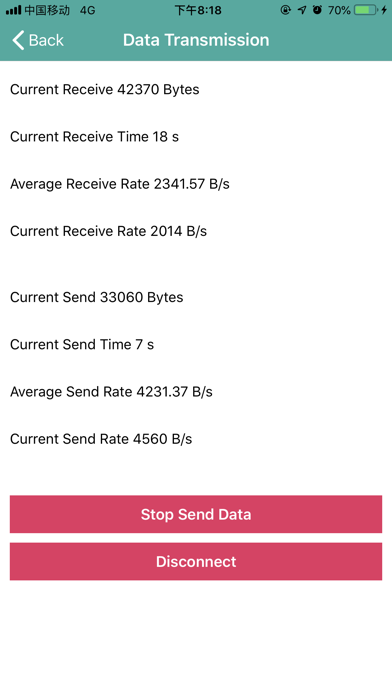
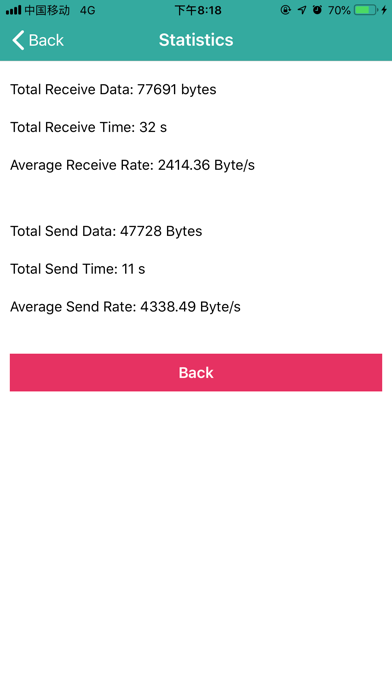
This app is used to test the OBU Bluetooth LE transmission rate. 1. Power on OBU BLE Device. 2. Open app and automatically search for devices starting with OBU String. 3. Select a specific device and connect 4. Enter the authentication code and block size, then authenticate. 5. After the authentication succeeds, the data sent by the OBU device is accepted, and the data can be sent to the OBU device. The App collects the data received and sent, and calculates the rate. The Send Data button can pause and continue to send data. 6. When disconnected, the information of the final data received and sent is counted. This app is only for customers' OBU devices.
Details