

Tempo Cloud
Tempo Software ehf. · Productivity
Independent analytics for this App Store listing. AppTracker is not affiliated with Tempo Software ehf.
Chart standing · US
What changed · US
Listing changes AppTracker has observed for this app in this storefront — new versions, price moves, rating shifts, and store copy.
Price & rating history · US
Reconstructed from the listing changes AppTracker has observed in this storefront. A field is charted once it has changed more than once, and each line starts at the value it moved from.
Average rating · ★ 4.55 now · 3 changes on record
Ratings breakdown · US
The star breakdown behind this app's rating in this storefront.
Screenshots
About
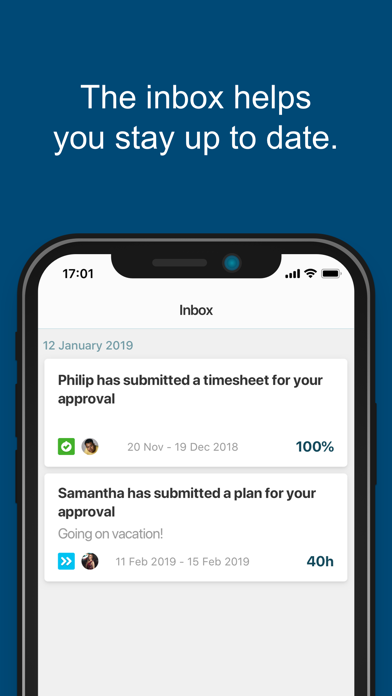
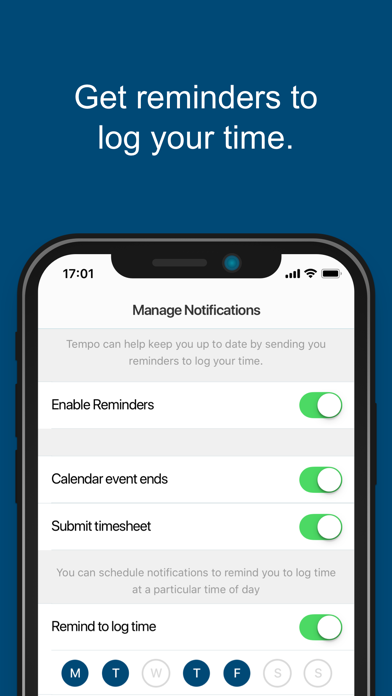
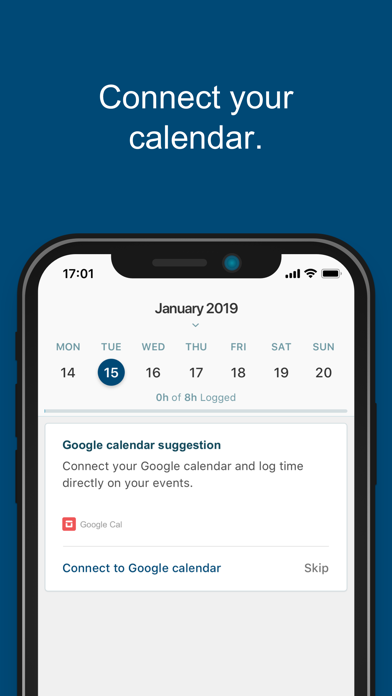
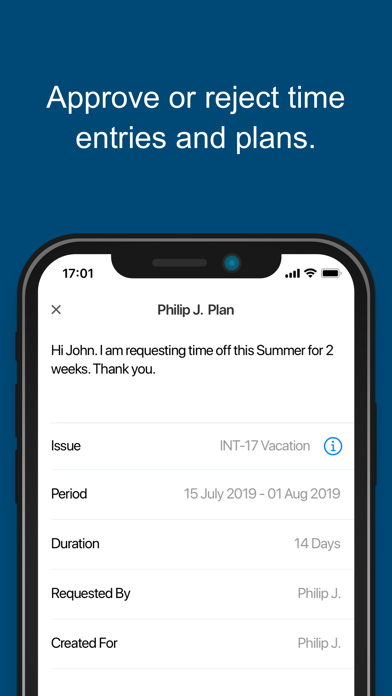
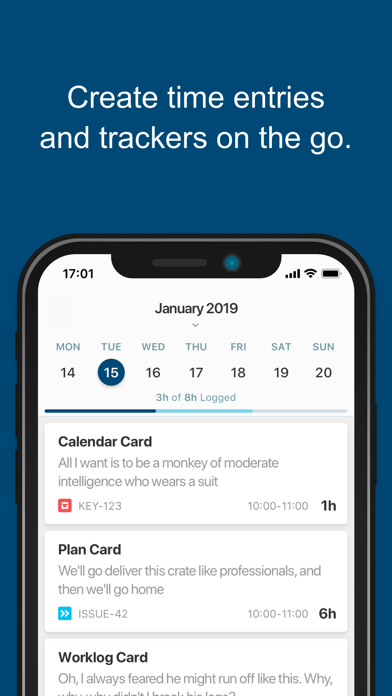
Plan, track and take action on the go with Tempo and Google Calendar integration! Customize your push notifications for logging time and submitting your timesheet. Track time better and plan your work with Tempo’s mobile app for Jira Cloud. Don’t leave your team waiting - keep track on pending timesheets and plan requests from the team via notifications in your inbox. -- FEATURES in detail: * With Tempo’s mobile app for Jira Cloud you can integrate with Google Calendar to have all your events synced with Tempo to easily create time entries with one click. * Create plans on your mobile and plan your work alongside all your tasks and events in My Work. Quickly turn plans into time entries. You can also request approval of your plans if needed (if Tempo Planner is installed). * Push notifications allow you to quickly log time after a meeting, when your timesheet is due for approval or you can customize notifications to remind you to log time when you need it the most. *Stay up-to-date on your notifications. Just tap the inbox for notifications. You’ll be reminded of when the timesheet is due for an approval from your manager. Managers get reminded of pending timesheet and plan approval. Monitor your real-time progress of tracked versus required work hours for any given period * Accurately log time in My Work and browse your logged work, tasks and calendar events by days, weeks, or monthly views. You can create time entries and trackers wherever. No need to search for issues, re-enter descriptions or manually enter time when creating entries. * Review and approve time entries. Get things done from wherever you are, whenever you want. Take action on your responsibilities of reviewing and approving/rejecting timesheet and plan requests from your team.
What's new · 1.7.15
Various bug fixes
Details