
Chart standing · US
What changed · US
Listing changes AppTracker has observed for this app in this storefront — new versions, price moves, rating shifts, and store copy.
Price & rating history · US
Reconstructed from the listing changes AppTracker has observed in this storefront, so each line starts at the first change on record.
Average rating
Ratings breakdown · US
The star breakdown behind this app's rating in this storefront.
Screenshots
About
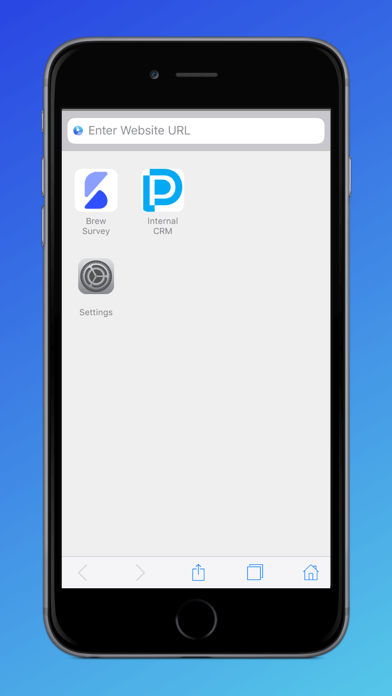
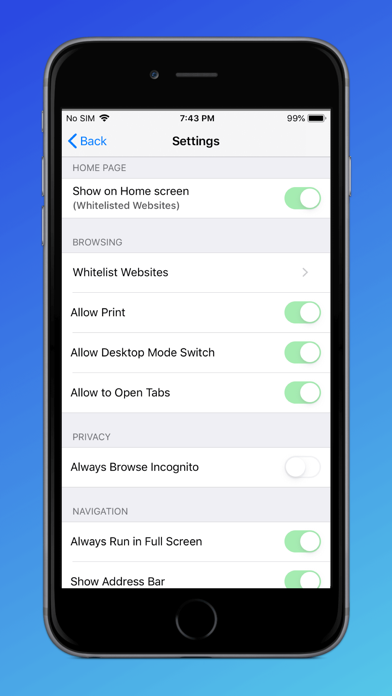
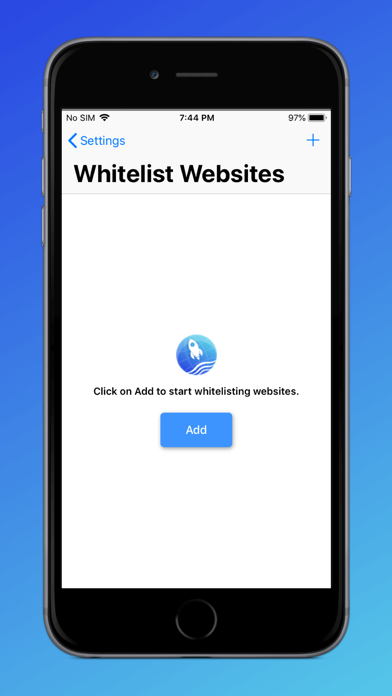
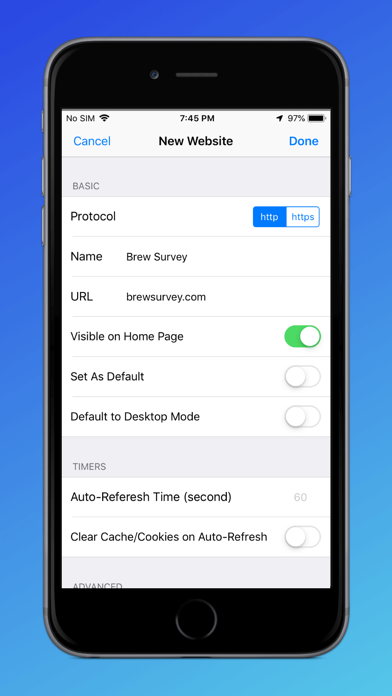
ProSurf Kiosk Lockdown Browser is a free, secure browser for iOS that locks down your iPad & iPhone into an interactive kiosk by allowing only business specific websites. It helps you create a safe browsing environment in iOS devices. Key Features of ProSurf Kiosk Lockdown Browser: * Lockdown your iOS devices to a specific website * Hide the address bar to block users from typing URLs * Run sites in incognito mode * Add browser shortcut on the device home screen * Single & Multi-tab support * Allow & disallow users to view download files * Allow & disallow back/forward navigation * Allow & disallow touch interface * Allow & disallow Javascript popups * Clear cache and cookies in the interval * Control full screen more * Control zoom in/out You can use the browser to whitelist as many sites as you want and set custom properties against each website. Set additional properties like hiding the navigation bar, or hiding the URL address bar to get a complete Kiosk experience combined with Guided Access mode of iOS devices. Once installed open the application and click on Getting Started to see the controls and options that ProSurf offers. The default passcode to access Settings is 2323. Click on the Settings icon on the home page and start configuring ProSurf for your needs.
What's new · 1.8.1
- Added changes for iOS 26 compatibility.
Details