

Diarium Journal: Private Diary
Timo Partl · Lifestyle
Independent analytics for this App Store listing. AppTracker is not affiliated with Timo Partl.
Chart standing · US
What changed · US
Listing changes AppTracker has observed for this app in this storefront — new versions, price moves, rating shifts, and store copy.
• Improved performance and reduced memory usage for searches, contact suggestions, tag lists, "On this day" widgets and entries with many attachments • Fixed tag matching in searches combining accented or non-Latin text with other terms, and searches containing % or _ • Improved Google Drive sync recovery and error messages for restricted Google Drive and OneDrive accounts • Improved error messages for CSV imports containing invalid dates • Fixed missing upcoming "On this day" notifications when an earlier day had no memories • Fixed date selector disappearing when sharing from other apps with Face ID enabled
Ratings breakdown · US
The star breakdown behind this app's rating in this storefront.
In-app purchases · US
What this app sells inside itself, grouped by kind and priced for this storefront.
Screenshots
About
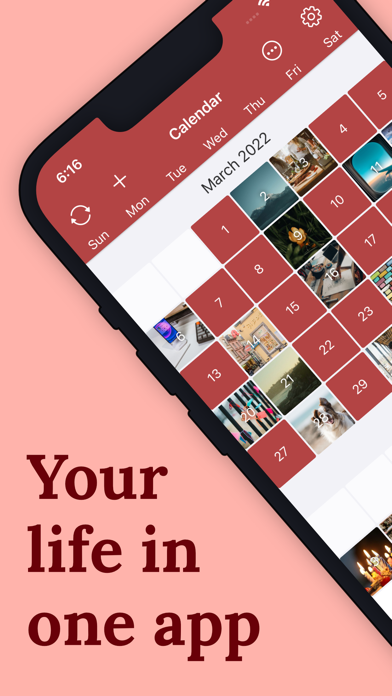
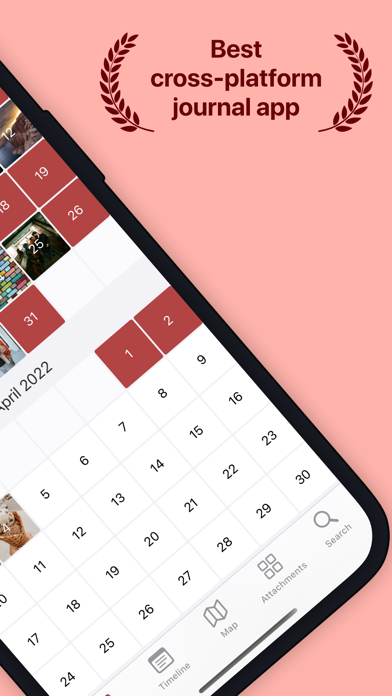
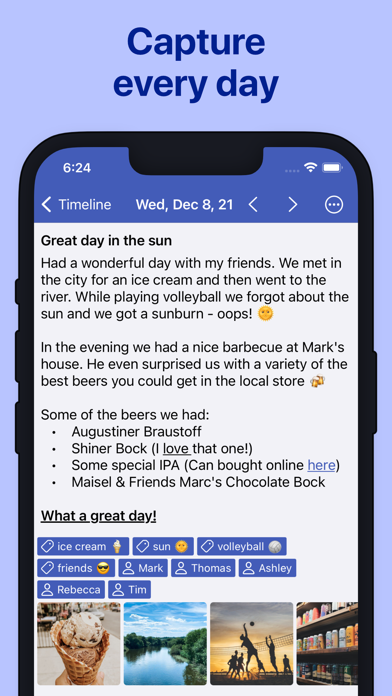
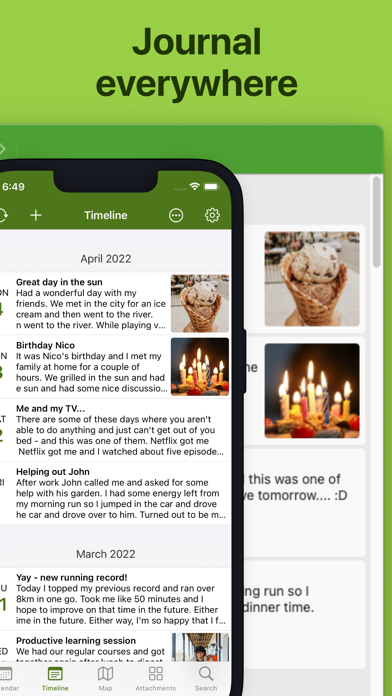
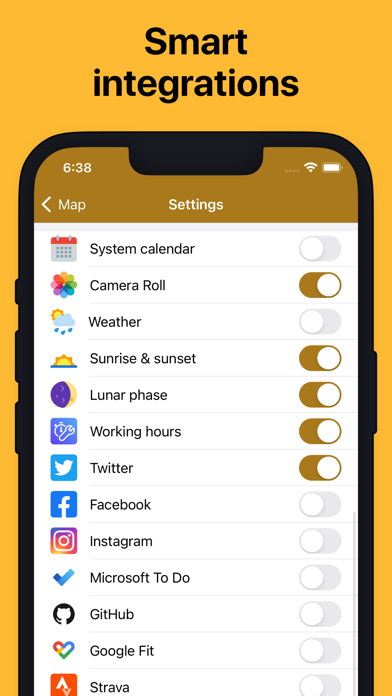
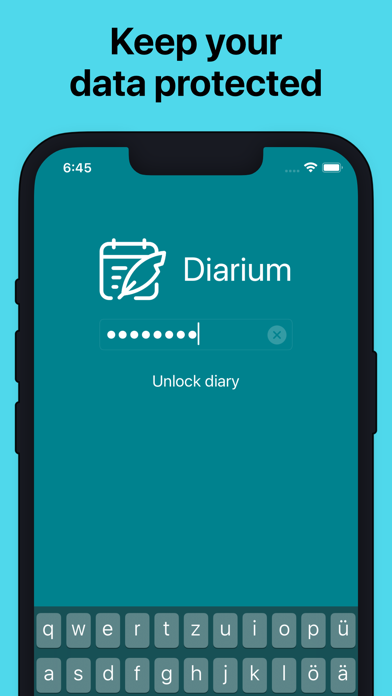
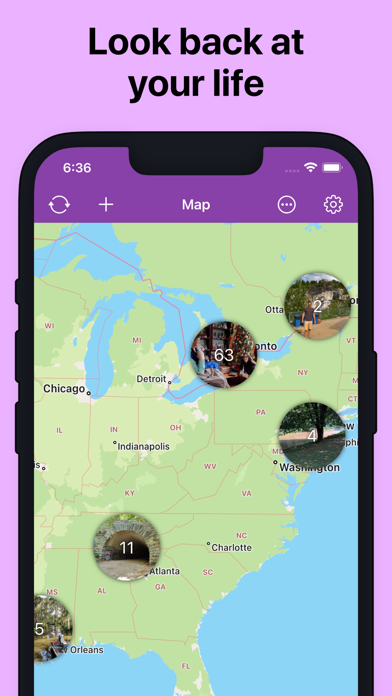
Keep a private diary and daily journal for memories, photos, mood, travel, gratitude, and everyday notes—with no ads or subscriptions. Diarium helps you capture what happened today and build a personal timeline you can return to for years. Write a quick reflection or a detailed entry, enrich it with the moments that matter, and protect everything with a password, PIN, Face ID, or Touch ID. Make each entry your own • Keep a personal diary, gratitude journal, bullet journal, photo diary, or travel journal • Add photos, drawings, audio recordings, files, tags, people, ratings, and locations • Track your mood with star ratings and tracker tags • Revisit memories through calendar, timeline, and travel map views • Organize thoughts with lists and text formatting • Set daily reminders to support your writing routine Bring the details of your day together. Diarium can add useful context from your camera roll, calendar events, weather, completed tasks, Apple Health and other fitness activity, social activity, and entertainment activity. Moving from another journal? Import from Apple Journal and supported diary apps including Day One, Diaro, Journey, Daylio, Diarly, Daybook, and Evernote. You can also back up your diary database and export entries as Word, HTML, JSON, or plain text. Continue your journal across supported phone, tablet, laptop, and desktop versions. Optional sync uses your own iCloud, OneDrive, Google Drive, Dropbox, or WebDAV storage, so you do not need a separate Diarium account. Diarium is made for the story of everyday life: reflections, family memories, trips, photos, gratitude, feelings, and small moments worth remembering. It remains personal, flexible, and secure whether you write daily or only when inspiration strikes. Diarium is free to use, with optional Diarium Pro for advanced features such as sync, unlimited attachments per entry, Word export for printing, connected feeds, custom fonts, widgets, and weather in entries. You can evaluate Pro features for 7 days after installing. Diarium Pro is a one-time purchase, not a subscription. It is linked to your Apple ID and unlocks Pro for iOS and iPadOS; a separate Pro purchase may be required on other platforms.
What's new · 3.3.10
• Improved performance and reduced memory usage for searches, contact suggestions, tag lists, "On this day" widgets and entries with many attachments • Fixed tag matching in searches combining accented or non-Latin text with other terms, and searches containing % or _ • Improved Google Drive sync recovery and error messages for restricted Google Drive and OneDrive accounts • Improved error messages for CSV imports containing invalid dates • Fixed missing upcoming "On this day" notifications when an earlier day had no memories • Fixed date selector disappearing when sharing from other apps with Face ID enabled
Details