

Anime ‣
Abay Imanberlin · Stickers
Independent analytics for this App Store listing. AppTracker is not affiliated with Abay Imanberlin.
Chart standing · US
In-app purchases · US
What this app sells inside itself, grouped by kind and priced for this storefront.
Screenshots

About
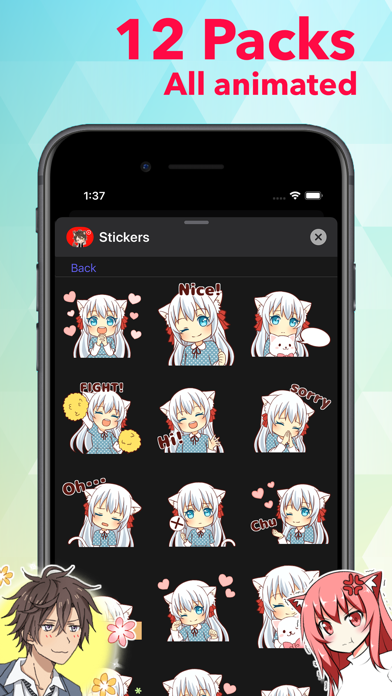
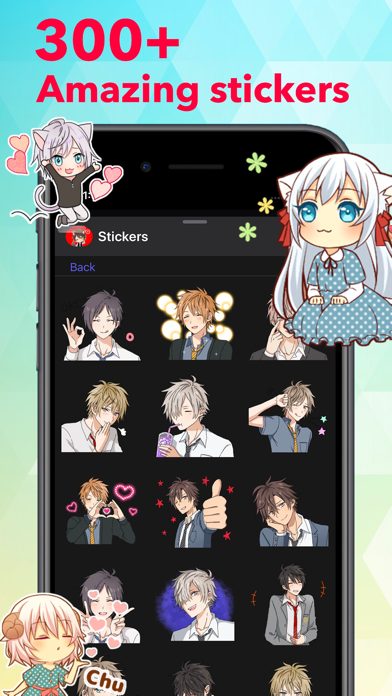
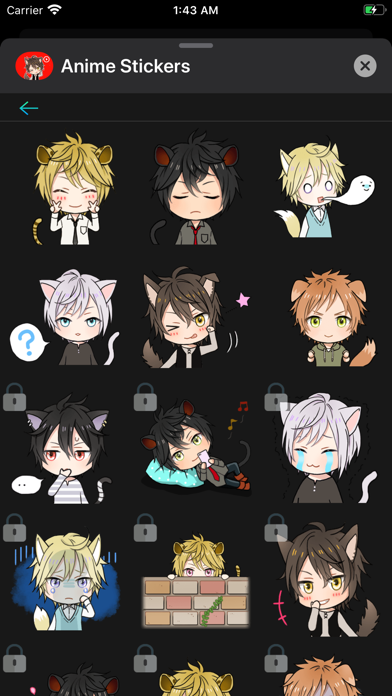
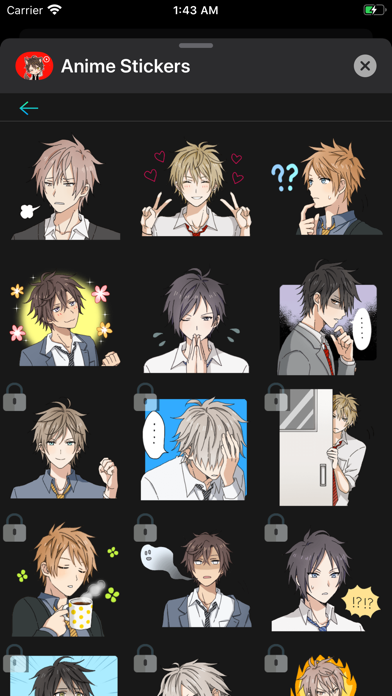
Add more emotion to your messages with all of these cute stickers! Stick them on your message, stick them on a friend's message. Less talk, more stickers. To start using stickers: Step 1: Open a message and tap ">" button to the left to the text box Step 2: Tap the app button that appears and then tap the button in the lower left. Step 3: Tap icon to start sending stickers RESTORE: If you have already bought stickers, then to restore it on another device, you will need to make the same purchase, no money will be charged again.
What's new · 2.0
- Added support for iOS 26 - Stickers loading optimization - Fixed a navigation issue - New stickers reordering
Details