

irodori -color schemes-
Tokyo Cartographic CO.,LTD. · Utilities
Independent analytics for this App Store listing. AppTracker is not affiliated with Tokyo Cartographic CO.,LTD.
Chart standing · US
Ratings breakdown · US
The star breakdown behind this app's rating in this storefront.
Screenshots



About
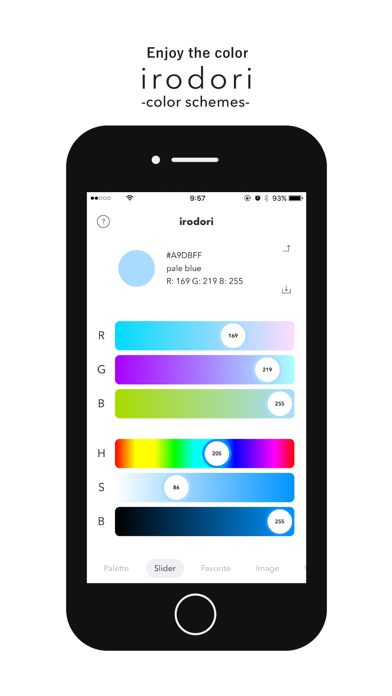
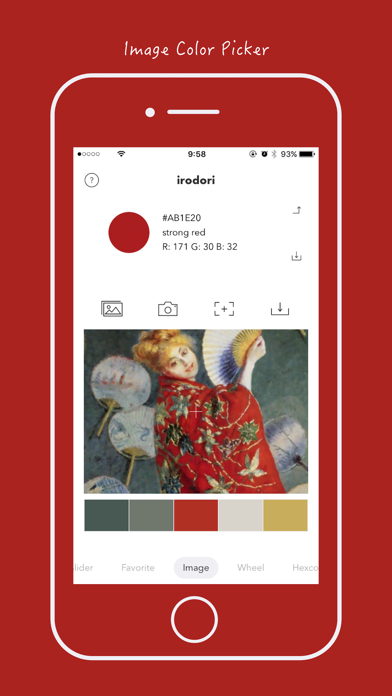
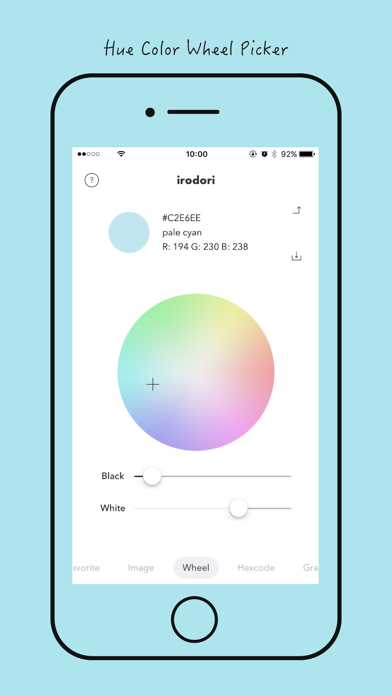
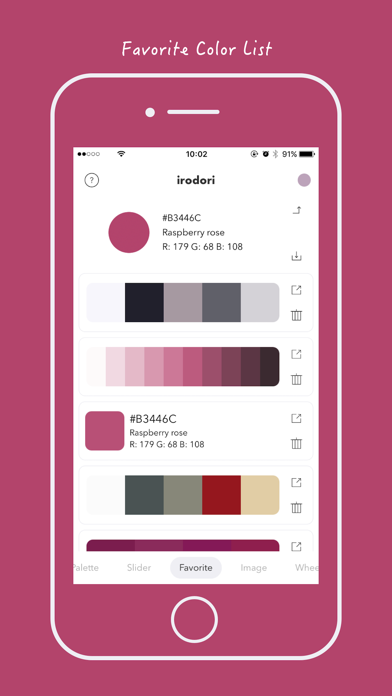
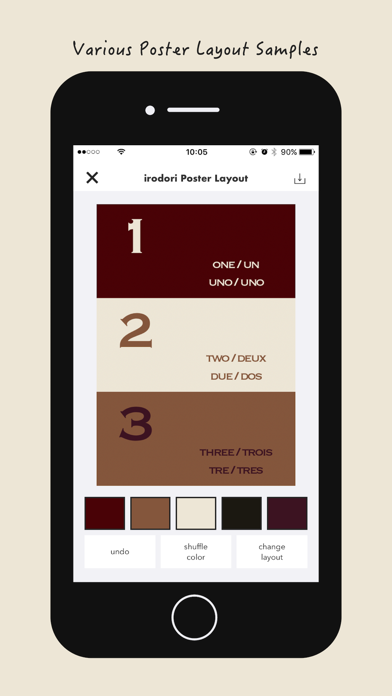
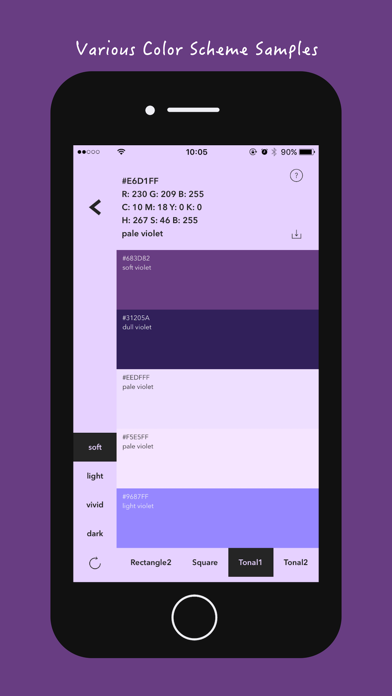
irodori -color schemes- is a simple and versatile color manager application stuffed with various tools useful for coloring. Please use it in the following situations. ◆ Check the RGB value, CMYK value, etc. ◆ Examining the color name. ◆ Try various color schemes. ◆ Examining the color scheme of photos and pictures. ◆ Find colors. ◆ Making a gradation color. ◆ Try a little color scheme layout. ◆ Make a favorite color list. Various tools. ◆ Slide: RGB · HSB · CMYK slider. You can intuitively designate the color. ◆ Favorite: Favorite color list. You can save the preview as an image in the camera roll or try a simple layout sample. ◆ Palette: The Named color list with about 2000 colors. You can search for approximate colors and search colors from tones, hues, and names. ◆ Image: You can extract colors by reading images. ◆ Hexcode: The hexadecimal keyboard. You can specify the color with web color code. ◆ Gradation: You can create gradation colors. ◆ Wheel : Hue color picker. You can specify color more intuitively. ◆ Color Scheme: You can confirme the basic color schemes such as transparency, saturation, brightness, brightness, complementary color scheme, similar color scheme, triad color scheme, toneal color scheme. Please refer to the tutorial from the help button in the application to check detailed usage.
What's new · 2.0.0
Version 2.0.0 ◆ New preview mode. The colors of two colors, the color scheme using various patterns, and the original color scheme were made more easily. ◆ Other minor bugs fixed.
Details