

SFTP File Provider
Akos Polster · Productivity
Independent analytics for this App Store listing. AppTracker is not affiliated with Akos Polster.
Chart standing · US
What changed · US
Listing changes AppTracker has observed for this app in this storefront — new versions, price moves, rating shifts, and store copy.
Bug fixes, layout and usability improvements
Ratings breakdown · US
The star breakdown behind this app's rating in this storefront.
In-app purchases · US
What this app sells inside itself, grouped by kind and priced for this storefront.
Screenshots

About
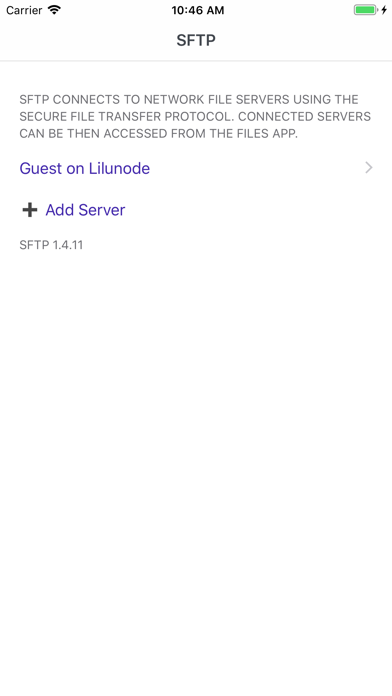
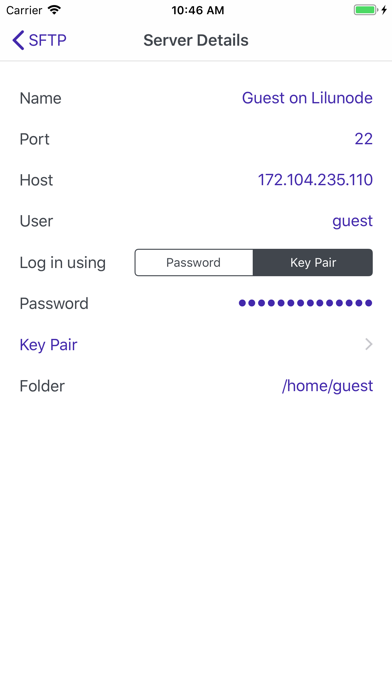
Use SFTP to access files and folders in the cloud or on the home network, served by the SSH/Secure File Transfer Protocol. SFTP provides the connection, making the remote files available for the rest of the phone: for all apps that are using the standard iOS file selector, including the Files app itself. After installing SFTP, open the app, and add your remote servers. Then, from the Files app, go to Browse/Locations and enable the new location provider called "SFTP". Power users can add unlimited number of servers with the in-app purchase "SFTP Pro". This is a one-time purchase unlocking all premium features in the app.
What's new · 2.12
Bug fixes, layout and usability improvements
Details