

Coloreon - Photo Color Changer
REAFO CO., LTD. · Photo & Video
Independent analytics for this App Store listing. AppTracker is not affiliated with REAFO CO., LTD.
Chart standing · US
In-app purchases · US
No in-app purchases.
Screenshots
About
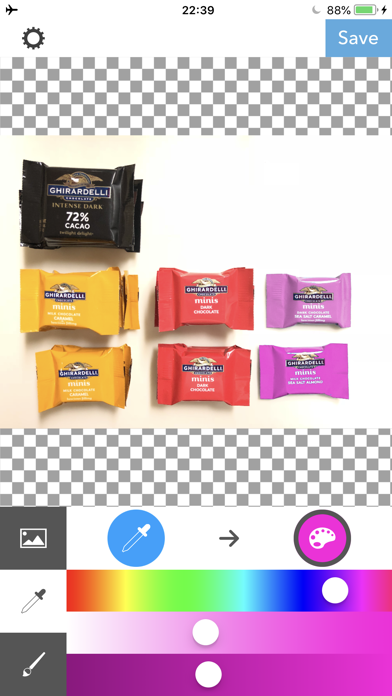
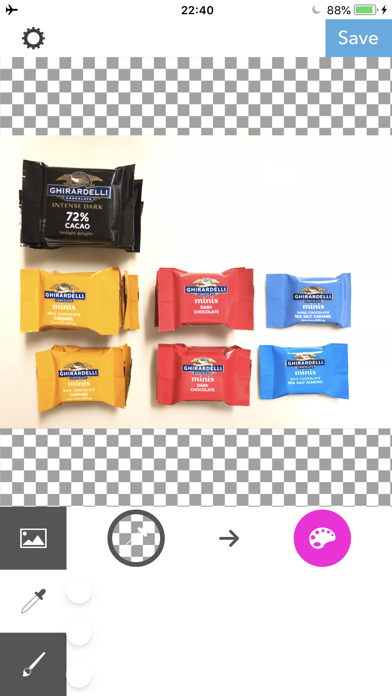
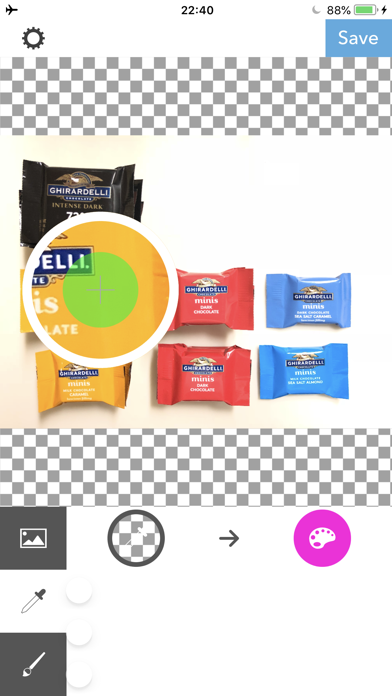
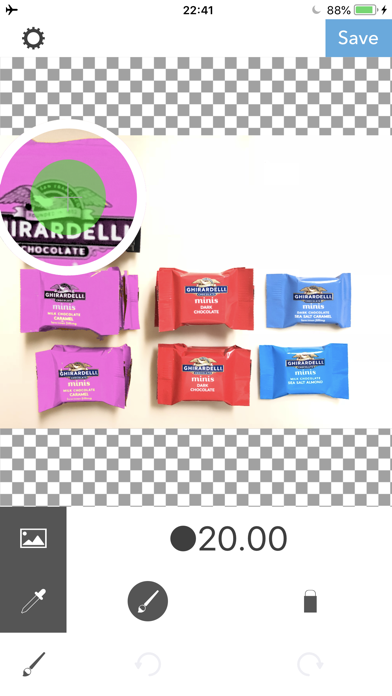
Coloreon lets you swap the color you want. [How to use] After you chose the image, select the color you want to swap with Dropper tool or swipe the area with Brush tool. ■Dropper tool Dropper tool is for selecting the color you want to swap another color. ・Select color After tapping the dropper icon, you can choose a color by your finger on an image. ・Adjust a target color range After choosing the color, you can adjust the color range with 3 sliders. ■Brush function ・Type of the brush. Brush :Make area you swiped to be swapped color. Eraser:Remove the swapped color from the area you swiped. ・Brush size Press「●」button to change the brush size. ・History You can undo/redo brush stroke using with Clockwise/Counter Clockwise arrow buttons.
What's new · 3.2
Thank you for using our service. - Fixed minor bugs.
Details