

NVIDIA SHIELD TV
NVIDIA Corporation · Utilities
Independent analytics for this App Store listing. AppTracker is not affiliated with NVIDIA Corporation.
Chart standing · US
Ratings breakdown · US
The star breakdown behind this app's rating in this storefront.
In-app purchases · US
No in-app purchases.
Screenshots

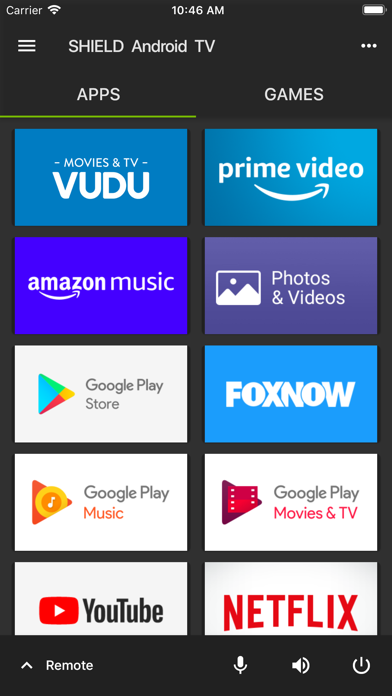
About
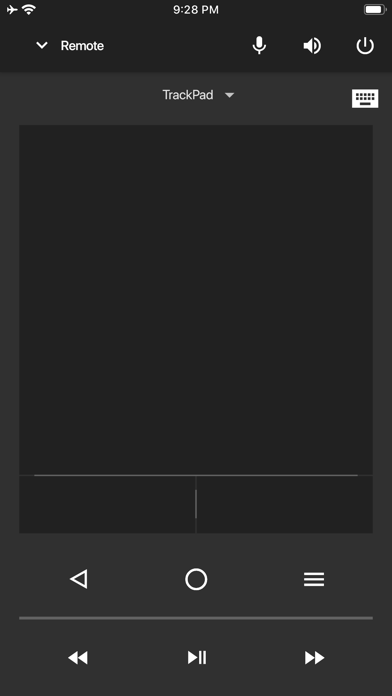
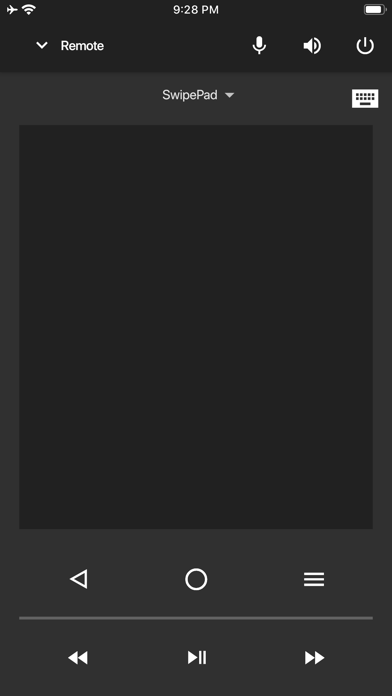
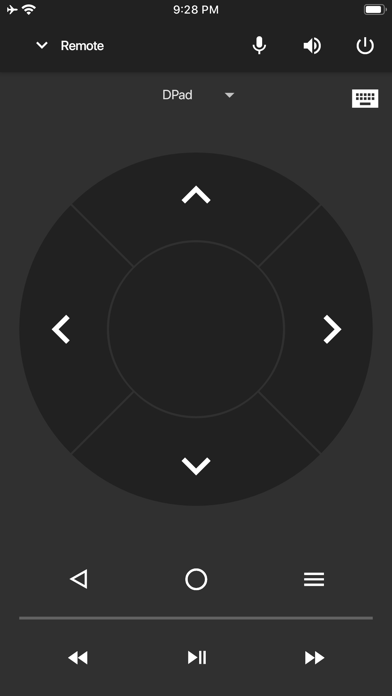
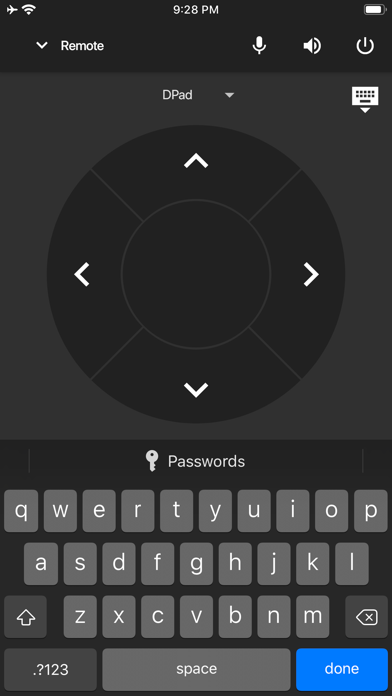
Description: The NVIDIA SHIELD TV app lets you log in to your favorite GeForce NOW games on SHIELD even faster. The app gives you instant access to a virtual mouse and keyboard, which makes it simple for you to enter your username and password into game services like Steam®, Blizzard® Battle.net®, and Uplay™. Features: -Virtual mouse touchpad -Virtual keyboard (US English only) -D-pad (up/down/right/left) and Select -SHIELD TV navigation buttons (Back, Start/Play/Pause, Home) To get started, connect your iPhone or iPad to the same network as your SHIELD. Make sure your SHIELD is upgraded to the latest version 7.1 or later system software (Settings > About > System upgrade).
What's new · 2.1.3
Enhancements: *Two finger tap on Trackpad now sends 'Right Click' mouse command *Adds "Vibration feedback" switch to enable/disable haptics *Adds ability to disable remote locator buzzer from SHIELD TV app Bug Fixes: *Automatically reconnects to server when VPN on disconnect/reconnect *Resolves issue where connection would be lost when device sleeps
Details