

UniFi Protect
Ubiquiti Inc. · Lifestyle
Independent analytics for this App Store listing. AppTracker is not affiliated with Ubiquiti Inc.
Chart standing · US
What changed · US
Listing changes AppTracker has observed for this app in this storefront — new versions, price moves, rating shifts, and store copy.
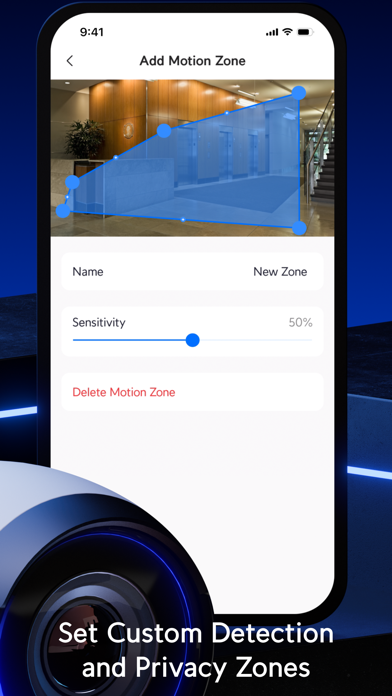
Overview UniFi Protect iOS 3.13.0 adds Spatial Intelligence zone editing and in-app setup for supported Network Video Recorders and G6 Edge cameras. Improvements - Added in-app setup for supported Network Video Recorders and G6 Edge cameras. - Added Spatial Intelligence zone editing to Camera Settings. - Added camera reordering to Vantage Point Dashboards. - Added search when selecting a UniFi Console for remote camera adoption. - Improved Detections playback with updated controls and expanded zoom. - Improved remote adoption destination selection by marking stacked consoles as unavailable. Bugfixes - Fixed an issue where custom Fob button actions could fail to save. - Fixed an issue where Fob button presses could trigger Sensor Button Pressed notifications. - Fixed an issue where creating an alarm from Camera Settings could fail. - Fixed an issue where Recording Manager could disable PTZ auto-tracking. - Fixed an issue where G6 Edge camera setup could complete with the camera offline without providing recovery guidance. - Fixed an issue where G4 Instant and G6 Instant cameras could display an incorrect name or icon before adoption. - Fixed an issue where the custom date filter in Find Anything could open with an incorrect date range. - Fixed an issue where date filters could display incorrect times when the device and UniFi Console were in different time zones. - Fixed an issue where the app could close unexpectedly on the latest macOS version shortly after being hidden. - Fixed an issue where navigation bar buttons could display incorrectly on the latest macOS version.
Ratings breakdown · US
The star breakdown behind this app's rating in this storefront.
In-app purchases · US
No in-app purchases.
Screenshots


About
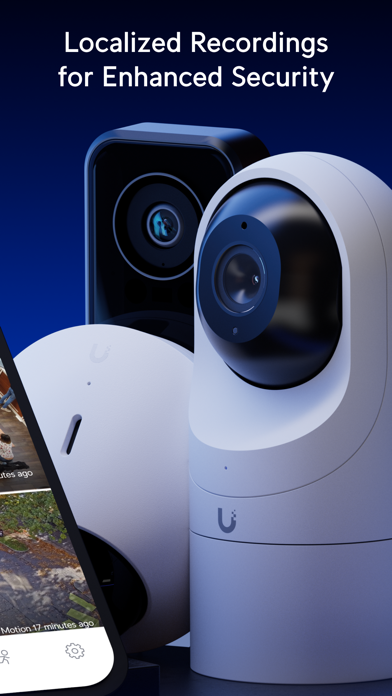
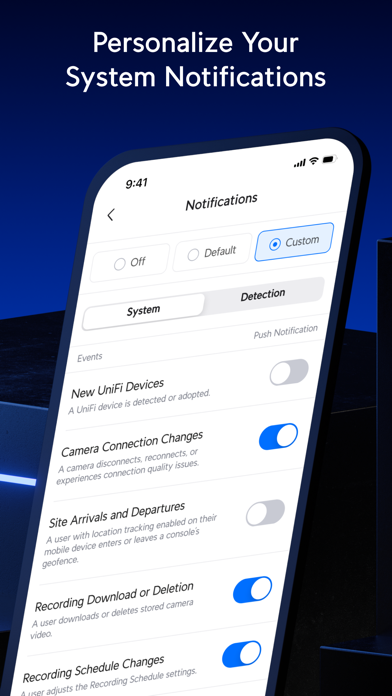
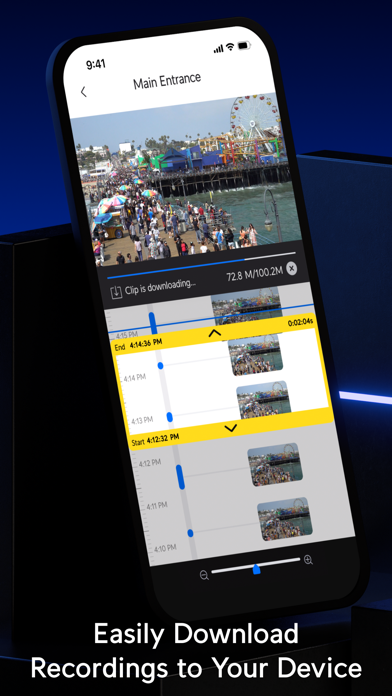
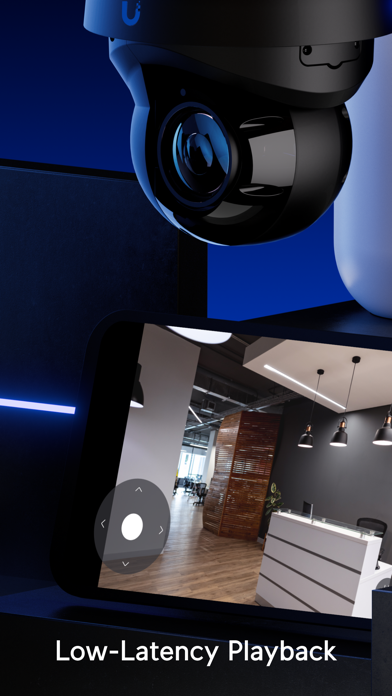
UniFi Protect brings the full functionality of our web-based camera security application to your mobile device. Adopt and manage your Protect devices, stream low-latency livestreams, and download localized recordings directly to your phone. Designed for residential and commercial use, UniFi Protect also allows you to: - Maintain complete data privacy with Cloudless recording storage. - Quickly scrub through hours of Timelapse footage to pinpoint the exact moments you're looking for. - Personalize security notifications based on a wide variety of individual, vehicular, and atmospheric-based detections.
What's new · 3.13.0
Overview UniFi Protect iOS 3.13.0 adds Spatial Intelligence zone editing and in-app setup for supported Network Video Recorders and G6 Edge cameras. Improvements - Added in-app setup for supported Network Video Recorders and G6 Edge cameras. - Added Spatial Intelligence zone editing to Camera Settings. - Added camera reordering to Vantage Point Dashboards. - Added search when selecting a UniFi Console for remote camera adoption. - Improved Detections playback with updated controls and expanded zoom. - Improved remote adoption destination selection by marking stacked consoles as unavailable. Bugfixes - Fixed an issue where custom Fob button actions could fail to save. - Fixed an issue where Fob button presses could trigger Sensor Button Pressed notifications. - Fixed an issue where creating an alarm from Camera Settings could fail. - Fixed an issue where Recording Manager could disable PTZ auto-tracking. - Fixed an issue where G6 Edge camera setup could complete with the camera offline without providing recovery guidance. - Fixed an issue where G4 Instant and G6 Instant cameras could display an incorrect name or icon before adoption. - Fixed an issue where the custom date filter in Find Anything could open with an incorrect date range. - Fixed an issue where date filters could display incorrect times when the device and UniFi Console were in different time zones. - Fixed an issue where the app could close unexpectedly on the latest macOS version shortly after being hidden. - Fixed an issue where navigation bar buttons could display incorrectly on the latest macOS version.
Details