

iReact - Reaction Videos
Boris Milanov · Photo & Video
Independent analytics for this App Store listing. AppTracker is not affiliated with Boris Milanov.
Chart standing · US
What changed · US
Listing changes AppTracker has observed for this app in this storefront — new versions, price moves, rating shifts, and store copy.
Price & rating history · US
Reconstructed from the listing changes AppTracker has observed in this storefront. A field is charted once it has changed more than once, and each line starts at the value it moved from.
Average rating · ★ 4.29 now · 3 changes on record
In-app purchases · US
What this app sells inside itself, grouped by kind and priced for this storefront.
Screenshots

About
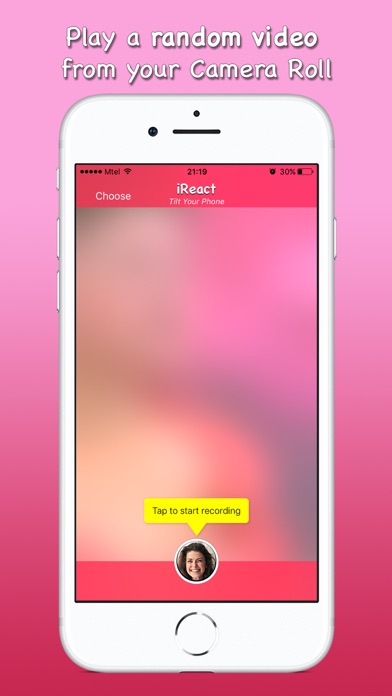
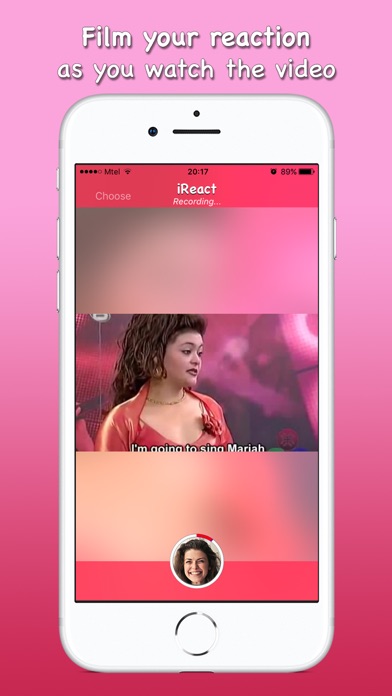
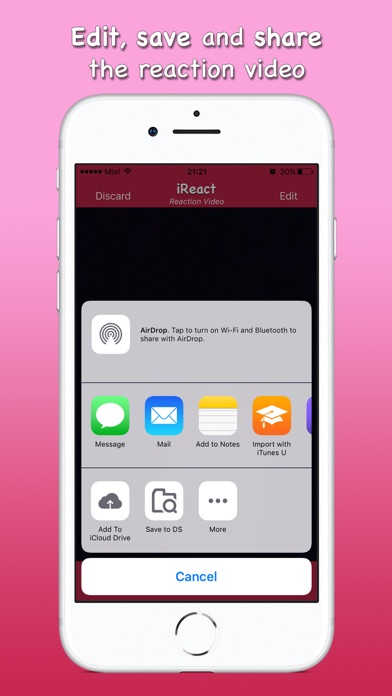
Film professional-looking reaction and response videos with no effort. Record your reaction and add commentary while watching videos from your device or from the web. Control the videos while recording - replay, pause, resume, rewind and fast-forward. In no time, you will be able to share your high-quality reaction videos with your favourite apps and services. Whether you have a dedicated Youtube channel, or you'd just like to share your reaction to a funny video with your friends and family, this is the app for you! --- MAIN FEATURES --- --- CHOOSE ANY VIDEO --- • The app selects a random video from your Camera Roll when you launch it. • Swipe up or down to select another random video, or simply choose the video that you want to react to. • Select videos from your Camera Roll, your iOS Files or via a web URL. --- RECORD YOUR REACTION --- • Record an intro before starting the video. • Swipe left and right to scrub through the video and choose your starting position. • Watch the video as the app records your reaction. • Watch the video in portrait or in landscape mode. • Replay, pause, resume, rewind and fast-forward the video. • Record an outro to end the reaction video. --- EDIT YOUR REACTION VIDEO --- • Resize and reposition the videos according to your preference. • Swap places of the two picture-in-picture clips. • Trim any parts that you don't want in the video. --- SHARE WITH THE WORLD --- • Save the reaction video to your Camera Roll. • Share with your favourite apps and services. For the best results we recommend using headphones while reacting to videos. If not using headphones, please make sure to lower the volume of the device in order to allow the microphone to pick up the reaction audio. Have fun!
What's new · 2.2.4
This update brings bug fixes as well as performance and stability improvements. New in the Previous Update: • Added the ability to resize and reposition the videos. • Added the ability to react to videos from iOS files and folders. • Added the ability to react to videos via a web url. • Added the ability to cancel the video export. • Scrubbing through the video will now be recorded as part of the reaction video. If you enjoy the app, please consider supporting our team by giving us a rating and sharing your feedback in the App Store.
Details