

AddMovie
Limit Point Software · Photo & Video
Independent analytics for this App Store listing. AppTracker is not affiliated with Limit Point Software.
Chart standing · US
Screenshots
About
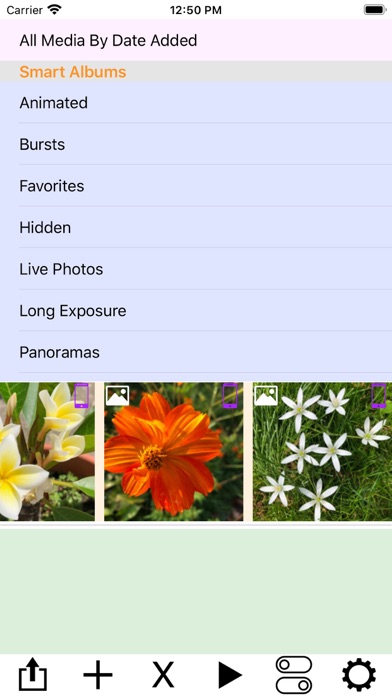
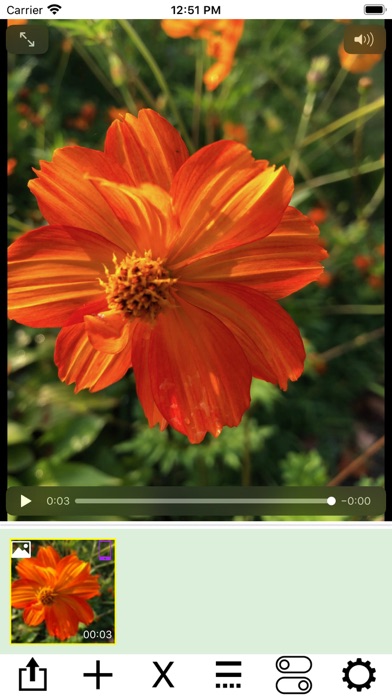
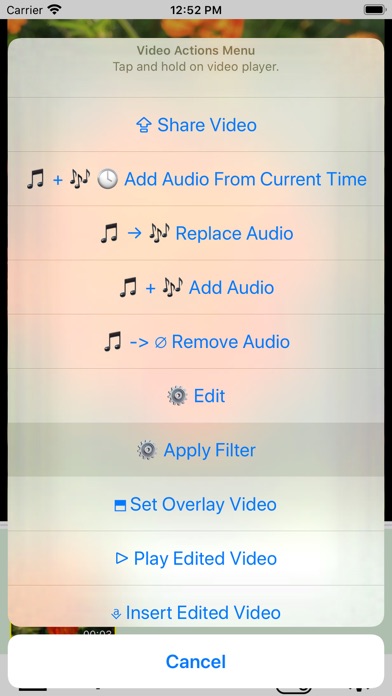
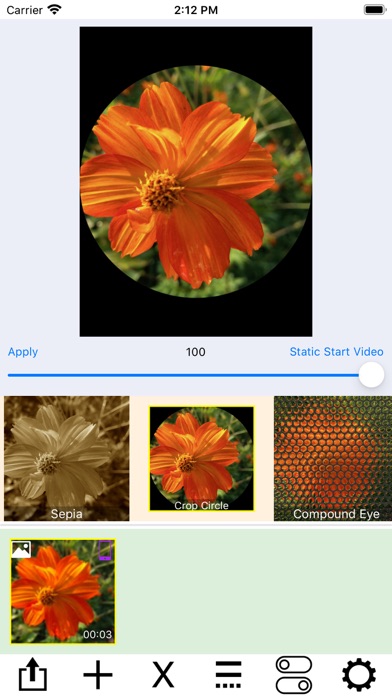
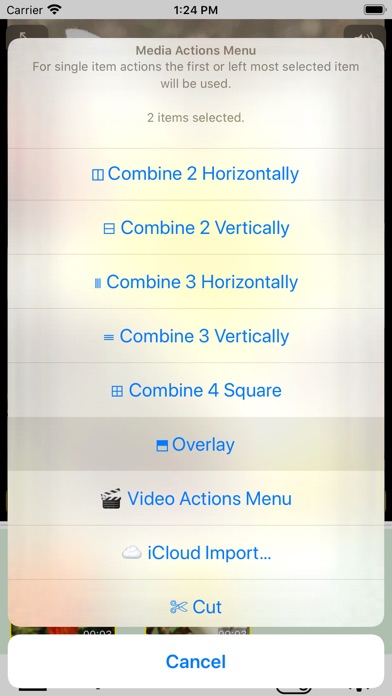
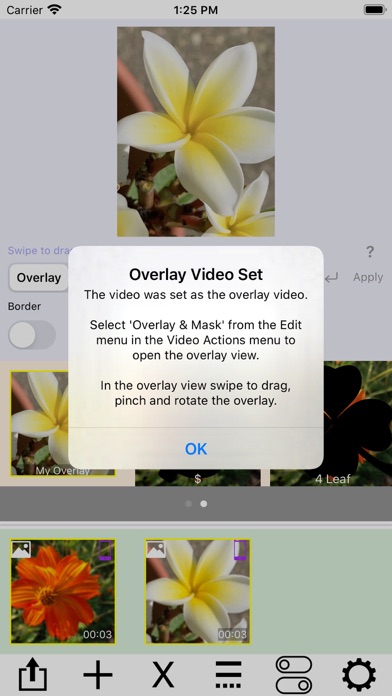
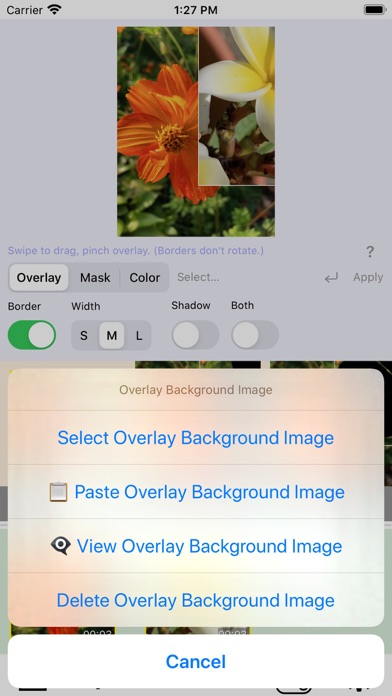
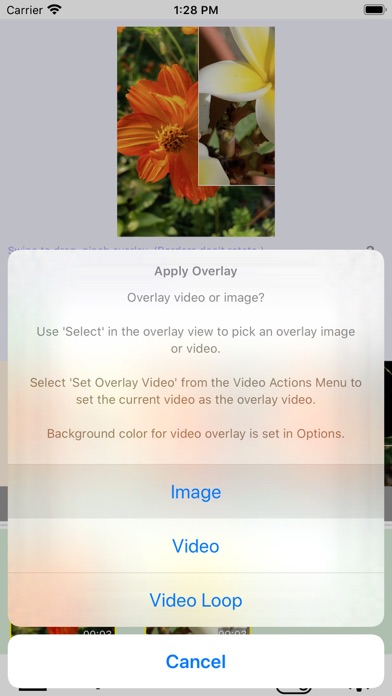
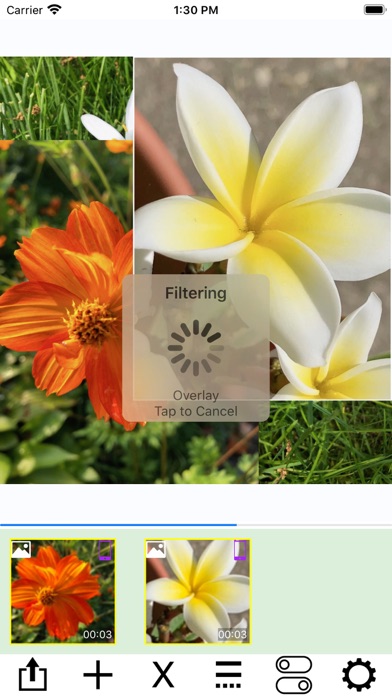
Combine videos, Live Photos, and still photos into a single video. Add wipe transitions and audio to the soundtrack. Reverse video and audio for creative effects. Trim video and audio together, or use the First Selected Media Item Audio option for actions like Replace Audio, Add Audio, or Add Audio From Current Time. Live Photos and still images are automatically converted to video, enabling powerful editing actions such as filtering, trimming, cropping, rotating, labeling, and overlaying. Combine multiple videos using layouts like side-by-side, stacked, grids, or sliding conveyors. At the top of the screen, a picker displays your photo albums. Tap an album to browse its contents in the scrollable media collection below. Tap a media item to add it to your project. Use the media actions menu—accessed from the rightmost button—to import from iCloud, paste new media, or merge items. AddMovie also supports importing media via share menus in other apps. Tap any media item to preview it, or tap and hold to open the video actions menu for editing. AddMovie ensures video color accuracy by converting ProRes and other formats to H.264, providing the best compatibility across devices.
What's new · 2.7.2
Quickly load all media items from a selected album. Steps 1. Select an album from Shared Albums or My Albums. 2. Open the Media Actions menu using the gear icon in the bottom toolbar. 3. Tap Insert All Album Items. 4. Confirm the alert to insert all album items into the media collection view.
Details