

Change Voice Famous
Mireia Lluch Ortola · Entertainment
Independent analytics for this App Store listing. AppTracker is not affiliated with Mireia Lluch Ortola.
Chart standing · US
What changed · US
Listing changes AppTracker has observed for this app in this storefront — new versions, price moves, rating shifts, and store copy.
Price & rating history · US
Reconstructed from the listing changes AppTracker has observed in this storefront. A field is charted once it has changed more than once, and each line starts at the value it moved from.
Average rating · ★ 2.50 now · 26 changes on record
Screenshots
About
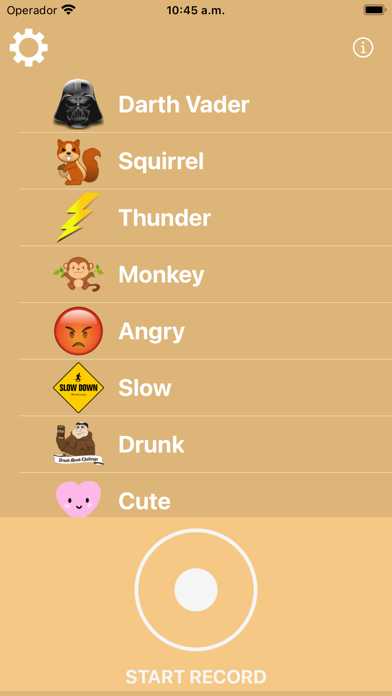
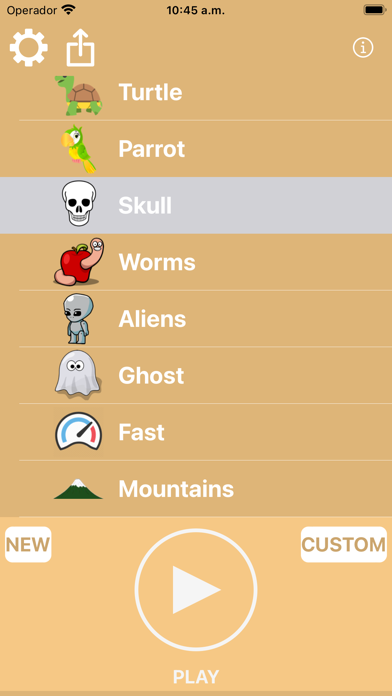
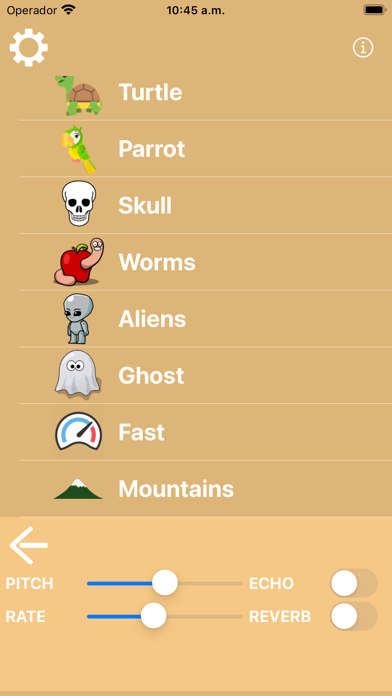
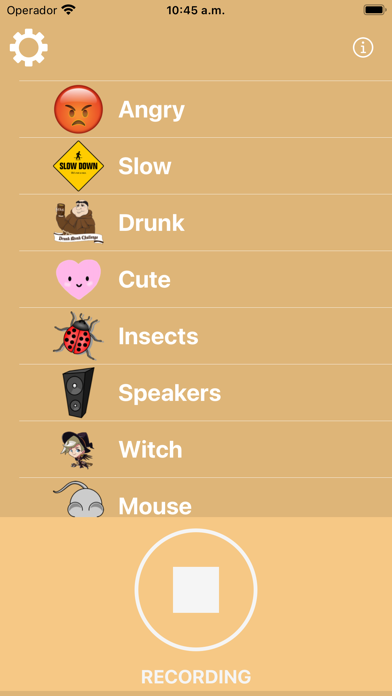
With this application you can modify your voice to make it more serious or more acute, to speak slower or faster, to add echo or reverberation. You can use the settings already created to modify your voice, or set the settings to your liking. How to use: - Press the RECORD button to start recording your voice. - Press the STOP button when you want to stop recording. - Press the PLAY button to listen to your voice. - Press any configuration of the table and then press PLAY to listen to your modified voice. - Press the CUSTOM button to set the settings of your voice to your liking. - Press the NEW button to record a new voice note. - Once you have listened to your audio and you like it, the share button will appear so you can send it to your friends. If you liked the application do not hesitate to write a review in the Apple Store and share the application with your friends.
What's new · 1.1
Now you can share the created audios with your friends! Application developed from scratch to fix bugs
Details