

CoinKeeper 3 - money manager
Dizrapp OOO · Finance
Independent analytics for this App Store listing. AppTracker is not affiliated with Dizrapp OOO.
Chart standing · US
What changed · US
Listing changes AppTracker has observed for this app in this storefront — new versions, price moves, rating shifts, and store copy.
Minor improvements and bug fixes. Thanks for using CoinKeeper! We'd love your feedback at help@disrapp.com
Price & rating history · US
Reconstructed from the listing changes AppTracker has observed in this storefront. A field is charted once it has changed more than once, and each line starts at the value it moved from.
Average rating · ★ 4.32 now · 10 changes on record
Ratings breakdown · US
The star breakdown behind this app's rating in this storefront.
In-app purchases · US
What this app sells inside itself, grouped by kind and priced for this storefront.
Screenshots



Keywords this app targets
Search terms AppTracker associates with this app — estimates, not search volume. ❝ = in the app's title; a highlighted number is its current position for that term.
Similar apps
Competitors and close alternatives, as estimated by AppTracker.
 Money manager, expense tracker
Orange dog d.o.o.
3 shared topics · 3 shared title words
Money manager, expense tracker
Orange dog d.o.o.
3 shared topics · 3 shared title words
 Money Manager Expense & Budget
Realbyte Inc.
3 shared topics · 3 shared title words
Money Manager Expense & Budget
Realbyte Inc.
3 shared topics · 3 shared title words
 Money Manager (Remove Ads)
Realbyte Inc.
2 shared topics · 3 shared title words
Money Manager (Remove Ads)
Realbyte Inc.
2 shared topics · 3 shared title words
 Expense Tracker• Money Manager
Devarsh Patel
3 shared topics · 3 shared title words
Expense Tracker• Money Manager
Devarsh Patel
3 shared topics · 3 shared title words
 Money Manager: Bills & Budgets
At Ease Ltd
3 shared topics · 3 shared title words
Money Manager: Bills & Budgets
At Ease Ltd
3 shared topics · 3 shared title words
 Money Pro
iBear LLC
3 shared topics · 1 shared title word
Money Pro
iBear LLC
3 shared topics · 1 shared title word
 Money Manager Budget Planner
Hastik Mangukiya
2 shared topics · 3 shared title words
Money Manager Budget Planner
Hastik Mangukiya
2 shared topics · 3 shared title words
 Monefy: Bills & Money Tracker
Reflective Technologies ApS
3 shared topics · 1 shared title word
Monefy: Bills & Money Tracker
Reflective Technologies ApS
3 shared topics · 1 shared title word
About
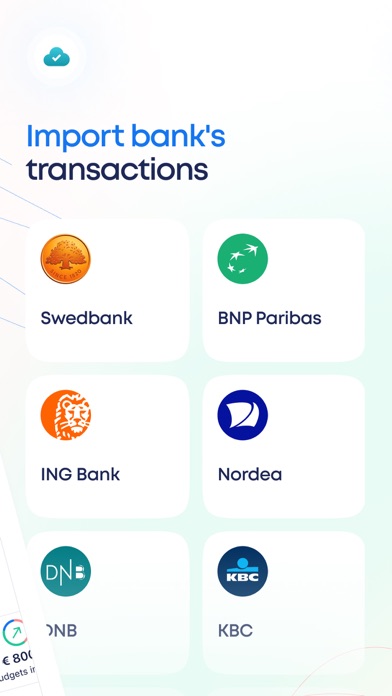
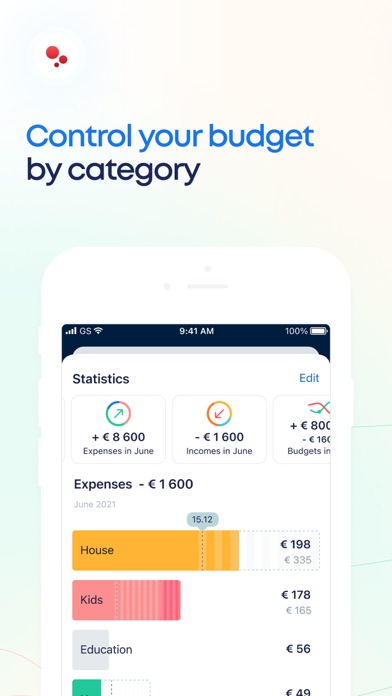
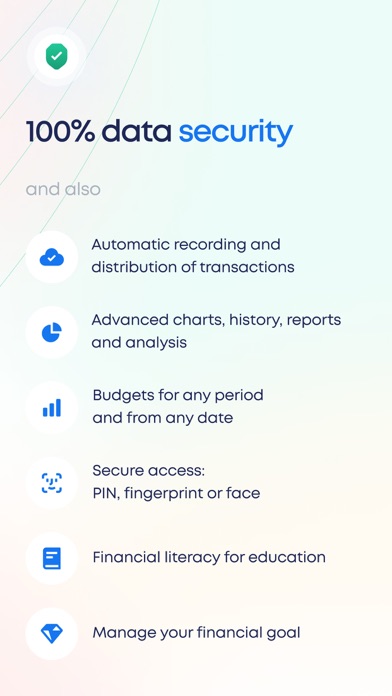
CoinKeeper³ is an upgraded version of the legendary app. Recording and tracking your expenses has never been simpler. Start your new financially conscious life with new CoinKeeper. WONDER HOW TO SAVE MONEY? The intuitive diagram will show you: categories you should spend less money on; categories you spend the most of your money on; how to make correct decisions based upon specifically your financial situation. KEEP SPENDING MORE THAN PLANNED? CoinKeeper shows you when it’s time to stop. Set the limits on expense categories and once you are over your budget, you’ll see it. WANT TO SET UP A FAMILY ACCOUNT? Shared budgeting has never been easier: your family members record expenses in their own devices. Accounts’ balances will be displayed on each device. LOOKING FOR INDIVIDUAL SOLUTIONS? CoinKeeper³ is a handy, simple and intuitive app that provides you with: all your accounts, cards and cash is shown on one screen; fast access to any of your financial information in one easy swipe; tags and comments, that help you to specificate your expenses; the unlimited number of expense categories for making your very own budgeting system. You can buy CoinKeeper Plus or Premium subscription and get every feature. Premium subscription is available on monthly basis for $7.99 or $59.99 per 1 year. Payment will be charged to iTunes Account at confirmation of purchase. Monthly subscription automatically renews unless auto-renew is turned off at least 24-hours before the end of the current period. The account will be charged for renewal within 24-hours prior to the end of the current period, and identify the cost of the renewal. Subscriptions may be managed by the user and auto-renewal may be turned off by going to the user's Account Settings after purchase. No cancellation of the current subscription is allowed during the active subscription period. Any unused portion of a free trial period, if offered, will be forfeited when the user purchases a subscription to that publication. CoinKeeper Terms of Service http://coinkeeper.me/terms & Privacy Policy: https://about.coinkeeper.me/privacy_en
What's new · 4.4.1
Minor improvements and bug fixes. Thanks for using CoinKeeper! We'd love your feedback at help@disrapp.com
Details