

ClinicalKey Student Bookshelf
Elsevier Inc. · Medical
Independent analytics for this App Store listing. AppTracker is not affiliated with Elsevier Inc.
Chart standing · US
What changed · US
Listing changes AppTracker has observed for this app in this storefront — new versions, price moves, rating shifts, and store copy.
* Highlighting performance has been improved, especially for users with large highlight collections * Smoother scrolling and zooming in PDF books, with significant stability improvements * Improved app stability with fixes for crashes across all platforms * Stylus annotation support has been removed to improve overall reliability * Improved navigation when deep linking to specific figures and headings in EPUB books
Price & rating history · US
Reconstructed from the listing changes AppTracker has observed in this storefront. A field is charted once it has changed more than once, and each line starts at the value it moved from.
Average rating · ★ 4.72 now · 5 changes on record
Ratings breakdown · US
The star breakdown behind this app's rating in this storefront.
In-app purchases · US
No in-app purchases.
Screenshots
Similar apps
Competitors and close alternatives, as estimated by AppTracker.
 Bookshelf
VitalSource Technologies, Inc.
Bookshelf
VitalSource Technologies, Inc.
 AMBOSS Medical Knowledge
AMBOSS
AMBOSS Medical Knowledge
AMBOSS
 Skyscape Medical Library
Skyscape Medpresso Inc
Skyscape Medical Library
Skyscape Medpresso Inc
 USMLE-Rx
MedIQ Learning, LLC
USMLE-Rx
MedIQ Learning, LLC
 Kortext
Kortext
Kortext
 Pearson+ | Study Prep & eTexts
Pearson Education, Inc.
Pearson+ | Study Prep & eTexts
Pearson Education, Inc.
 AMBOSS Qbank for Medical Exams
AMBOSS SE
AMBOSS Qbank for Medical Exams
AMBOSS SE
 Biomedical Science Exam Prep
Tourkia CHIHI
Biomedical Science Exam Prep
Tourkia CHIHI
About
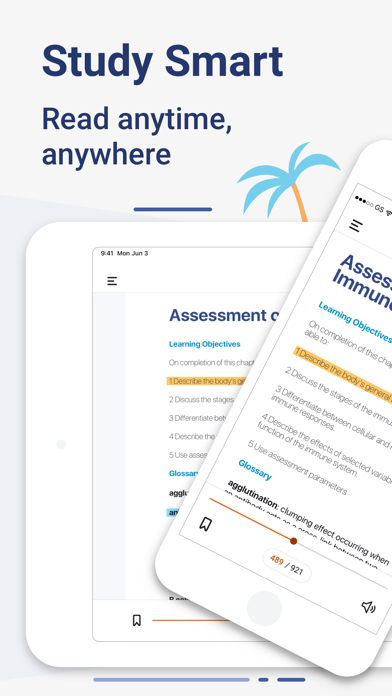
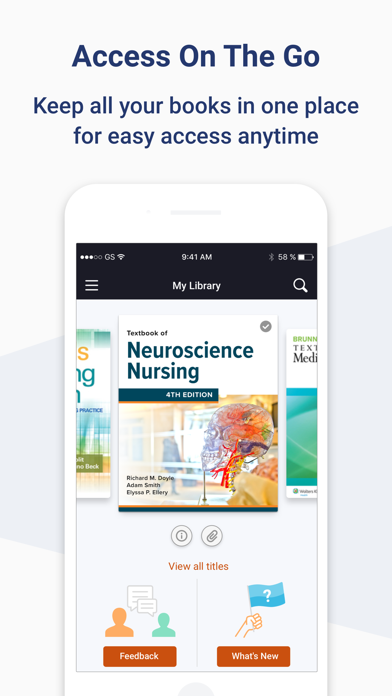
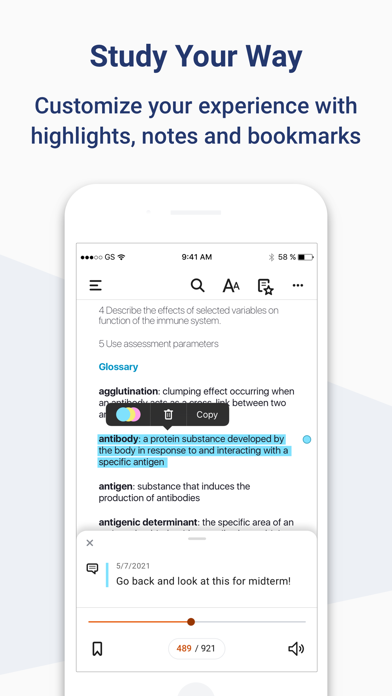
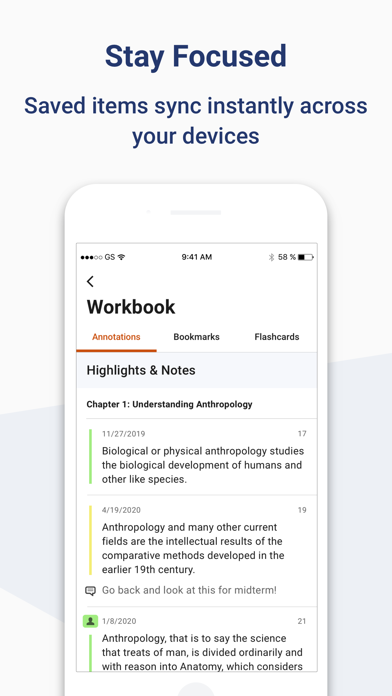
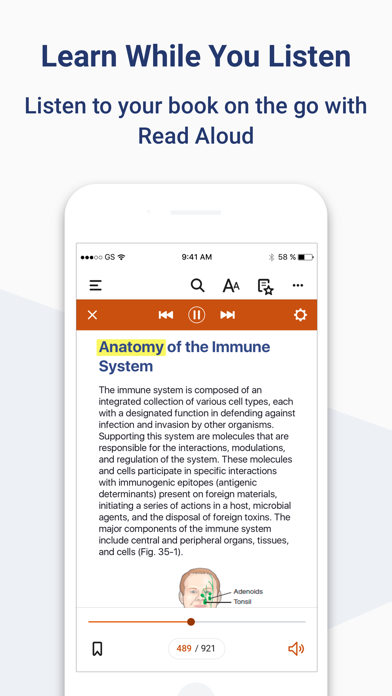
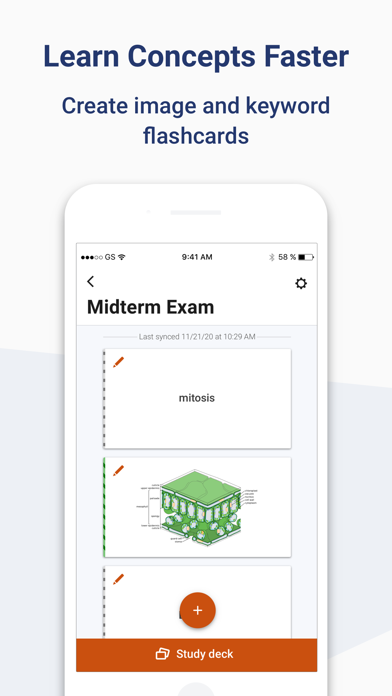
Download the ClinicalKey Student Bookshelf app to access your personal bookshelf across all devices whenever you need it. Enhance your study experience with tools designed to build and improve your medical knowledge; making and sharing notes, highlighting key text and creating flashcards. Requirements: • iOS 17+ • ClinicalKey Student account • The app is available in the following languages: English, Spanish, French, German, Portuguese How to Access: • Download the app for free and open it. • On the welcome screen, click Sign In with your CK Student email and password. NOTE: The first time you log in, you must be on your university network. • If you have been given a Registration ID to create your account, go to https://www.clinicalkey.com/student/register and follow the steps on-screen. You can then use your login to sign into the Bookshelf app. • Launch any title you want to add to your bookshelf on the CK Student website. The app will synchronise any books you have added from CK Student. NOTE: You must be online to synchronize your book collection. For Support and FAQs, go to https://service.elsevier.com/app/home/supporthub/ckstudent/
What's new · 11.4.1
* Highlighting performance has been improved, especially for users with large highlight collections * Smoother scrolling and zooming in PDF books, with significant stability improvements * Improved app stability with fixes for crashes across all platforms * Stylus annotation support has been removed to improve overall reliability * Improved navigation when deep linking to specific figures and headings in EPUB books
Details