

ROG Gaming Center
ASUSTek · Utilities
Independent analytics for this App Store listing. AppTracker is not affiliated with ASUSTek.
Chart standing · US
Screenshots
About
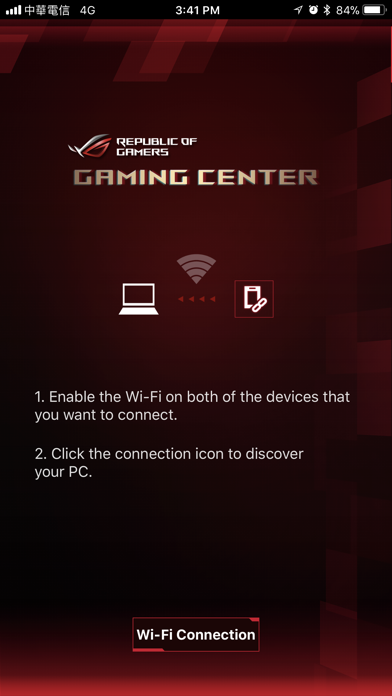
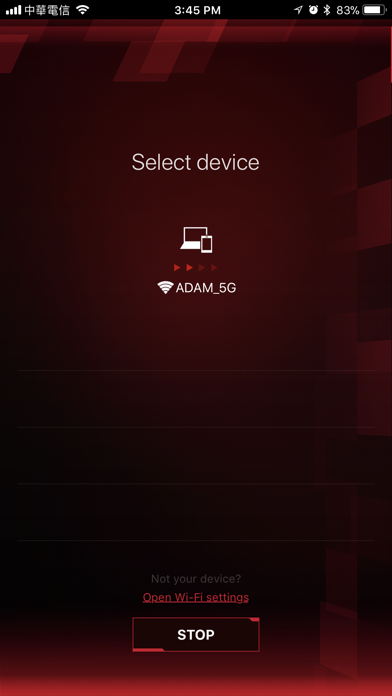
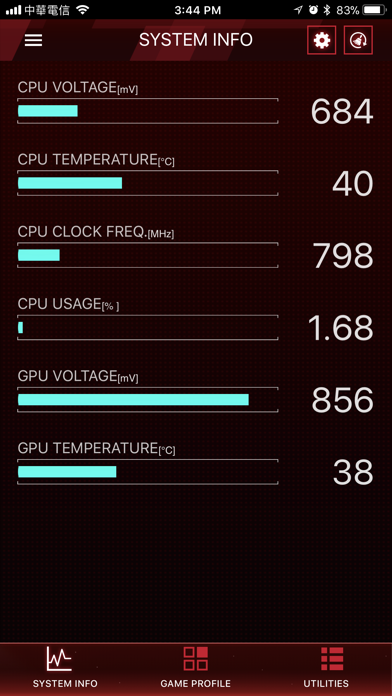
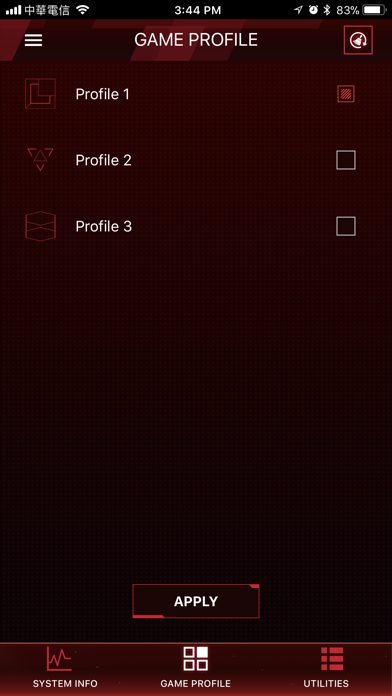
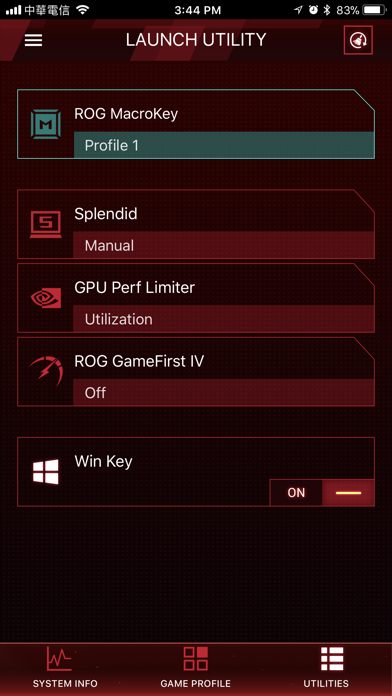
ROG Gaming Center for iOS - Connect via Wi-Fi - Real-time display of system information such as CPU/GPU frequency, voltage, temperature, and others. - Turbo Gear: Lets you change to different overclocking modes to meet your performance requirement instantly. - Game Profile: Apply all related ROG app settings by one click before game launching. - Utilities: Quickly access and adjust all system settings such as fan mode, LED, and others. NOTE: 1. Use this app with ROG Gaming Center v2.5.0 or later version on your PC. 2. Supports Intel 7th Generation (Kaby Lake) / 8th Generation (Coffee Lake) CPU and NVIDIA GeForce 9 (Maxwell) / GeForce 10 (Pascal) GPU
What's new · 1.0.3
This update from Apple will improve the functionality of this app. No new features are included. Performance updates
Details