

LiveViewer Pro
Maxell, Ltd. · Business
Independent analytics for this App Store listing. AppTracker is not affiliated with Maxell, Ltd.
Chart standing · US
In-app purchases · US
No in-app purchases.
Screenshots

About
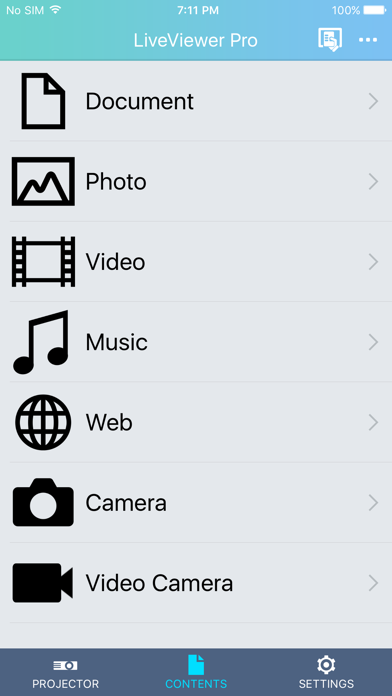
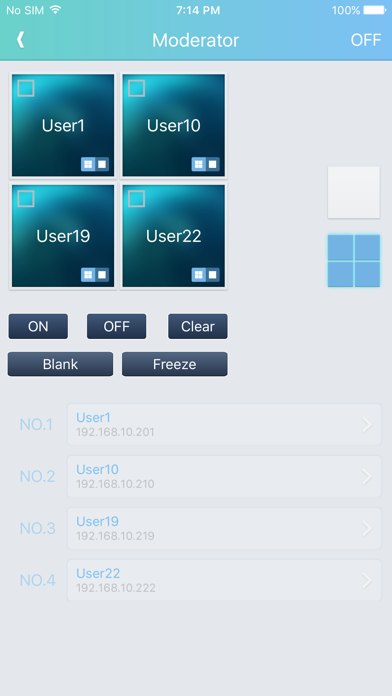
LiveViewer Pro is an application that enables you to control compatible Hitachi projectors and to project documents, photos, videos, web pages etc. from the projectors over a wireless LAN (Wi-Fi) connection using your smart devices. Features - Streaming movie and music files - Display photo images, document files, website, camera and video camera - Supports slide show function for photo file - Supports marker function - Supports Projector Web Control access function - Supports single display / multi display modes - Supports moderator control projection - Find projectors on the network automatically by using the Auto Discovery function - Change name of input source buttons - Built-in basic projector control command such as power, switching input source and others Supported files for projection - PDF (.pdf) - Microsoft® Word (.doc, .docx) - Microsoft® Power Point (.ppt, .pptx) - Microsoft® Excel (.xls, .xlsx) - Pages (.pages) - Numbers (.number) - Keynote (.key) - TEXT (.txt) - JPEG (.jpeg, .jpg) - PNG (.png) - GIF (.gif) - Bitmap (.bmp) - MPEG-1 (.mpg) - MPEG-4 (.mp4) - MOV (.mov) - WAVE (.wav) - MPEG-1 or MPEG-2 Audio Layer Ⅲ (.mp3) - Advanced Audio Coding (.aac) Projection remote control functions - Standby / On - Input change - Volume control - Audio mute - Blank - Freeze Compatible Hitachi Projectors CP-WU5506M, CP-WX5506M Supported devices iOS 8.0 or later version is required.
What's new · 2.1.87
Multicast projection is supported. (Up to 4 projectors) Connection by QR code is supported. Note: Before using this application, please update the network firmware of the projector to version 1.02.
Details