

Text Encrypter (Pro)
Peter Bohl · Productivity
Independent analytics for this App Store listing. AppTracker is not affiliated with Peter Bohl.
Chart standing · US
Ratings breakdown · US
The star breakdown behind this app's rating in this storefront.
In-app purchases · US
No in-app purchases.
Screenshots
About
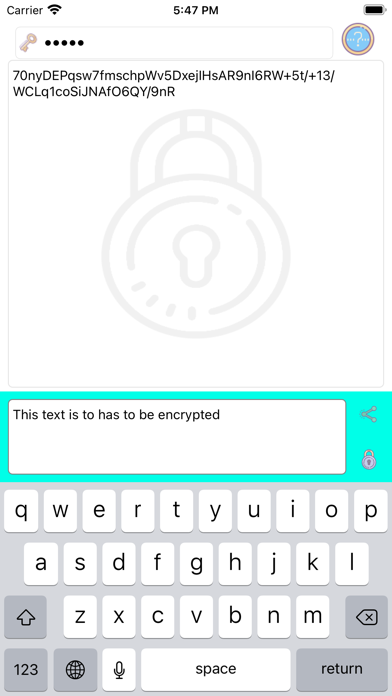
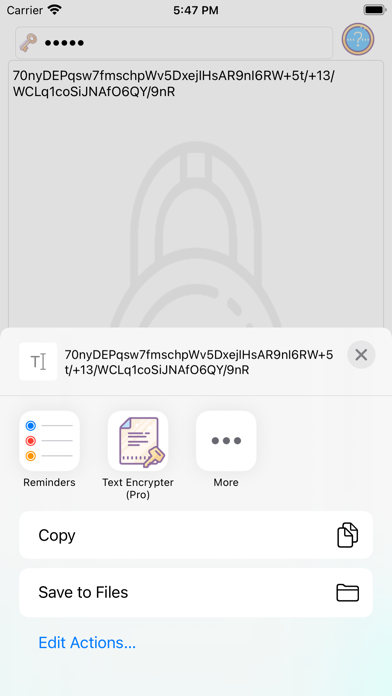
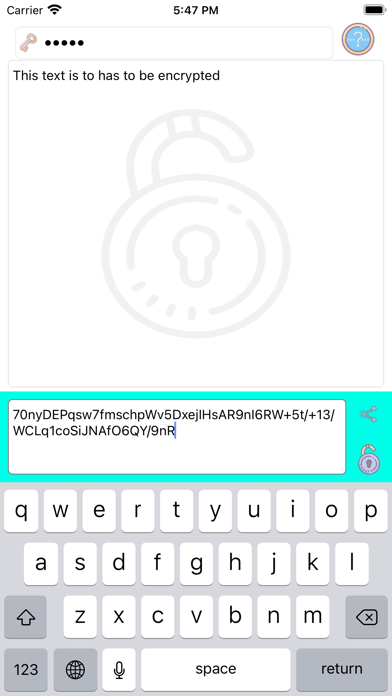
Encrypting texts is similar to enclosing a text into a safe. To enclose the text in the safe, a secret key is used for enclosing the Text into the safe. If you want to encrypt a text, first enter a secret key . The key can be any string. Then enter the text to be encrypted in the input field in the input area. If you do not enter a secret key, "Secure Text" will use an internal secrect key. The encrypted text is now displayed in the output area. To transfer the encrypted text to another app, tap the copy icon, that copies the encrypted text and it can be pasted into any other app. If you want to decrypt a text, you will need the secret key with which the text was encrypted. Make sure that the decode icon is displayed in the lower right corner of the input area and in the output area. If not, tap the icon to toggle in to the decrypt mode.
What's new · 1.72
- Support for dark Appearance
Details