

Superimpose X
Pankaj Goswami · Photo & Video
Independent analytics for this App Store listing. AppTracker is not affiliated with Pankaj Goswami.
Chart standing · US
What changed · US
Listing changes AppTracker has observed for this app in this storefront — new versions, price moves, rating shifts, and store copy.
8 stunning new Trending looks! Turn any portrait into art with one tap: • Golden Hour: glowing sunset light in a wildflower meadow • Royal Portrait: a regal old-master oil painting • Cherry Blossom: dreamy spring petals in a Japanese garden • Fairy Glow: luminous wings in an enchanted twilight forest • Magazine Cover: your own high-fashion cover shoot • Watercolor Art: a delicate hand-painted portrait • Galaxy Dream: bathed in glowing nebula light • Winter Wonderland: falling snow and twinkling lights Also in this update: • Fixed crashes when masking, undoing moves, and brushing • Stability and performance improvements
Price & rating history · US
Reconstructed from the listing changes AppTracker has observed in this storefront. A field is charted once it has changed more than once, and each line starts at the value it moved from.
Average rating · ★ 4.70 now · 2 changes on record
Ratings breakdown · US
The star breakdown behind this app's rating in this storefront.
In-app purchases · US
What this app sells inside itself, grouped by kind and priced for this storefront.
Screenshots

Keywords this app targets
Search terms AppTracker associates with this app — estimates, not search volume. ❝ = in the app's title; a highlighted number is its current position for that term.
Similar apps
Competitors and close alternatives, as estimated by AppTracker.
 Picsart AI Photo Editor, Video
PicsArt, Inc.
2 shared topics
Picsart AI Photo Editor, Video
PicsArt, Inc.
2 shared topics
 Photo Editоr
VIDEO EDITOR PTE. LTD.
1 shared topic
Photo Editоr
VIDEO EDITOR PTE. LTD.
1 shared topic
 SnapEdit: Photo Editor AI
SilverAI Joint Stock Company
1 shared topic
SnapEdit: Photo Editor AI
SilverAI Joint Stock Company
1 shared topic
 MyEdit: AI Photo Generator
CyberLink Corp.
1 shared topic
MyEdit: AI Photo Generator
CyberLink Corp.
1 shared topic
 Qontrast AI: Video & Photo
BS-COSMO LLC
1 shared topic
Qontrast AI: Video & Photo
BS-COSMO LLC
1 shared topic
 Layers - AI Photo Editor
HITDEV AI Teknoloji Anonim Şirketi
1 shared topic
Layers - AI Photo Editor
HITDEV AI Teknoloji Anonim Şirketi
1 shared topic
 Photoleap: AI Photo Generator
Lightricks Ltd.
1 shared topic
Photoleap: AI Photo Generator
Lightricks Ltd.
1 shared topic
 EPIK - AI Photo & Video Editor
SNOW Corporation
1 shared topic
EPIK - AI Photo & Video Editor
SNOW Corporation
1 shared topic
About
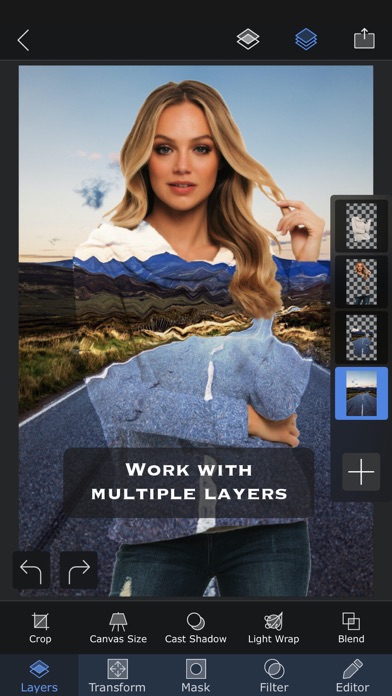
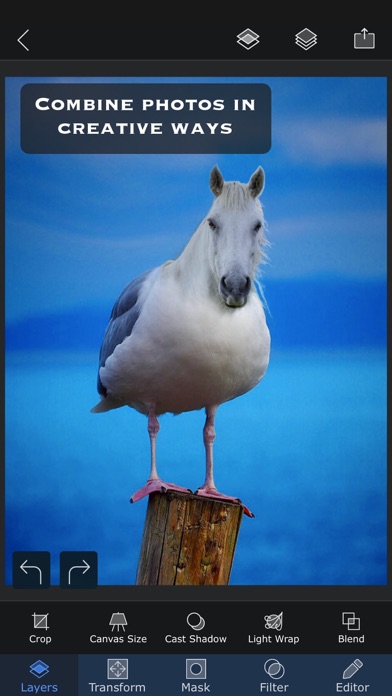
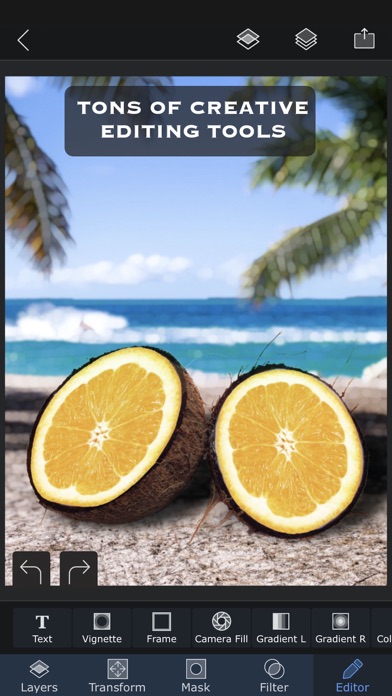
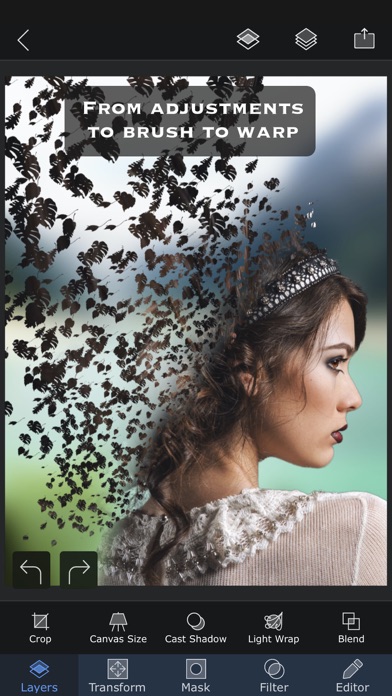
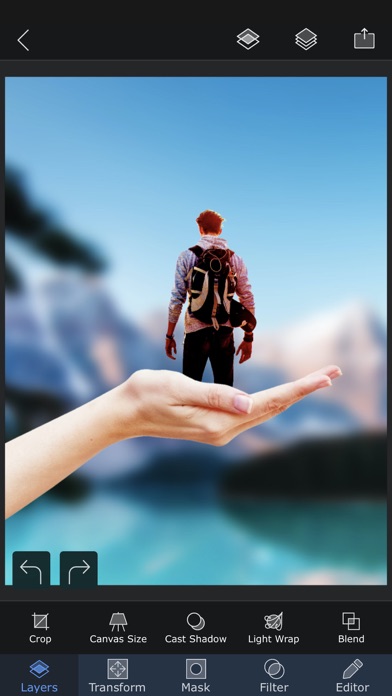
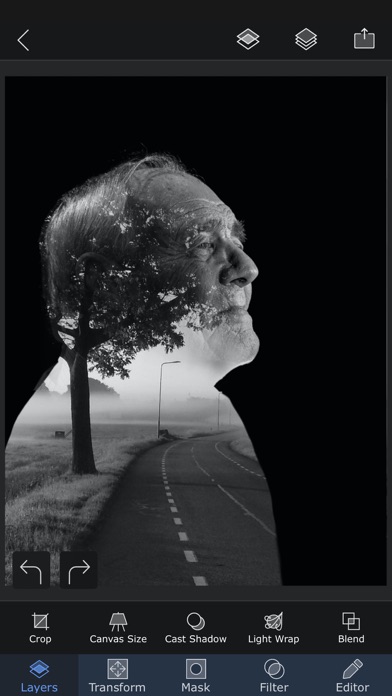
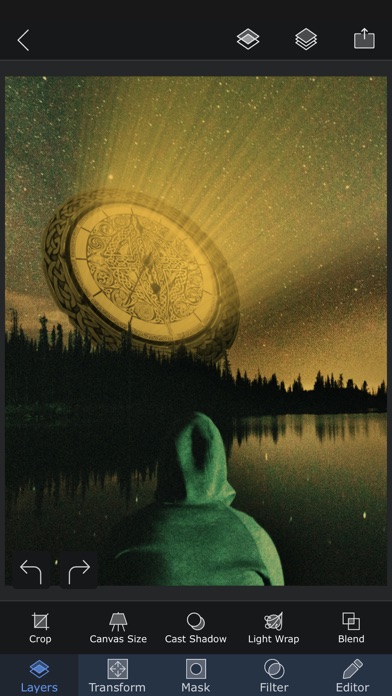
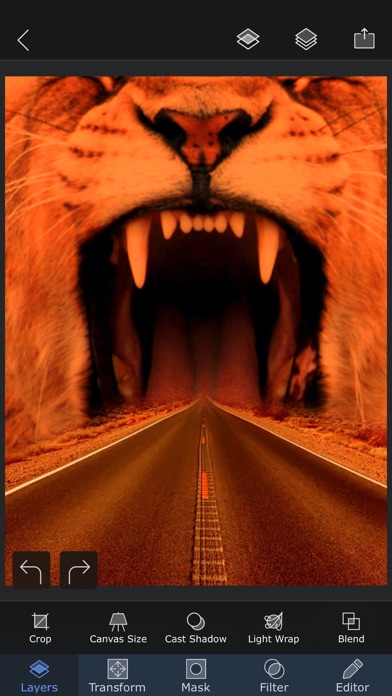
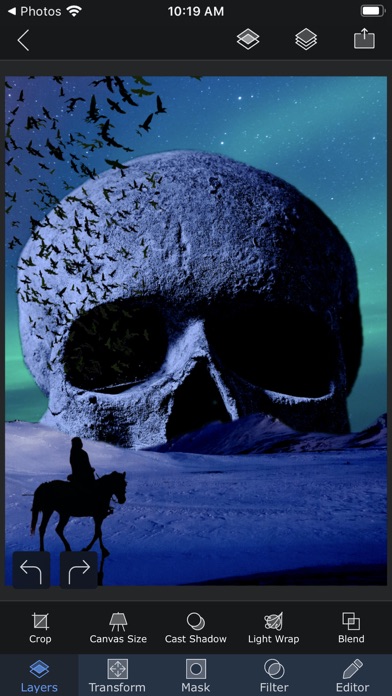
Superimpose X is a serious photo editor, and the editor is yours with the app — layers, masks, blend modes, brushes, effects, shadows, text and precision tools, with no subscription to use any of it. When you want more, two studios are built right in and unlock with a subscription: an AI Editor that generates and transforms images, and a true multi-track Video Editor. THE PHOTO EDITOR Build complex edits by hand with the control of a desktop app and none of the complexity. Cut out people and objects, combine images, paint masks, adjust colour, add depth and shadow, then refine every detail. • Layer-based editing with up to 24 layers • Magic Wand, Magic Lasso, brush and shape masks • 18 blend modes and 16 adjustment layers • Non-destructive layer blur and adjustments • 63 photo effects, plus clarity, colour, tone and detail controls • Text and curved text • Motion, Zoom, Spin, Lens and Selective Blur, and gradients • Warp, perspective transform and distortion • Paint, smudge, clone stamp and effect brushes • Shadow and Light Wrap tools • Camera fill with real-time masks and blend modes • Masking Library for reusable cutouts and stickers • Session Library that saves your projects automatically • PSD export with layers • Over a million royalty-free stock photos AI EDITOR Start from a photo, a sketch or a sentence and let AI do the heavy lifting, then take the result back into the layer editor to finish it properly. • Image generation from text • AI editing and inpainting • Background creation and replacement • Outpainting and image expansion • Enhance, relight and repair • Sketch to image • Headshot generation • Face swap • Image to image transformation • Image to video • AI people masking VIDEO EDITOR A real multi-track editor, not a template filler. • Edit video, images, audio and text on multiple tracks • Stack effects and animations for results that are yours • Masks for precise work, including green screen • Track objects through a shot and ramp clip speed • Animate text with elegant presets • Split, trim, rotate and freeze clips • Colour effects, blurs and distortions • Audio EQ, filters and transitions • Royalty-free photos, videos, music and GIFs • Export in a range of formats, including GIF ONE APP, ONE PROJECT The three studios share the same project. Composite a frame in the photo editor and drop it on the timeline. Generate a background with AI and mask it by hand. Pull a still out of a video and edit it as layers. Nothing is exported and re-imported just to move between them. Terms of use: https://www.superimposeapp.com/superimposex_terms_of_use.html Privacy Policy: https://www.superimposeapp.com/privacy2.html
What's new · 7.1.2
8 stunning new Trending looks! Turn any portrait into art with one tap: • Golden Hour: glowing sunset light in a wildflower meadow • Royal Portrait: a regal old-master oil painting • Cherry Blossom: dreamy spring petals in a Japanese garden • Fairy Glow: luminous wings in an enchanted twilight forest • Magazine Cover: your own high-fashion cover shoot • Watercolor Art: a delicate hand-painted portrait • Galaxy Dream: bathed in glowing nebula light • Winter Wonderland: falling snow and twinkling lights Also in this update: • Fixed crashes when masking, undoing moves, and brushing • Stability and performance improvements
Details