

DJM-REC: DJ live/recording app
AlphaTheta Corporation · Entertainment
Independent analytics for this App Store listing. AppTracker is not affiliated with AlphaTheta Corporation.
Chart standing · US
What changed · US
Listing changes AppTracker has observed for this app in this storefront — new versions, price moves, rating shifts, and store copy.
It’s now easier to check whether DJM-REC is properly connected to your DJ equipment. Other changes: - Added notifications to keep you up to date with the latest information. - Fixed an issue that prevented users from logging in to Mixcloud on iPadOS 26. - Improved stability and fixed several minor issues.
Price & rating history · US
Reconstructed from the listing changes AppTracker has observed in this storefront. A field is charted once it has changed more than once, and each line starts at the value it moved from.
Average rating · ★ 3.66 now · 11 changes on record
Ratings breakdown · US
The star breakdown behind this app's rating in this storefront.
In-app purchases · US
What this app sells inside itself, grouped by kind and priced for this storefront.
Screenshots

About
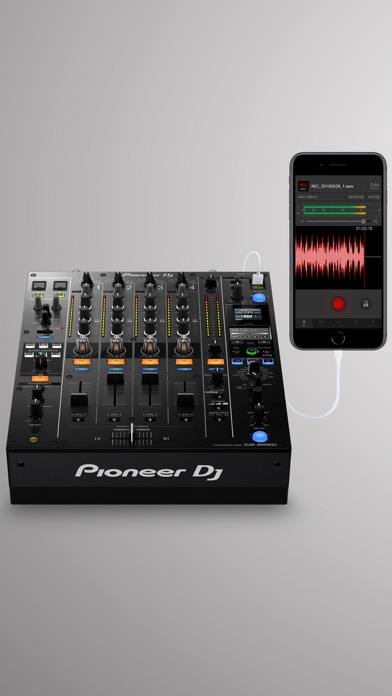
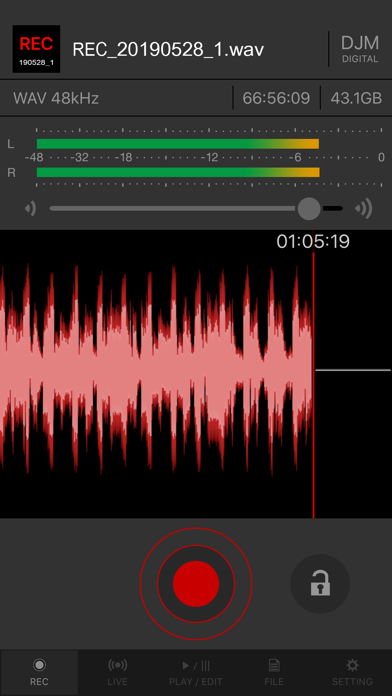
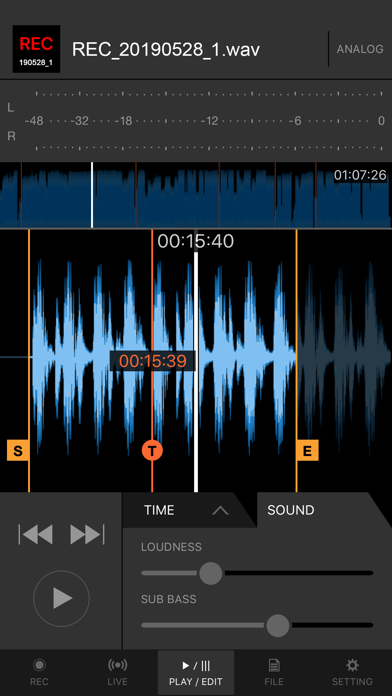
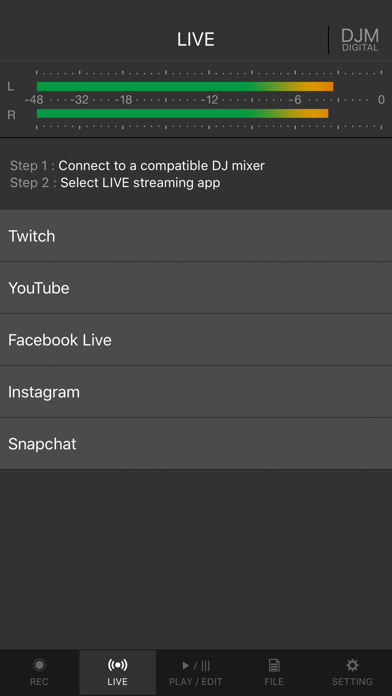
Share your DJ sets in high quality with people around the world. DJM-REC makes live streaming and recording easy – simply download the app and connect your device to a DJ mixer or compatible all-in-one DJ system via one cable to get started. All features are free for 30 days. ◇High-quality live streaming and DJ mix recording made simple ・Connect your iPhone/iPad to a DJ mixer or compatible all-in-one DJ system with a single USB cable. ・High-quality sound comes from the direct connection. ・Easily create great-sounding mixes with the limiter function, which prevents distortion, and a loudness processing function that improves sound pressure after you’ve finished recording. ◇Live streaming on various social networks ・Directly live stream to services such as Mixcloud Live and Restream from DJM-REC. ・Seamless integration with popular apps such as Twitch, YouTube, Facebook Live, Instagram, and Snapchat. ・If you’re using supported DJ equipment, you can display track information (Artist/Title) on-screen in real time while streaming. ◇Share your mix right after recording it ・Just press the [Upload] button after you finish recording and your mix will be immediately uploaded to your chosen cloud service, such as Mixcloud, SoundCloud, or Dropbox. ・Make a tracklist effortlessly. DJM-REC automatically detects when you switch songs according to the fader position and records the timing of the track changeover in the description section. All you need to do then is enter the track names. ・If you’re using compatible DJ equipment that supports track info, DJM-REC can automatically generate complete tracklists, including timestamps and track names – no manual input is required. ◇Try all features free now ・Use all the app’s features free for 30 days. ・You can buy the app anytime if you like it. ◇Other handy uses ・Use the recording function to convert analog records to digital files. ・Live stream and record with the built-in (or externally connected) microphone of an iPhone or iPad. ・Connect to an audio interface and live stream or record from a DJ controller. ◇Compatible Pioneer DJ & AlphaTheta equipment The following DJ equipment is supported by DJM-REC. DJ Mixers: ・DJM-V10 ・DJM-V10-LF ・DJM-V5 ・DJM-A9 ・DJM-900NXS2 ・DJM-750MK2 ・DJM-450 All-in-one DJ systems: ・XDJ-AN *Make sure the firmware is updated to the latest version before use. https://www.pioneerdj.com/support/software/ ◇Supported DJ equipment for track info (Artist/Title) ▼ DJ setup (DJ player + mixer combination required) DJ Players: ・CDJ-3000X ・CDJ-3000 ・CDJ-1500X DJ Mixers: ・DJM-V10 ・DJM-V10-LF ・DJM-V5 ・DJM-A9 ▼ All-in-one DJ systems (track info available without additional devices) ・XDJ-AN ◇Supported Audio Formats for Recording ・WAV 44.1kHz ・WAV 48kHz ・AAC 64kbps ・AAC 128kbps ・AAC 192kbps ・AAC 256kbps ・AAC 320kbps For WAV files, the maximum recording time is approximately 6 hours. Please use AAC for recordings longer than 6 hours. Pioneer DJ website https://www.pioneerdj.com/ DJM-REC page https://www.pioneerdj.com/product/software/djm-rec/dj-app/overview/
What's new · 1.5.24
It’s now easier to check whether DJM-REC is properly connected to your DJ equipment. Other changes: - Added notifications to keep you up to date with the latest information. - Fixed an issue that prevented users from logging in to Mixcloud on iPadOS 26. - Improved stability and fixed several minor issues.
Details