

Compress Files with Zipped
Historycentral.com Inc · Utilities
Independent analytics for this App Store listing. AppTracker is not affiliated with Historycentral.com Inc.
Chart standing · US
Ratings breakdown · US
The star breakdown behind this app's rating in this storefront.
In-app purchases · US
No in-app purchases.
Screenshots
Keywords this app targets
Search terms AppTracker associates with this app — estimates, not search volume. ❝ = in the app's title; a highlighted number is its current position for that term.
Similar apps
Competitors and close alternatives, as estimated by AppTracker.
 iZip Pro -Zip Unzip Unrar Tool
ComcSoft Corporation
1 shared topic
iZip Pro -Zip Unzip Unrar Tool
ComcSoft Corporation
1 shared topic
 ZipApp Pro: The Unarchiver
兰桂 吴
ZipApp Pro: The Unarchiver
兰桂 吴
 Unzip RAR 7Z ZIP Compressor
振训 池
1 shared topic
Unzip RAR 7Z ZIP Compressor
振训 池
1 shared topic
 Unzipped zip/rar/tar/gz/7z/xz
jinhe zou
1 shared topic
Unzipped zip/rar/tar/gz/7z/xz
jinhe zou
1 shared topic
 Archive Utility
RootRise Technologies Private Limited
1 shared topic
Archive Utility
RootRise Technologies Private Limited
1 shared topic
 Unzip Fast - ZIP RAR 7Z
Tsz Chung Chau
1 shared topic
Unzip Fast - ZIP RAR 7Z
Tsz Chung Chau
1 shared topic
 SharkZip - Zip with Password
Dinesh Gurung
SharkZip - Zip with Password
Dinesh Gurung
 Easy zip Pro - Manage zip/rar
WEBDIA INC.
2 shared topics
Easy zip Pro - Manage zip/rar
WEBDIA INC.
2 shared topics
About
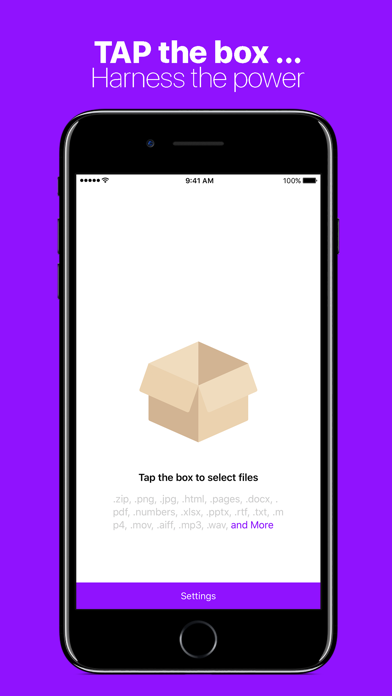
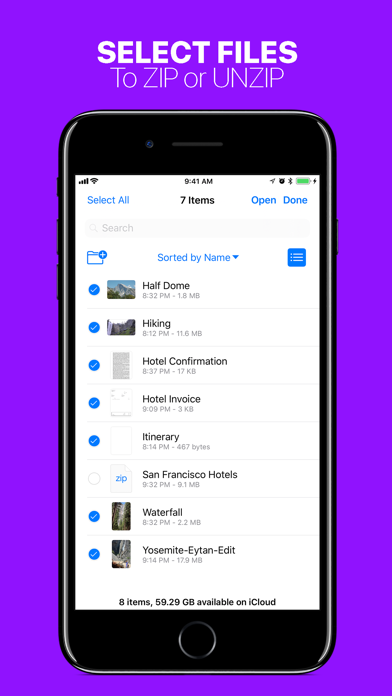
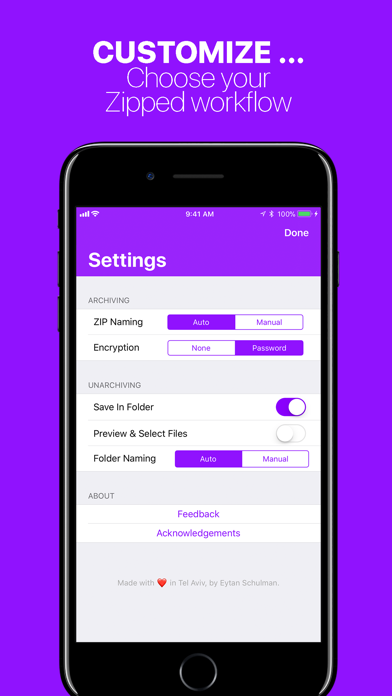
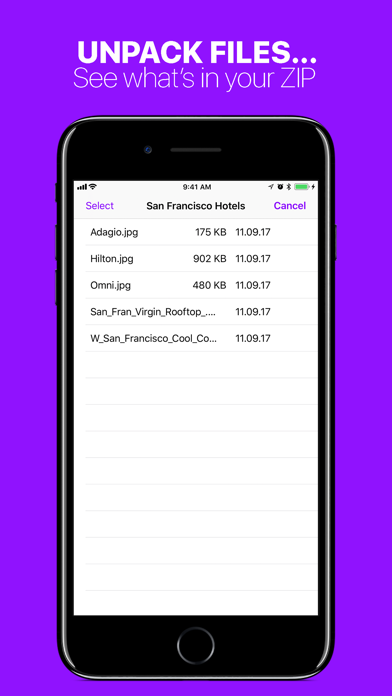
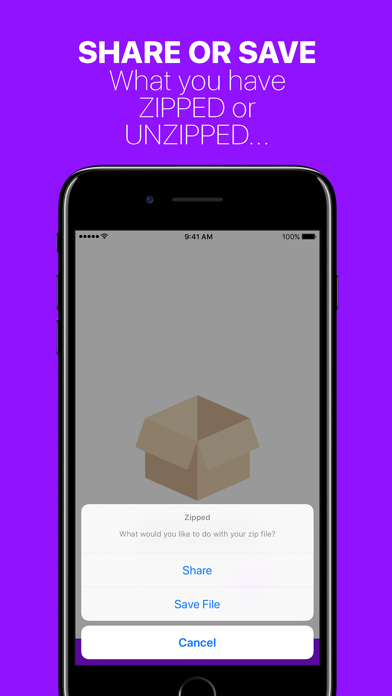
Zipped solves all of your ZIP file needs on iOS. Whether you need to unzip a file from Safari, or create a ZIP on iOS, Zipped has you covered. Zipped Includes: • Advanced support for Drag & Drop on iPad — Drop a ZIP file to UNZIP, or Drag in any number of files to create a ZIP. • Ability to Share your ZIP file or UNZIPPED files, or SAVE them to Files. • Customizable Settings — Choose whether you would like to manually name ZIP files, or have Zipped automatically generate a name for you! Decide if you would like to unzip your ZIP file into a folder, or output simply the files themselves! • Unarchive a ZIP into a file browser, preview your files, and selectively share or save them. • Unarchive or Archive ZIP encrypted with a password. • Open ZIP files from anywhere in iOS in Zipped through the 'Open In' sheet. Zipped currently supports the following file types, with more to come: .zip, .png, .jpg, .html, .pages, .docx, .pdf, .numbers, .xlsx, .pptx, .rtf, .txt, .mp4, .mov, .aiff, .mp3, .wav, .psd, .caf, .md, .csv, .json, .js, md, .csv, .json, .gif, .heic, .band, .xml, .ttf, .otf In addition to the above following types, you can also ZIP folders!
What's new · 1.3.1
+ Fixed a critical bug
Details