

Happy Birthday Stickers Pack!
Mobisoft Labs · Entertainment
$1.99
Independent analytics for this App Store listing. AppTracker is not affiliated with Mobisoft Labs.
Chart standing · US
Not currently charting in this storefront.
Screenshots


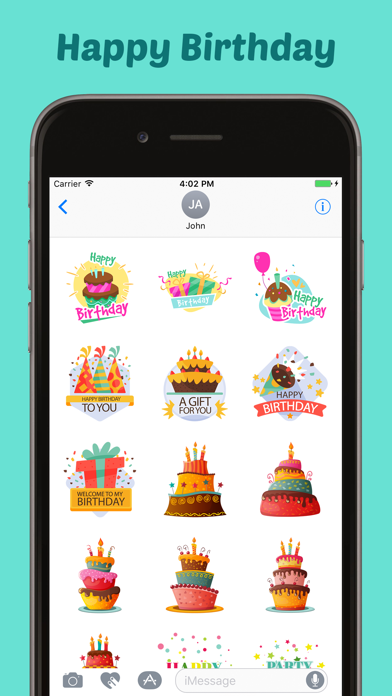
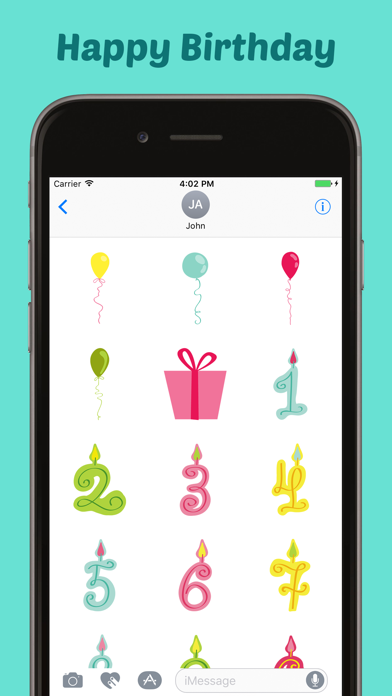
About
Use it in all your chats, send beautiful stickers and images to your friends and family. How to Access Stickers in iMessage: 1. Open messages app 2. Compose a new message to anyone 2. Tap App Store icon in top left corner 3. Tap four circles icon in bottom left corner 4. Sticker Pack icon should appear in your iMessage App Drawer 5. If Stickers don’t appear, tap “Store" icon and then tap “Manage" tab to add sticker pack to iMessage Sticker Drawer
What's new · 1.1
- Enhancement & Added Support for iOS 13
Details
DeveloperMobisoft Labs
ReleasedAug 2017
UpdatedJul 2020
Version1.1
Size6.3 MB
RequiresiOS 10.0 or later
Age rating4+
LanguagesEnglish
Price$1.99
Categories
Bundle IDcom.goldeneagle.birthdaysticker