

Synology Drive
Synology Inc. · Productivity
Independent analytics for this App Store listing. AppTracker is not affiliated with Synology Inc.
Chart standing · US
What changed · US
Listing changes AppTracker has observed for this app in this storefront — new versions, price moves, rating shifts, and store copy.
Compatibility & Installation: 1. Starting from this version, Synology Drive requires iOS 18 or above. What's New: 1. Added support for the Liquid Glass design on iOS 26. 2. Added support for displaying and sorting files in the Recycle Bin by deletion time, making it easier to browse and manage deleted files. 3. Added playback progress for audio and video files, allowing playback to resume from the last position. Fixed Issues: 1. Fixed an issue where Synology Office files could not be edited after installing Web Station on the storage system. 2. Fixed an issue where file browsing or synchronization might not work properly due to database inconsistencies. 3. Fixed an issue where sync tasks might not start downloading immediately over a cellular network. 4. Minor bug fixes.
Ratings breakdown · US
The star breakdown behind this app's rating in this storefront.
In-app purchases · US
No in-app purchases.
Screenshots
About
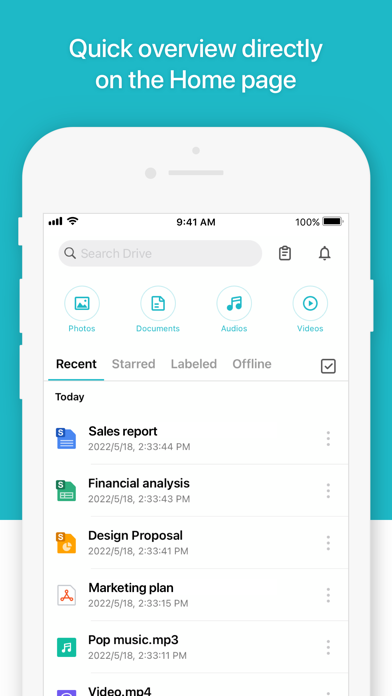
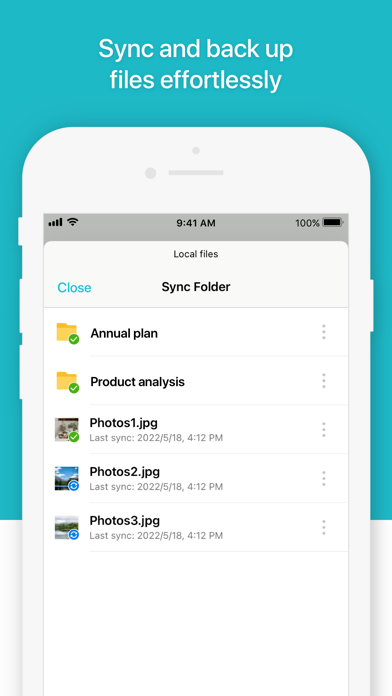
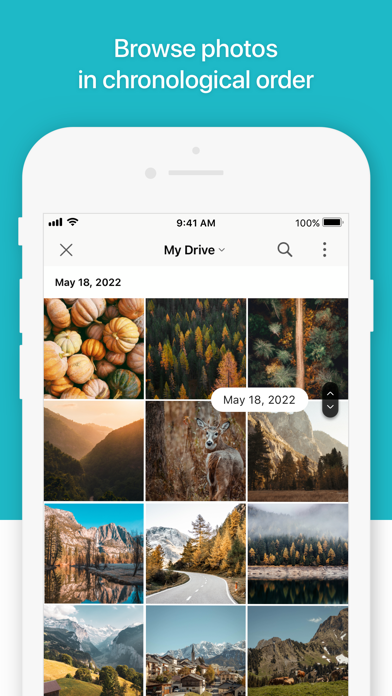
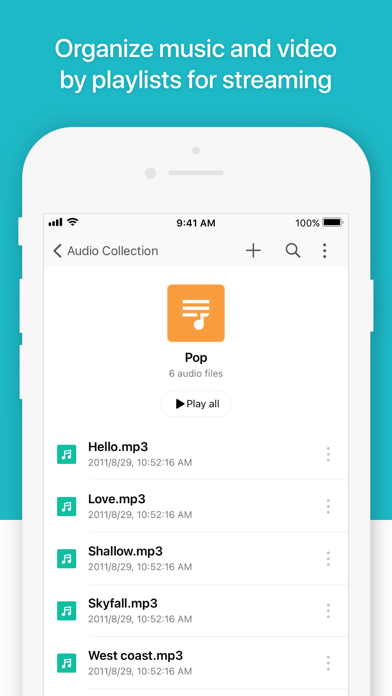
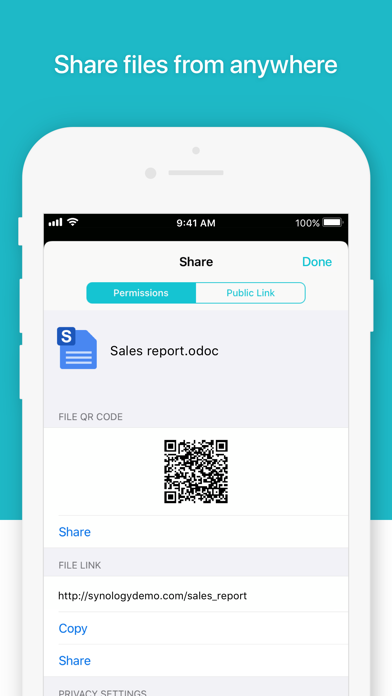
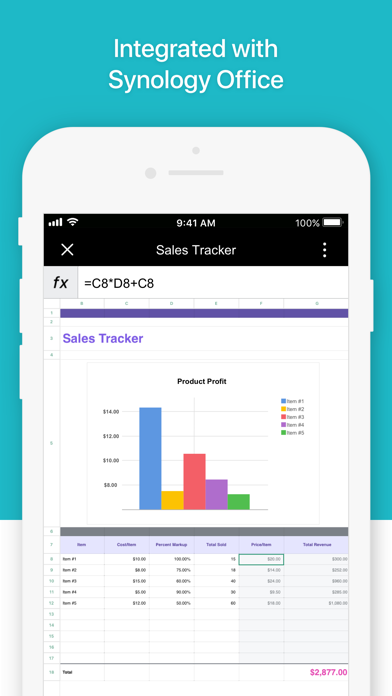
**To use this app and enjoy its features, you must own Synology NAS and install the latest Synology Drive Server.** Synology Drive iOS mobile app allows you to easily access and manage files in your Synology Drive on the go. In addition to common file types, such as documents, images, videos, and music, the app's user-friendly in-app viewer can open Synology Office documents, spreadsheets, and slides. Convenient management features, such as syncing, searching, sharing, moving, and applying labels to files, are all available in the app, allowing users to complete tasks efficiently anytime, anywhere.
What's new · 3.9.0
Compatibility & Installation: 1. Starting from this version, Synology Drive requires iOS 18 or above. What's New: 1. Added support for the Liquid Glass design on iOS 26. 2. Added support for displaying and sorting files in the Recycle Bin by deletion time, making it easier to browse and manage deleted files. 3. Added playback progress for audio and video files, allowing playback to resume from the last position. Fixed Issues: 1. Fixed an issue where Synology Office files could not be edited after installing Web Station on the storage system. 2. Fixed an issue where file browsing or synchronization might not work properly due to database inconsistencies. 3. Fixed an issue where sync tasks might not start downloading immediately over a cellular network. 4. Minor bug fixes.
Details