

AutoZonePro Mobile
AutoZone, Inc. · Business
Independent analytics for this App Store listing. AppTracker is not affiliated with AutoZone, Inc.
Chart standing · US
What changed · US
Listing changes AppTracker has observed for this app in this storefront — new versions, price moves, rating shifts, and store copy.
Introducing AutoZone Pro Mobile App version 5.4.0! This update brings a redesigned Home Page experience and adds Transaction History and Statements, making it easier to access account information and review past purchases directly from the app. We've also made improvements to help customers find the information they need faster and manage their business more efficiently. If you have any feedback, recommendations, or feature requests, please contact electronic.ordering@autozone.com.
Ratings breakdown · US
The star breakdown behind this app's rating in this storefront.
In-app purchases · US
No in-app purchases.
Screenshots


About
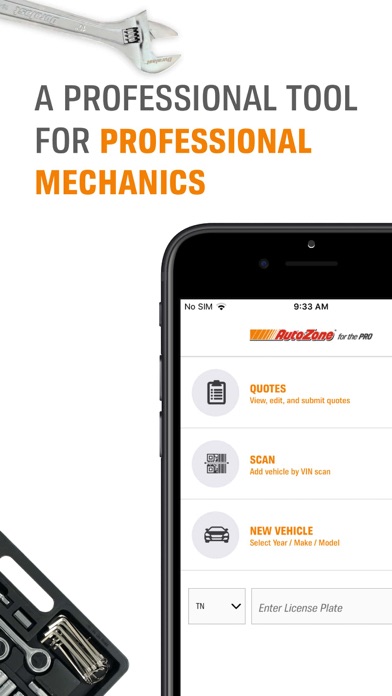
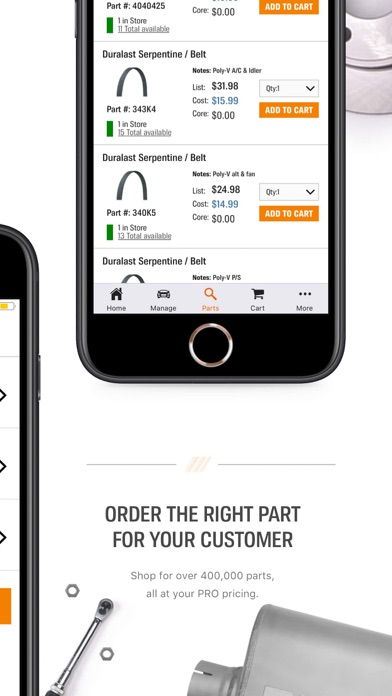
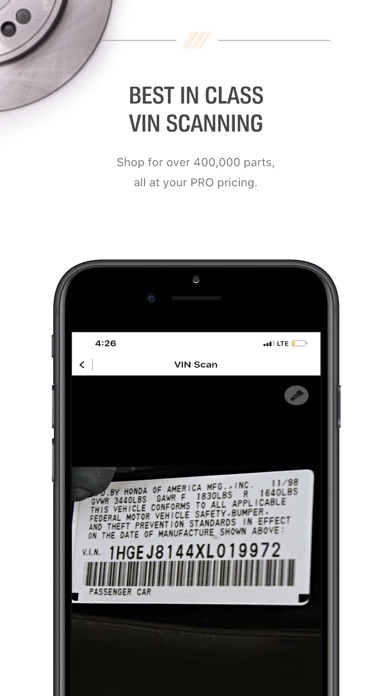
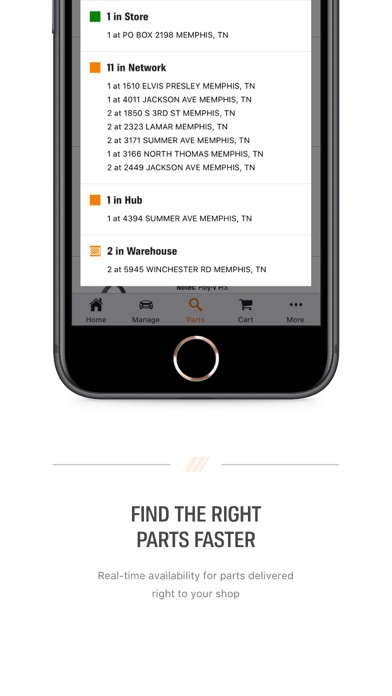
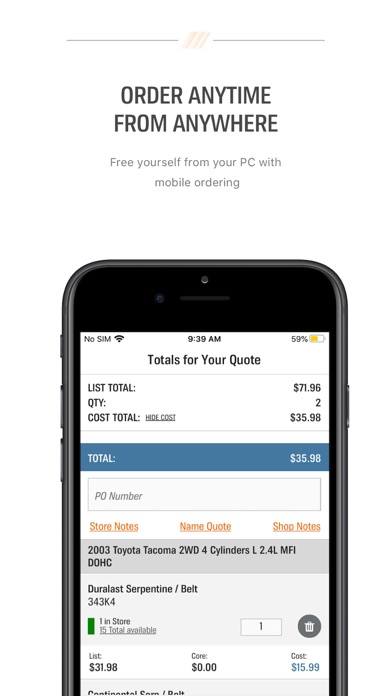
With the AutoZonePro's app, it’s easy to quickly identify your vehicle and order the parts your need. Identify and improve order accuracy by using features like VIN scanning or the license plate decoder to help order the right parts fast. It’s like having a Commercial Sales Manager in your pocket! Our app allows you to see our full catalog of parts while viewing extended inventory at the AutoZone stores in your area to ensure that you get the part needed to complete the job. Enjoy the following features while driving your business: Fast and Easy Vehicle Identification Using our VIN scan and license plate decoder tools, you can quickly identify and manage your vehicles. After using our mobile app to identify your vehicle they are automatically synced with your desktop. Easy Parts Lookup and Ordering Ordering on the go? The AutoZonePro Mobile app is the perfect tool for you to find the parts you need fast allowing you to focus on your customers. Manage Your Account View your account and submit a payment towards your balance. Conveniently add, edit, and remove payment methods too. It's quick, easy and secure! Available in English and Spanish for your convenience We make it easy to get the right part, at the right time and price at AutoZone. Must have an AutoZone Commercial account and an AutoZonePro.com login to use the AutoZonePro App. To sign up for an account, select Request Online Access on the log in page.
What's new · 5.4.0
Introducing AutoZone Pro Mobile App version 5.4.0! This update brings a redesigned Home Page experience and adds Transaction History and Statements, making it easier to access account information and review past purchases directly from the app. We've also made improvements to help customers find the information they need faster and manage their business more efficiently. If you have any feedback, recommendations, or feature requests, please contact electronic.ordering@autozone.com.
Details